
Understanding IPv4 Addressing Basics
This post explains IPv4 addressing fundamentals, covering how IP addresses are structured with network and host portions, and how subnet masks determine this division. Essential knowledge for networking beginners.

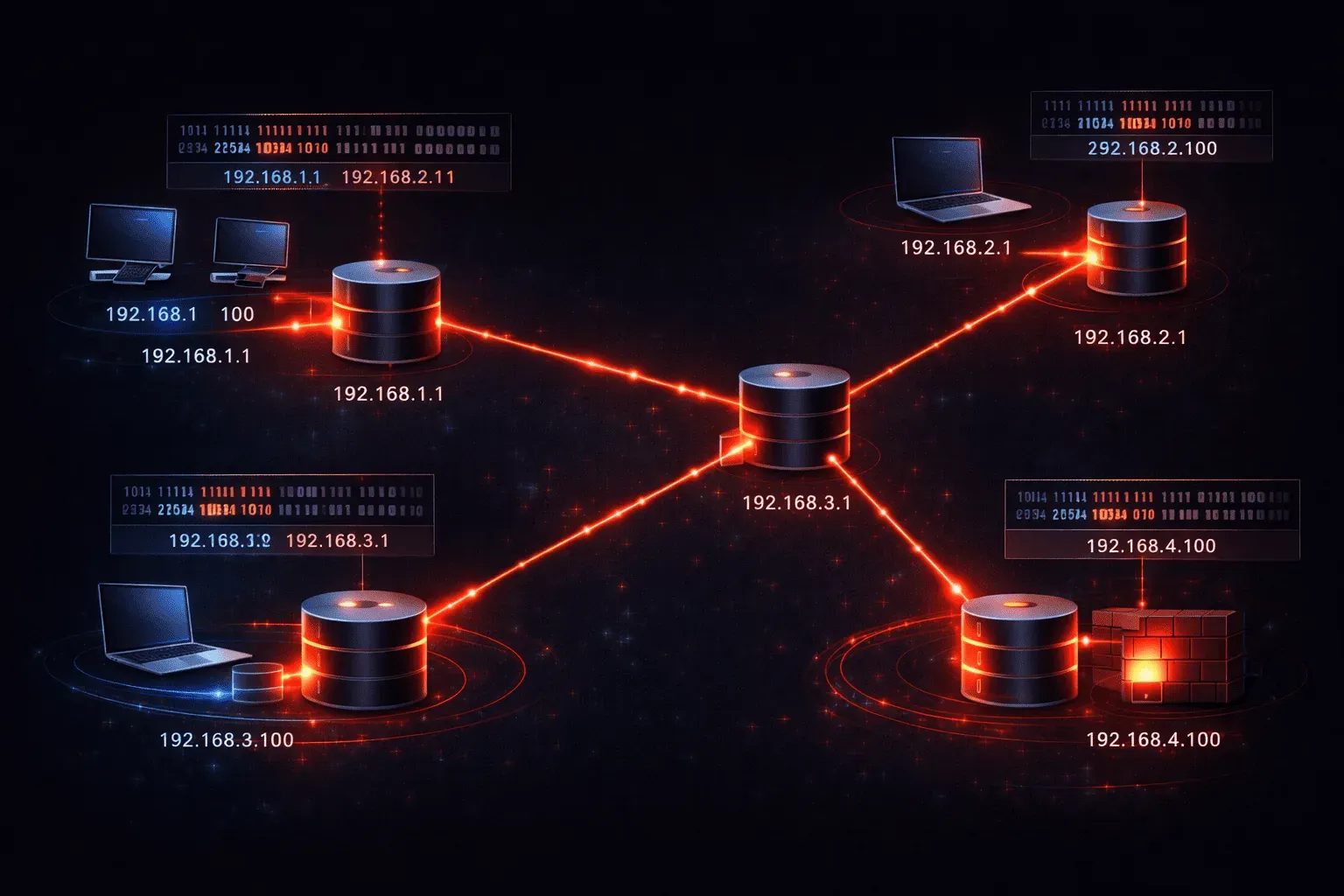
If you're starting your networking journey, understanding IPv4 addressing is absolutely essential. Every device on a network needs a unique identifier to communicate, and IPv4 addresses serve exactly that purpose. Let's break down these fundamentals in a way that makes sense.
What is an IPv4 Address?
An IPv4 address is a 32-bit number that uniquely identifies a device on a network. You'll see it written in dotted decimal notation, like 192.168.1.100. This human-readable format makes it much easier to work with than the actual binary numbers underneath.
Each IPv4 address consists of four octets (8-bit sections) separated by dots. Each octet can range from 0 to 255, giving us about 4.3 billion possible addresses. Here's how it breaks down:
- First octet:
192 - Second octet:
168 - Third octet:
1 - Fourth octet:
100
The Two Parts of Every IP Address
Here's where IP address structure gets interesting. Every IPv4 address has two components:
Network Portion
This identifies which network the device belongs to. Think of it like a street name - all houses on Oak Street share the same street identifier.
Host Portion
This identifies the specific device within that network. Like house numbers on a street, each device gets its own unique number within the network.
For example, in 192.168.1.100, the network portion might be 192.168.1 and the host portion 100. But how do we know where to split them? That's where subnet masks come in.
Understanding Subnet Masks
A subnet mask tells us exactly where to divide the network and host portions of an IP address. The most common subnet mask you'll encounter is 255.255.255.0, also written as /24 in CIDR notation.
Here's how subnet mask explanation works in practice. The subnet mask 255.255.255.0 in binary looks like:
11111111.11111111.11111111.00000000The 1s represent the network portion, and the 0s represent the host portion. So with our example 192.168.1.100 and subnet mask 255.255.255.0:
- Network portion:
192.168.1 - Host portion:
100 - This means we can have hosts numbered 1-254 in this network
Practical Example
Let's say you're configuring a router interface. You might see something like this:
Router(config)# interface gigabitethernet0/0
Router(config-if)# ip address 192.168.1.1 255.255.255.0
Router(config-if)# no shutdown
This configuration assigns the IP address 192.168.1.1 with subnet mask 255.255.255.0 to the interface. The router now knows it can communicate directly with any device in the 192.168.1.0 network.
Why This Matters
Understanding IPv4 addressing basics is crucial because:
- Routing decisions: Routers use the network portion to determine where to send packets
- Subnetting: You'll need this foundation to divide networks efficiently
- Troubleshooting: IP conflicts and connectivity issues often trace back to addressing problems
- Network design: Proper addressing schemes make networks scalable and manageable
These network fundamentals form the backbone of everything else you'll learn in networking. Master these concepts, and more advanced topics like VLSM, routing protocols, and network troubleshooting will make much more sense.
What's Next
Now that you understand basic IPv4 structure and subnet masks, the next logical step is learning about different IP address classes and private versus public address ranges. This knowledge will help you understand why certain addresses are used in specific scenarios and how the internet's addressing scheme is organized.
CCNA study resources
- CCNA Official Cert Guide Library (Wendell Odom) — Both volumes covering the full 200-301 exam blueprint. The definitive CCNA study resource.
- Wendell Odom CCNA Vol 1 — Networking fundamentals, switching, VLANs, STP, and IPv4 routing.