
Understanding IPv4 and IPv6: Key Differences Explained
This post explains the key differences between IPv4 and IPv6, covering address space, format, security features, and real-world usage. Essential knowledge for Network+ certification and modern networking.

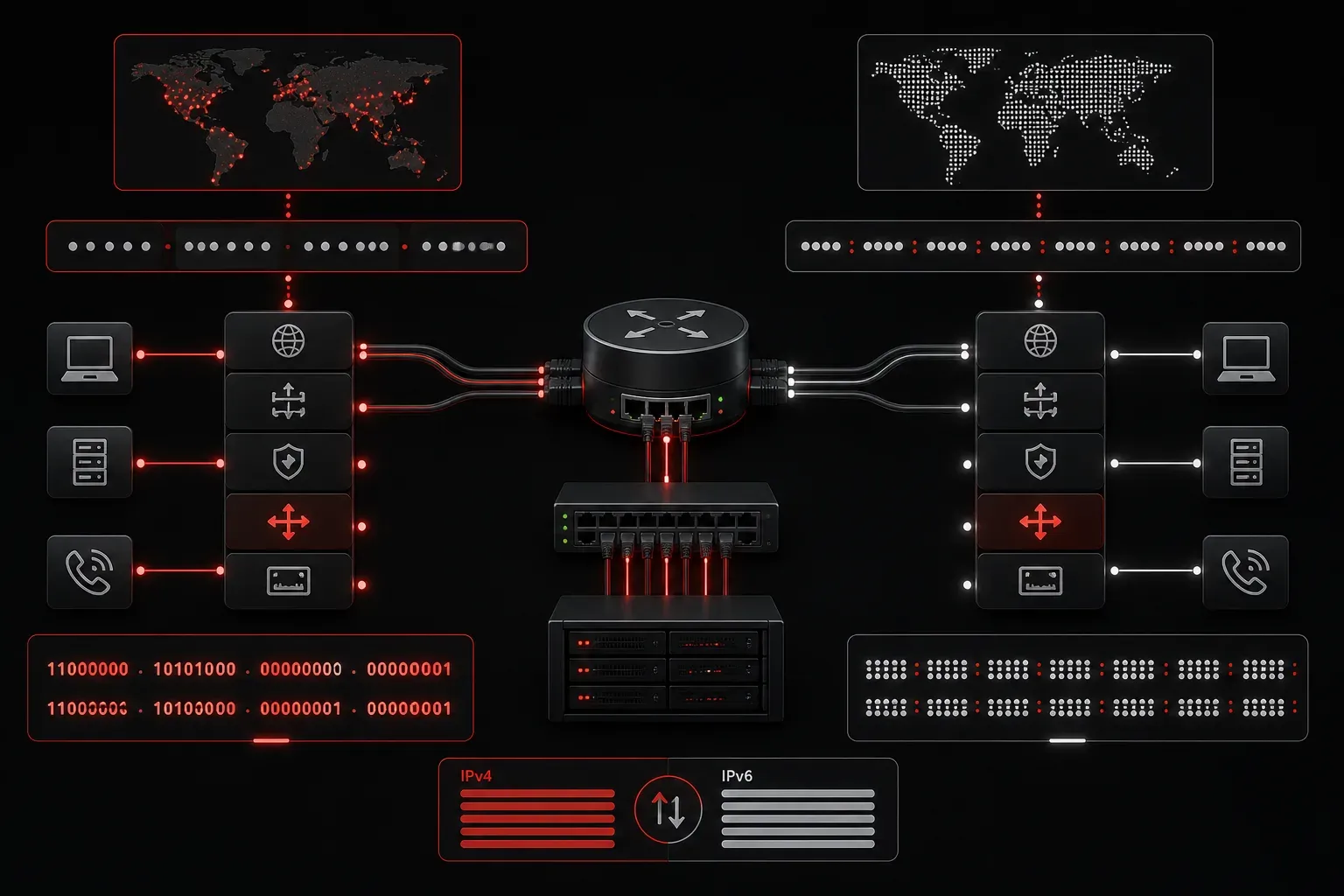
When you're studying networking basics, understanding the differences between IPv4 and IPv6 is crucial for your Network+ certification and real-world networking. These two IP versions serve the same fundamental purpose, identifying devices on networks, but they work quite differently under the hood.
What Are IPv4 and IPv6?
Internet Protocol (IP) is the foundation of how devices communicate across networks. Think of IP addresses like postal addresses for your devices; they tell network equipment where to send data packets.
IPv4 (Internet Protocol version 4) has been the backbone of the Internet since the 1980s. It uses 32-bit addresses written in dotted decimal notation, like 192.168.1.1.
IPv6 (Internet Protocol version 6) was developed to solve IPv4's limitations, primarily address exhaustion. It uses 128-bit addresses written in hexadecimal notation, like 2001:0db8:85a3:0000:0000:8a2e:0370:7334.
Key Differences Between IPv4 and IPv6
Address Space
The most significant difference is address capacity:
- IPv4: Supports approximately 4.3 billion addresses (2^32)
- IPv6: Supports approximately 340 undecillion addresses (2^128)
To put this in perspective, IPv6 provides enough addresses to assign thousands of IP addresses to every grain of sand on Earth. This massive address space eliminates the scarcity issues we face with IPv4.
Address Format
IPv4 addresses are easier for humans to read and remember:
IPv4: 203.0.113.45
IPv6: 2001:db8:85a3::8a2e:370:7334
IPv6 addresses can be shortened using double colons (::) to represent consecutive groups of zeros, making 2001:0db8:85a3:0000:0000:8a2e:0370:7334 become 2001:db8:85a3::8a2e:370:7334.
Header Structure
IPv6 has a simplified header structure compared to IPv4:
- IPv4 header: 20-60 bytes with 14 fields
- IPv6 header: Fixed 40 bytes with 8 fields
This streamlined design improves routing efficiency and reduces processing overhead on network devices.
Configuration Methods
IPv4 can be configured manually or dynamically through DHCP:
# Windows IPv4 static configuration
netsh interface ip set address "Ethernet" static 192.168.1.100 255.255.255.0 192.168.1.1
IPv6 supports multiple configuration methods, including auto-configuration (SLAAC), manual configuration, and DHCPv6:
# View IPv6 addresses on Linux
ip -6 addr show
Security and Features
IPv6 was designed with security in mind:
- IPSec support: IPv6 includes built-in support for IPSec encryption and authentication, though it's optional rather than mandatory
- No NAT required: Every device can have a globally unique address
- Improved multicast: Better support for one-to-many communications
IPv4 relies on add-on security protocols and Network Address Translation (NAT) for address conservation, which can complicate network configurations.
Real-World Usage
Currently, both IP versions coexist on the Internet:
- IPv4: Still handles the majority of internet traffic
- IPv6: Growing rapidly, with over 35% adoption in many regions
- Dual-stack: Most modern devices and networks support both simultaneously
You can check your current IP versions using:
# Check both IPv4 and IPv6 connectivity
ping -4 google.com
ping -6 google.com
Transition Technologies
Since immediate migration isn't practical, several transition mechanisms exist:
- Dual Stack: Running both protocols simultaneously
- Tunneling: Encapsulating IPv6 packets in IPv4 headers
- Translation: Converting between IPv4 and IPv6 at network boundaries
What's Next
Now that you understand the fundamental differences between IPv4 and IPv6, the next step is learning how to configure and troubleshoot both protocols on network devices. We'll explore subnetting concepts and practical IP address management in upcoming posts, giving you hands-on experience with both IP versions.
Tools and resources for this topic
- CompTIA Network+ Study Guide — Comprehensive N10-009 exam preparation covering all five domains.