
Verifying CDP and LLDP Configurations on a Network
Learn essential commands to verify CDP and LLDP configurations on Cisco devices. This guide covers practical verification techniques, troubleshooting missing neighbors, and systematic approaches to ensure discovery protocols are working correctly in your network.

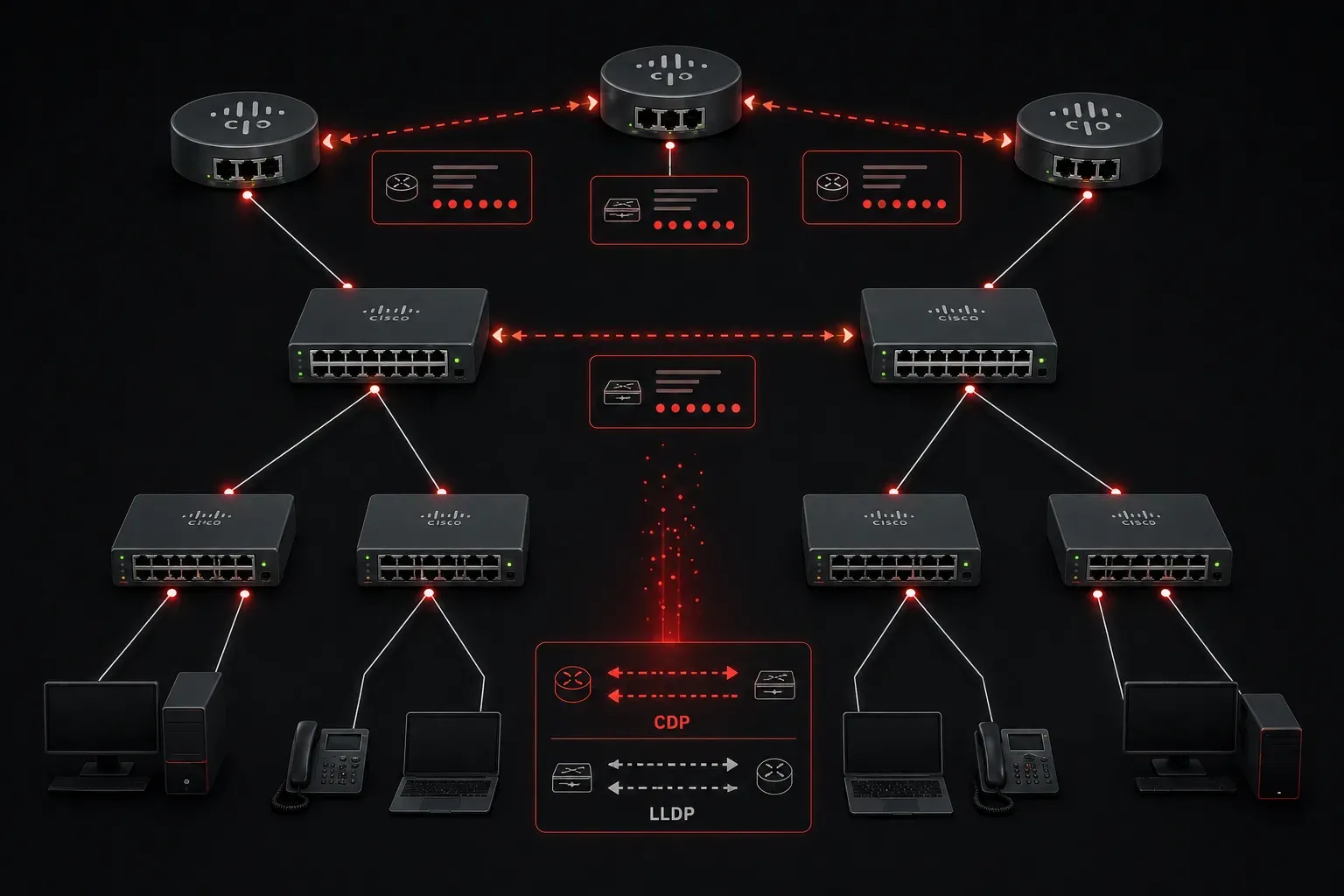
Network discovery protocols are the silent workhorses of your network infrastructure. CDP (Cisco Discovery Protocol) and LLDP (Link Layer Discovery Protocol) help devices automatically discover and share information about their neighbors. But how do you know these protocols are working correctly? Let's walk through the essential verification commands that every network engineer should master.
Understanding What We're Verifying
Before diving into commands, let's clarify what we're checking. CDP is Cisco's proprietary protocol that runs between directly connected Cisco devices. LLDP is the open standard equivalent that works across different vendors. Both protocols share basic information like device names, IP addresses, platform types, and capabilities.
When you verify CDP and LLDP configurations, you're essentially answering: "Are my devices talking to each other properly, and what information are they sharing?"
Essential CDP Verification Commands
Start with the most fundamental command to see your CDP neighbors:
Router# show cdp neighborsThis displays a summary table showing device IDs, local interfaces, holdtime, capabilities, platforms, and port IDs. For more detailed information, add the detail keyword:
Router# show cdp neighbors detailThis expanded view reveals IP addresses, IOS versions, VTP domain information, and more. It's particularly useful when troubleshooting connectivity issues or documenting network topology.
To check if CDP is enabled globally and verify timers:
Router# show cdpThis command shows CDP status, update frequency (default 60 seconds), and holdtime (default 180 seconds). If CDP isn't working, this is where you'll discover if it's disabled entirely.
For interface-specific CDP status:
Router# show cdp interfaceOr check a specific interface:
Router# show cdp interface gigabitethernet0/1LLDP Verification Commands
LLDP verification follows a similar pattern. View your LLDP neighbors with:
Switch# show lldp neighborsFor comprehensive neighbor information:
Switch# show lldp neighbors detailCheck global LLDP status and timers:
Switch# show lldpThis reveals whether LLDP transmission and reception are enabled, along with timer values. Unlike CDP, LLDP allows separate control of transmit and receive functions.
Verify LLDP on specific interfaces:
Switch# show lldp interface gigabitethernet1/0/1Practical Verification Scenarios
When verifying discovery protocols in real networks, follow this systematic approach:
Step 1: Check global protocol status to ensure the protocols are enabled.
Step 2: Verify neighbors are being discovered on expected interfaces.
Step 3: Compare the neighbor information with your network documentation.
Step 4: Investigate any missing neighbors or unexpected entries.
Common issues include CDP/LLDP being disabled on individual interfaces, mismatched timer values causing neighbor timeouts, or network devices that don't support these protocols.
Troubleshooting Missing Neighbors
If expected neighbors aren't appearing, verify interface-level settings. CDP and LLDP can be disabled per interface even when globally enabled. Check interface configuration with:
Router# show running-config interface gigabitethernet0/1Look for no cdp enable or no lldp transmit/no lldp receive commands that might be blocking discovery.
Security Considerations
Discovery protocols share detailed device information, which can be valuable to potential attackers. In production networks, consider disabling these protocols on interfaces connected to untrusted networks while keeping them active on internal management links where topology discovery is beneficial.
What's Next
Now that you can verify CDP and LLDP configurations, the next step is learning how to configure and customize these protocols to meet your network's specific requirements. We'll explore how to adjust timers, control information sharing, and implement security best practices for discovery protocols.
Tools and resources for this topic
- CCNA Official Cert Guide (Wendell Odom) — The definitive CCNA study resource. Both volumes cover the 200-301 exam blueprint in full.
- Wendell Odom CCNA Vol 1 — Covers networking fundamentals, switching, and routing basics.
- Wendell Odom CCNA Vol 2 — Covers advanced routing, WAN, infrastructure services, and security.