
Understanding Physical Installations in Networking
This post covers essential factors for successful physical network installations, including environmental considerations, power planning, cable management, and security. It emphasizes proper planning and documentation for reliable network infrastructure.

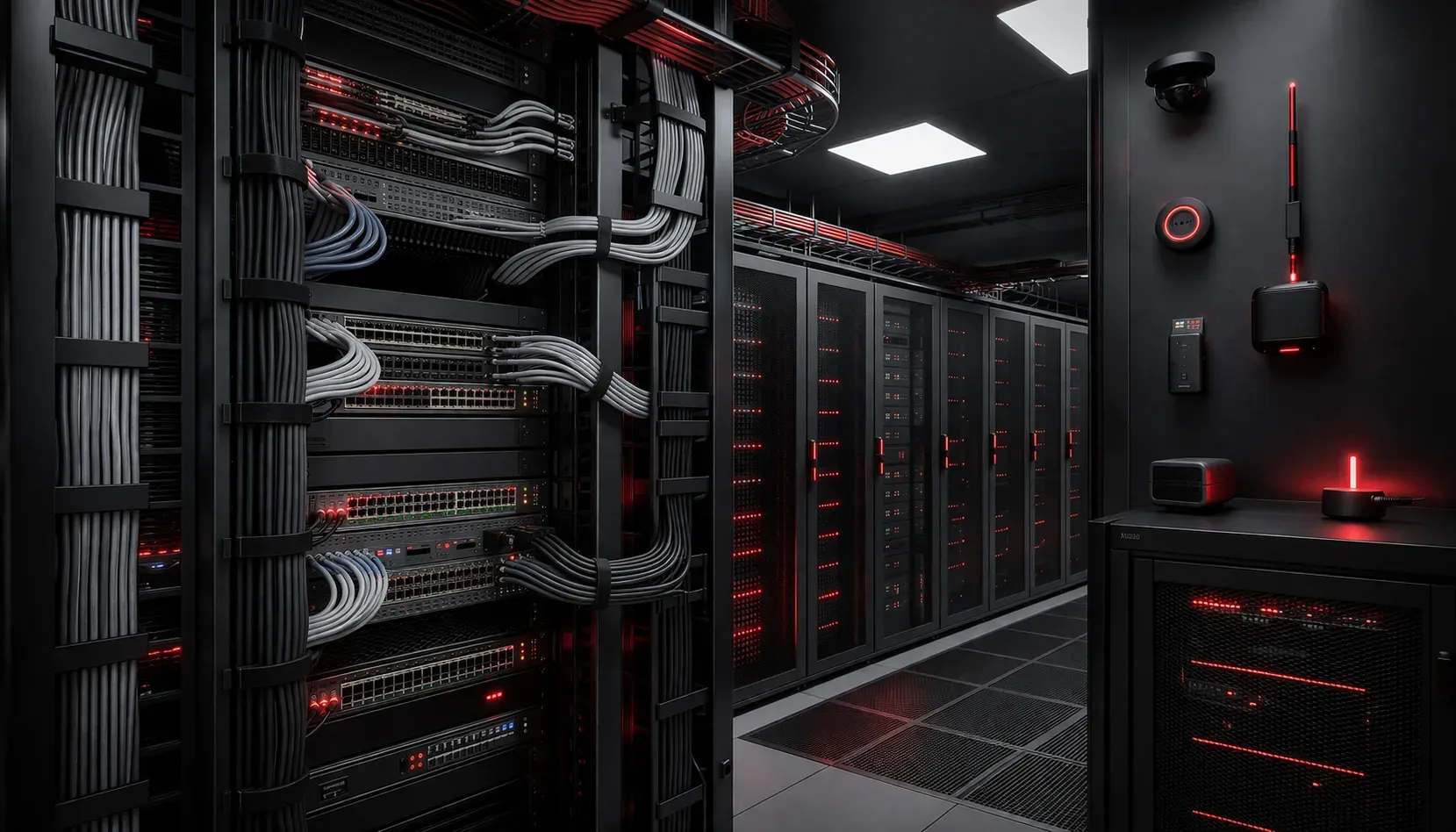
When planning a physical network installation, success depends on far more than just connecting cables and powering on equipment. Whether you're setting up a small office network or working on enterprise infrastructure, understanding the fundamental installation factors can mean the difference between a robust, reliable network and endless troubleshooting headaches.
Critical Environmental Considerations
Your network equipment needs the right environment to perform optimally. Temperature control is paramount - most networking equipment operates best between 50-80°F (10-27°C). A server room that gets too hot will cause equipment to throttle performance or shut down entirely to prevent damage.
Humidity levels matter just as much. Too dry, and you risk static discharge damaging sensitive components. Too humid, and you invite condensation and corrosion. Aim for 45-55% relative humidity in equipment areas.
Don't overlook power considerations. Calculate your total power draw including all switches, routers, access points, and any Power over Ethernet (PoE) devices. Factor in future growth, it's much easier to install adequate power capacity upfront than to upgrade electrical systems later.
Environmental monitoring systems should include temperature and humidity sensors with alerting capabilities, uninterruptible power supplies (UPS) with network management cards for remote monitoring, and automated fire suppression systems specifically designed for electronic equipment areas.
Physical Space and Accessibility
Network equipment requires proper ventilation and accessibility for maintenance. When planning your network setup basics, ensure:
- Equipment racks have adequate front-to-back airflow
- Cable management systems prevent airflow obstruction
- Sufficient space exists for technicians to work safely
- Cable paths avoid interference sources like fluorescent lights and motors
Consider the cable run distances early in planning. Standard Ethernet cables (Cat5e, Cat6, and Cat6a) have a maximum run length of 100 meters (328 feet) before signal degradation occurs. Cat6a can support 10 Gigabit speeds up to this distance, while Cat5e is limited to 1 Gigabit. For specialized applications, Cat8 cables support shorter runs up to 30 meters for 25/40 Gigabit connections. Plan your equipment placement accordingly, or budget for fiber optic runs and media converters for longer distances.
Security and Access Control
Physical security often gets overlooked in network planning, but it's fundamental to overall network security. Your networking equipment should be housed in locked rooms or cabinets with controlled access. Consider who needs access and when; maintenance staff shouldn't need 24/7 access to your core networking equipment.
Implement comprehensive access control systems including keycard or biometric access controls for server rooms, security cameras with motion detection in equipment areas, visitor escort policies for sensitive network locations, and audit logs tracking who accessed equipment areas and when.
Document everything during installation. Create simple diagrams showing:
Device locations and rack positions
Cable runs and port assignments
Power circuit assignments
Network topology connections
Common Installation Challenges
Real-world installation factors often include working around existing infrastructure. Legacy cabling might not support your new equipment's requirements. Older buildings may lack adequate power or have grounding issues that affect network performance.
Interference sources can cause mysterious network issues. Keep network cables away from power lines, especially high-voltage equipment. Fluorescent lights, motors, and even microwave ovens can interfere with wireless signals.
Plan for redundancy where critical. If your business can't afford downtime, consider dual power feeds, backup internet connections, and redundant core switching equipment during the initial installation rather than as an afterthought.
Testing and Verification
Once your physical installation is complete, systematic testing ensures everything works as designed. Use cable testers to verify each run meets specifications. Test power levels and environmental monitoring systems if installed.
Document baseline performance metrics during initial setup. This documentation becomes invaluable for future troubleshooting when performance issues arise.
What's Next
With your physical installation properly planned and executed, the next step is understanding how to configure and optimize your network devices. Our next post will explore basic switch configuration and VLAN setup, building on the solid physical foundation you've established.
Tools and resources for this topic
- CompTIA Network+ Study Guide — Comprehensive N10-009 exam preparation covering all five domains.