
Understanding Wireless Technologies: Wi-Fi, Bluetooth, and More
An introduction to common wireless technologies including Wi-Fi, Bluetooth, and Zigbee, explaining their key characteristics, use cases, and how to choose the right technology for different applications.

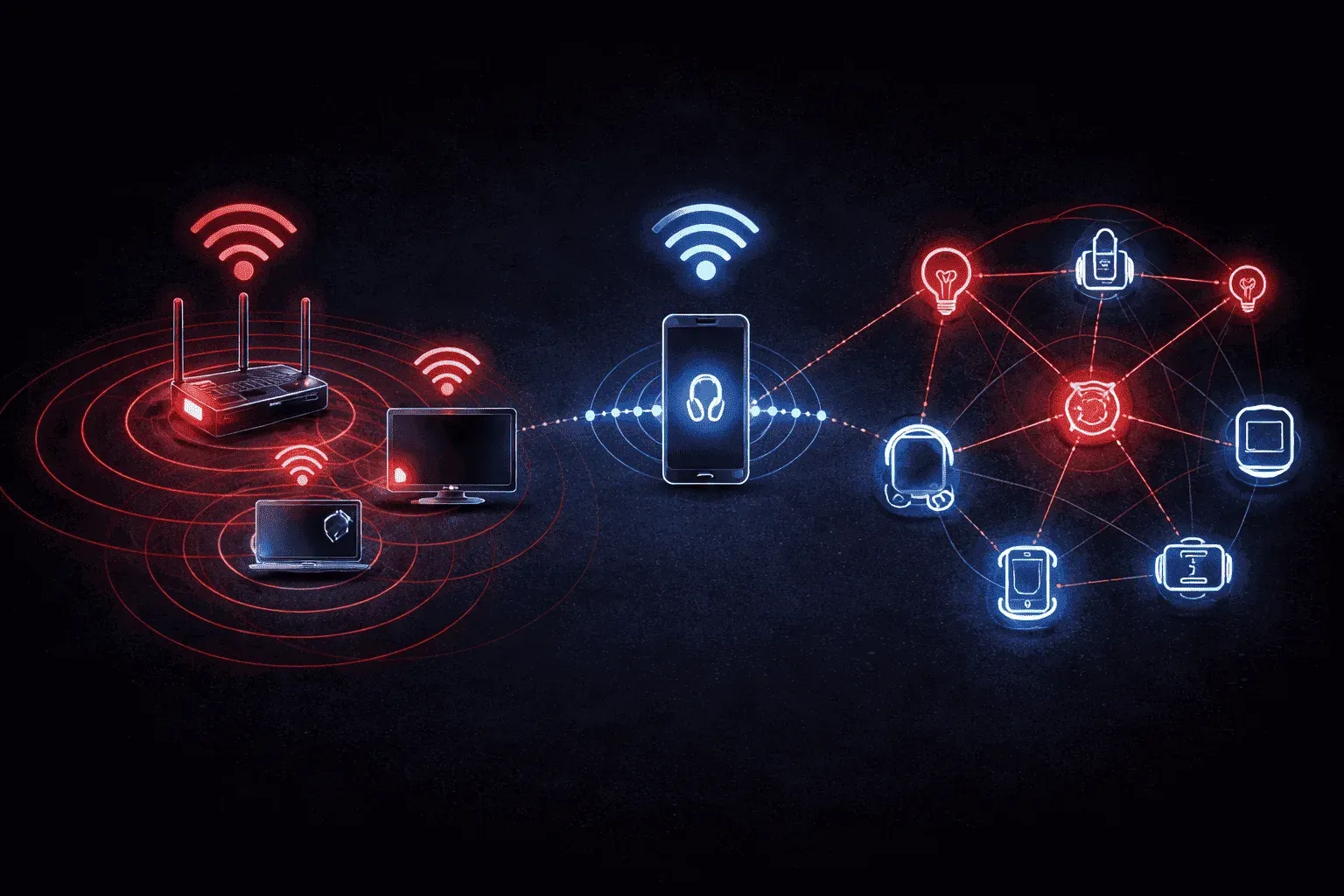
Wireless technologies have revolutionized how devices communicate without the constraints of physical cables. Whether you're streaming Netflix on your laptop or checking your fitness tracker, multiple wireless technologies are working behind the scenes. Let's explore the most common ones and understand when to use each.
Wi-Fi: The Workhorse of Wireless Networks
Wi-Fi (Wireless Fidelity) is probably the wireless technology you interact with most. It's designed to connect devices to local area networks and the internet, typically covering ranges from 100-300 feet indoors.
Key Wi-Fi Standards:
- 802.11n (Wi-Fi 4): Up to 600 Mbps, 2.4GHz and 5GHz bands
- 802.11ac (Wi-Fi 5): Up to 6.9 Gbps, primarily 5GHz band
- 802.11ax (Wi-Fi 6/6E): Up to 9.6 Gbps, 2.4GHz, 5GHz, and 6GHz bands
Wi-Fi operates on unlicensed spectrum, meaning anyone can use these frequencies without special permits. However, this also means potential interference from other devices like microwaves or neighboring networks.
Common Wi-Fi applications: Internet access, file sharing, streaming media, smart home devices, and enterprise networking.
Bluetooth: Perfect for Personal Area Networks
Bluetooth creates short-range connections between devices, typically within 30 feet. It's designed for low power consumption and simple device pairing, making it ideal for personal devices.
Bluetooth Versions:
- Bluetooth 4.0 (LE - Low Energy): Extended battery life for fitness trackers and IoT devices
- Bluetooth 5.0: 4x range, 2x speed, 8x message capacity compared to 4.0
- Bluetooth 5.2/5.3: Enhanced audio features and improved efficiency
Unlike Wi-Fi, Bluetooth uses a technique called frequency hopping, rapidly switching between 79 different frequencies 1,600 times per second to avoid interference.
Common Bluetooth applications: Wireless headphones, computer mice, keyboards, speakers, fitness trackers, and smartphone accessories.
Zigbee: The Smart Home Specialist
Zigbee is specifically designed for Internet of Things (IoT) and smart home applications. It creates mesh networks where devices can relay signals through each other, extending coverage throughout your home.
Zigbee characteristics:
- Very low power consumption (devices can run on batteries for years)
- Self-healing mesh network topology
- Up to 65,000 devices per network
- Operates on 2.4GHz globally, with regional variations
The mesh capability means if one Zigbee device fails, the network automatically routes around it using other devices as relays.
Common Zigbee applications: Smart light bulbs, door locks, thermostats, security sensors, and home automation hubs.
Other Notable Wireless Technologies
Z-Wave
Similar to Zigbee but operates on sub-1GHz frequencies (908.42 MHz in the US), providing better wall penetration but supporting fewer devices per network (232 maximum).
LoRaWAN
Long Range Wide Area Network technology designed for IoT devices that need to transmit small amounts of data over very long distances (up to 10+ miles in rural areas) with minimal power consumption.
NFC (Near Field Communication)
Extremely short-range technology (typically 4cm or less) used for contactless payments, device pairing, and data transfer between smartphones.
Choosing the Right Wireless Technology
The choice depends on your specific needs:
- High bandwidth internet access: Wi-Fi
- Personal device connections: Bluetooth
- Smart home automation: Zigbee or Z-Wave
- Long-range IoT sensors: LoRaWAN
- Contactless payments: NFC
Many modern devices actually support multiple wireless technologies simultaneously. Your smartphone likely has Wi-Fi, Bluetooth, and NFC capabilities, automatically selecting the appropriate technology based on the situation.
What's Next
Now that you understand the landscape of wireless technologies, our next post will dive deeper into Wi-Fi implementation, covering access point placement, channel selection, and security configuration to optimize your wireless network performance.