
What Is Bash and Why Should You Learn It
Bash is a command-line interpreter that acts as an interface between users and the operating system. Learning Bash improves efficiency through automation, system administration capabilities, and universal availability across platforms.

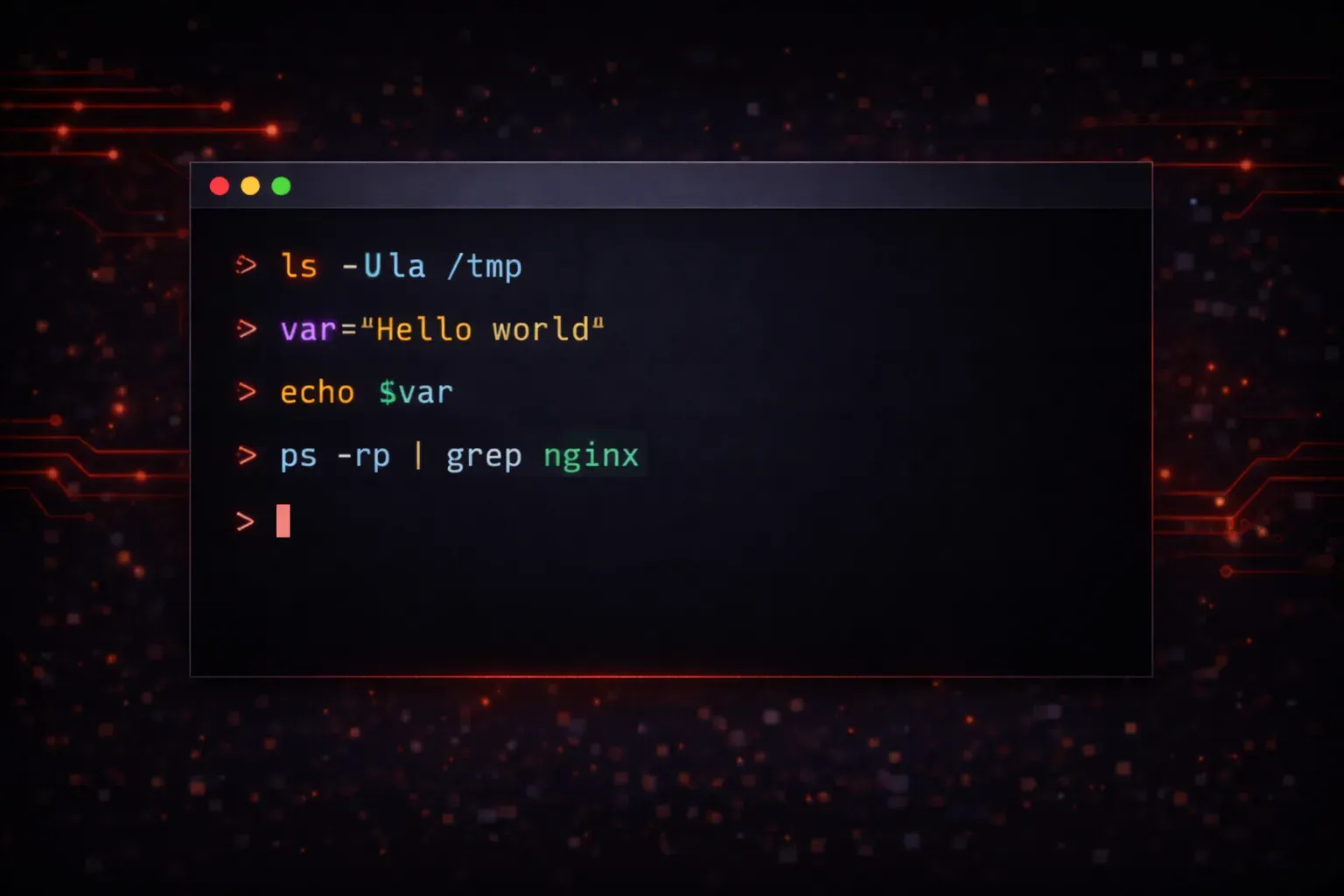
If you've ever opened a terminal on Linux or macOS, you've likely encountered Bash without even realizing it. Bash (Bourne Again Shell) is the default command-line interpreter on most Unix-like systems, and understanding it can dramatically improve your efficiency as a developer, system administrator, or anyone working with computers.
What Is Bash?
Bash is a shell: a program that acts as an interface between you and the operating system. When you type commands in a terminal, Bash interprets those commands and tells the system what to do. Think of it as a translator that converts human-readable commands into instructions the computer can execute.
Originally developed by Brian Fox in 1989, Bash is an enhanced version of the original Bourne Shell (sh). The name "Bourne Again Shell" is both a tribute to the original and a clever play on the phrase "born again."
Here's what a typical Bash session looks like:
$ pwd
/home/username
$ ls -la
total 24
drwxr-xr-x 3 username username 4096 Nov 15 10:30 .
drwxr-xr-x 5 root     root     4096 Nov 14 09:15 ..
-rw-r--r-- 1 username username  220 Nov 14 09:15 .bash_logout
-rw-r--r-- 1 username username 3771 Nov 14 09:15 .bashrc
Why Should You Learn Bash?
Automation and Efficiency
Bash excels at automating repetitive tasks. Instead of clicking through GUI applications dozens of times, you can write a simple script to handle the work. For example, this one-liner backs up all .txt files in a directory:
$ cp *.txt backup/System Administration
Whether you're managing a single server or hundreds, Bash is essential for system administration tasks. You can monitor system resources, manage files, configure services, and troubleshoot issues all from the command line:
$ top                    # Monitor system processes
$ df -h                  # Check disk usage
$ systemctl status nginx # Check service status
Development Workflow
Modern development workflows heavily rely on command-line tools. Git version control, package managers, build tools, and deployment scripts all operate through the terminal. Understanding Bash makes you more effective with these tools:
$ git add .
$ git commit -m "Add new feature"
$ git push origin main
Universal Availability
Bash is available on virtually every Linux distribution, macOS, and can be installed on Windows through WSL (Windows Subsystem for Linux). This universality means your Bash skills transfer across different environments and platforms.
Getting Started with Bash
The beauty of learning Bash is that you can start immediately. Open a terminal on your system and try these basic commands:
$ echo "Hello, World!"     # Print text
$ date                     # Show current date and time
$ whoami                   # Display current username
$ history                  # Show command history
These simple commands introduce you to Bash's interactive nature. Each command you type is interpreted and executed immediately, giving you instant feedback.
Beyond Basic Commands
As you become comfortable with basic commands, you can explore Bash's more powerful features like pipes, redirection, and scripting:
$ ls -la | grep ".txt"     # List only .txt files
$ echo "Hello" > file.txt  # Write the word Hello to the file called file.txt
$ cat file.txt             # Display file contents of file.txt
The Learning Curve
Bash has a gentle learning curve. You can become productive with just a handful of commands, and there's no need to learn everything at once. Start with file operations (ls, cd, cp, mv), text manipulation (cat, grep, head, tail), and gradually expand your knowledge.
The key is consistent practice. Try to incorporate one new command into your daily workflow each week, and soon you'll find yourself naturally reaching for the terminal instead of GUI applications for many tasks.
What's Next
Now that you understand what Bash is and why it's valuable, the next step is setting up your terminal environment and learning the essential commands that form the foundation of command-line proficiency. In our next post, we'll cover the must-know Bash commands that every beginner should master first.