
Using Claude for Efficient Network Documentation
Claude AI transforms network documentation by helping IT professionals create, organize, and maintain network documentation more efficiently. Learn practical techniques for using Claude to document configurations, changes, and incidents while maintaining consistency across your documentation.

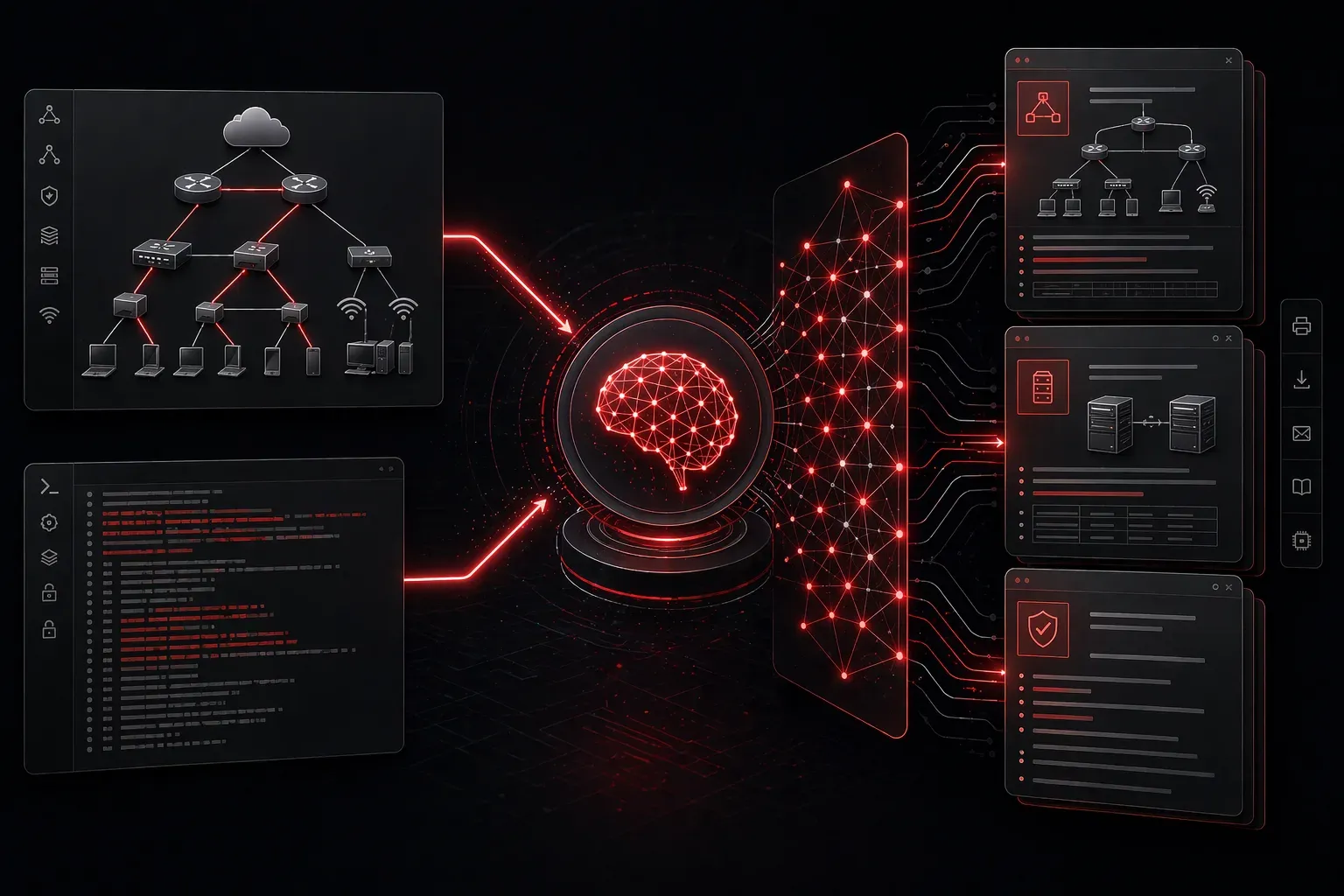
Network documentation often feels like the task everyone knows is important but nobody wants to tackle. Between updating network diagrams, maintaining IP address spreadsheets, and documenting configuration changes, it's easy to fall behind. Enter Claude AI, an AI assistant that's transforming how IT professionals approach documentation tasks.
Claude stands out among AI tools for its exceptional ability to understand context, follow complex instructions, and maintain consistency across lengthy documents. Unlike other AI assistants that might lose track of details in longer conversations, Claude excels at handling the structured, detailed work that network documentation requires.
Getting Started with Claude for Documentation
Claude is available through multiple access methods. You can use it directly via Anthropic's web interface at claude.ai, integrate it through API calls for automated workflows, or access it through various third-party platforms that offer Claude integration. The web interface provides an intuitive chat-based experience ideal for interactive documentation tasks, while API integration allows for programmatic automation of repetitive documentation processes.
The key to successful AI-assisted documentation lies in providing Claude with clear context and structured prompts. Instead of asking "help me document my network," try something like:
I need to create documentation for our office network. We have:
- 3 VLANs (Management: 10.1.1.0/24, Users: 10.1.2.0/24, Servers: 10.1.3.0/24)
- Cisco 2960X access switches
- pfSense firewall
- Windows Active Directory environment

Can you create a standardized format for documenting each network segment?
Practical Documentation Tasks
Claude excels at several specific documentation scenarios that IT professionals encounter regularly:
Configuration Documentation
When working with switch or router configurations, Claude can help extract and organize key information when provided with properly structured input. To effectively analyze Cisco switch configurations, provide clear context about what you need extracted. For example:
Analyze this Cisco switch configuration and create a summary table showing:
- VLAN assignments and names
- Trunk port configurations
- Access port assignments
- STP settings

[Configuration text here]
This structured approach ensures Claude understands exactly what information to extract and how to present it.
Change Documentation
After making network changes, Claude can help you create proper change documentation. Provide the before and after configurations along with specific instructions about your organization's change documentation format, and Claude will identify what changed and structure it appropriately.
Incident Reports
During outages, you're focused on resolution, not documentation. Later, you can provide Claude with your notes, timestamps, and actions taken. It will help structure this into a professional incident report with root cause analysis and preventive measures.
Advanced Techniques for Better Results
To maximize documentation efficiency with Claude, use these proven strategies:
Template Creation: Ask Claude to create documentation templates for recurring tasks. Once you have a template for documenting new VLAN implementations, you can reuse it consistently across your environment.
Batch Processing: Claude can process multiple similar items simultaneously. Upload several switch configurations and ask for a comparative analysis or standardized documentation for each.
Consistency Checking: Paste existing documentation and ask Claude to identify inconsistencies, missing information, or formatting issues. This is invaluable for maintaining large documentation sets.
Structured Prompting: Always provide context about your network environment, specify the exact format you need, and include examples when possible. This dramatically improves the relevance and accuracy of Claude's responses.
Real-World Tips from IT Teams
Network engineers using Claude report significant time savings by following these practices:
- Keep a running conversation with Claude for ongoing projects rather than starting fresh each time
- Use Claude to convert technical jargon into business-friendly summaries for management reports
- Ask Claude to generate troubleshooting flowcharts based on your documented procedures
- Have Claude review your documentation for completeness before publishing
- Create detailed prompts that specify your organization's documentation standards and formatting requirements
One network administrator shared that Claude reduced their monthly documentation time from eight hours to three hours, while actually improving the quality and consistency of their network documentation.
Integration with Existing Workflows
Claude works best when integrated thoughtfully into your current processes. Consider using it for the initial draft creation, then applying your organization's review and approval processes. The AI handles the time-consuming formatting and structuring, while you focus on technical accuracy and completeness.
Important: Always verify technical details and ensure compliance with your organization's security policies before publishing any AI-assisted documentation. While Claude is excellent at processing and organizing information, human verification is essential for technical accuracy, especially for critical network infrastructure documentation.
What's Next
Now that you understand Claude's documentation capabilities, the next step is exploring how AI tools can assist with network troubleshooting and problem-solving scenarios. We'll cover how to use AI assistants to work through complex network issues and document your troubleshooting methodologies.