
Common Mistakes in Home Network Security and How to Avoid Them
Learn about the most common home network security mistakes including default passwords, outdated firmware, weak Wi-Fi configuration, and poor device management. This guide provides practical solutions to secure your home network properly.

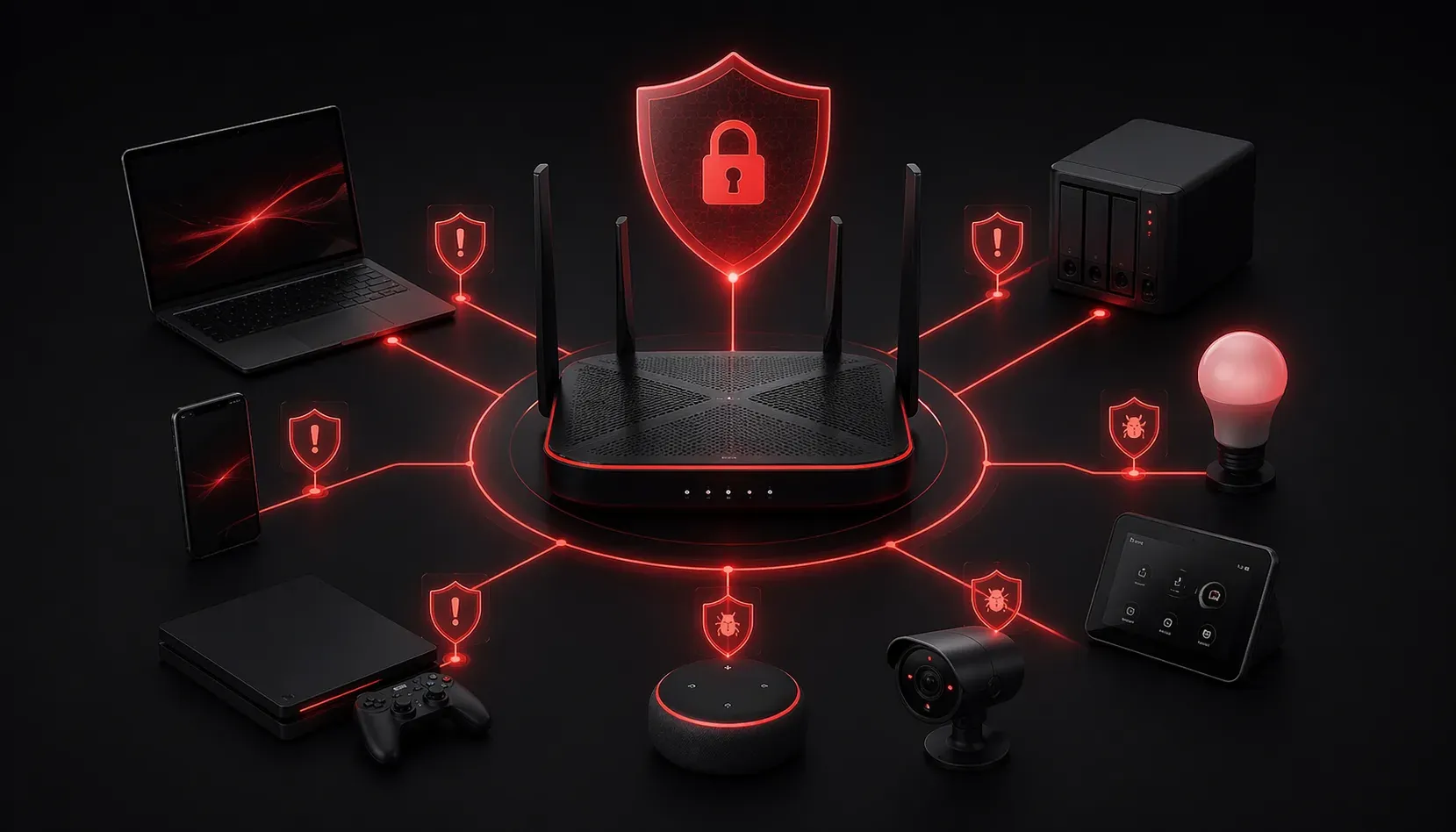
Setting up a home network seems straightforward, but many people unknowingly create security vulnerabilities that put their personal data at risk. Understanding these home network security mistakes is crucial for protecting your digital life and is a key topic covered in CCST Cybersecurity studies.
Let's explore the most common security errors and learn practical network security tips to keep your home network secure.
Using Default Administrator Credentials
The biggest mistake homeowners make is leaving default usernames and passwords on their routers and other network devices. Most routers ship with credentials like admin/admin or admin/password, which are easily found online.
How to fix it: Immediately change the default login credentials when setting up any network device. Use a strong password with at least 12 characters, including uppercase letters, lowercase letters, numbers, and special characters. Store these credentials in a password manager rather than writing them down.
Neglecting Firmware Updates
Many users set up their router once and forget about it entirely. Outdated firmware contains known security vulnerabilities that attackers actively exploit.
How to fix it: Check for firmware updates monthly by logging into your router's web interface. Look for an "Administration" or "System" section where updates are typically found. Some newer routers offer automatic updates; enable this feature if available. Always download firmware directly from the manufacturer's website, never from third-party sources.
Poor Wi-Fi Security Configuration
Weak Wi-Fi protection remains one of the most common home network security mistakes. This includes using outdated security protocols, weak passwords, or broadcasting network names that reveal device information.
Common Wi-Fi errors to avoid:
- Using WEP or WPS encryption (both are easily cracked)
- Creating simple passwords like "password123"
- Using network names that identify your router model or location
- Leaving guest networks unsecured or using the same password as your main network
How to fix it: Use WPA3 encryption if your devices support it, or WPA2 as a minimum. Create a complex Wi-Fi password with at least 15 characters. Change your network name (SSID) to something generic that doesn't reveal personal information or equipment details. Set up a separate guest network with its own strong password.
Exposing Unnecessary Services and Ports
Many home users enable features like remote management, UPnP (Universal Plug and Play), or WPS without understanding the security implications. These services can provide entry points for attackers.
How to fix it: Disable remote management unless absolutely necessary. Turn off WPS and UPnP if you don't specifically need them. Review your router's feature list and disable any services you don't actively use. If you must enable remote access, use a VPN instead of exposing services directly to the internet.
Ignoring Connected Device Security
Your network security is only as strong as its weakest connected device. IoT devices like smart cameras, thermostats, and voice assistants often have poor security by default.
How to fix it: Change default passwords on all connected devices. Regularly update smart device firmware. Consider creating a separate network segment for IoT devices to isolate them from computers containing sensitive data. Regularly audit what devices are connected to your network through your router's interface.
Inadequate Network Monitoring
Most home users never check who's connected to their network or monitor for suspicious activity. This makes it difficult to detect unauthorized access or compromised devices.
How to fix it: Regularly review connected devices in your router's administration panel. Look for unknown devices and investigate any you don't recognize. Enable logging features if available and periodically review logs for unusual activity. Consider using network monitoring apps that alert you to new device connections.
Physical Security Oversights
Don't forget about physical access to your network equipment. Routers and modems placed in easily accessible locations can be physically compromised.
How to fix it: Place network equipment in secure locations away from windows and common areas. Ensure reset buttons aren't easily accessible to visitors. Consider using a locking network cabinet if you have multiple devices.
What's Next
Now that you understand these common vulnerabilities, the next step is learning about network segmentation techniques. Our upcoming post will cover how to create separate network zones for different device types, adding an extra layer of security to your home network infrastructure.