
Your First Python Program: Hello World
A beginner's guide to writing and running your first Python program - the traditional Hello World example. Covers setup, basic syntax, running the program, and common mistakes.

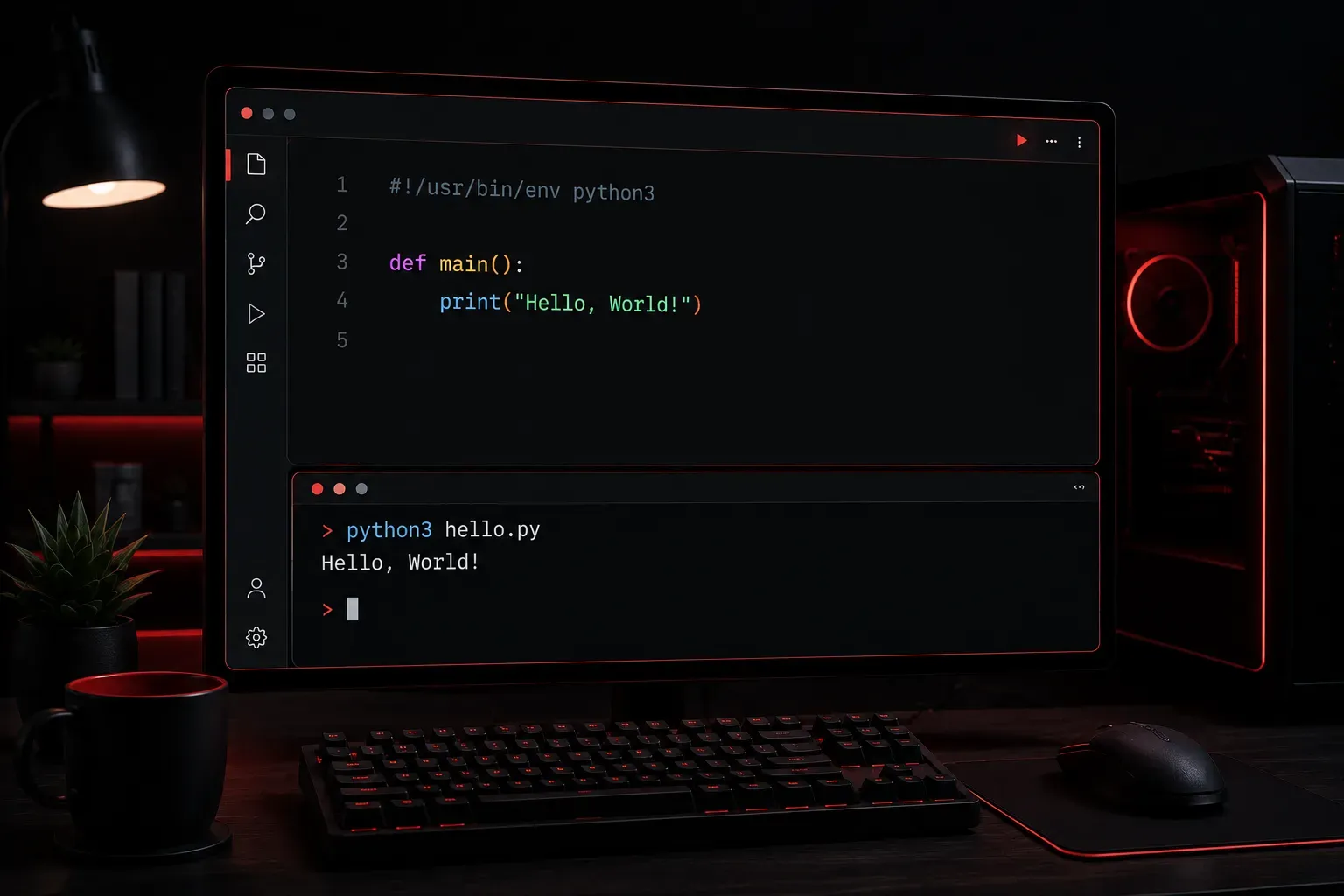
Every programmer's journey begins with the same ritual: writing their first "Hello World" program. This simple tradition dates back decades and serves as your introduction to a new programming language's syntax and development environment. Today, we'll write your first Python program and explore what makes this simple code so important.
What is Hello World?
A "Hello World" program is the simplest possible program that produces visible output. It typically displays the text "Hello, World!" on the screen and then exits. While seemingly trivial, this program teaches you several fundamental concepts:
- How to write and save code in a file
- How to run a program
- Basic syntax of the programming language
- How output works in that language
Setting Up Your Environment
Before writing your first Python program, you need Python installed on your computer. While macOS and many Linux distributions include Python by default, Windows users will typically need to install it separately. You can verify if Python is already installed by opening your terminal (macOS/Linux) or command prompt (Windows) and typing:
python --versionIf you see a version number like Python 3.9.7, you're ready to go. If not, download Python from python.org and follow the installation instructions for your operating system.
Navigating the Terminal/Command Prompt
For complete beginners, here's how to access your command line interface:
- Windows: Press Windows key + R, type
cmd, and press Enter - macOS: Press Command + Space, type
Terminal, and press Enter - Linux: Press Ctrl + Alt + T (on most distributions)
Use cd (change directory) to navigate to the folder where you save your Python file. For example: cd Documents or cd Desktop.
Writing Your First Python Program
Open your favorite text editor (even Notepad works for now) and type the following line:
print("Hello, World!")Save this file as hello.py. The .py extension tells your computer this is a Python program.
Understanding the Code
Let's break down what's happening in this single line:
print: This is a built-in Python function that displays output on the screen- Parentheses
(): These contain the arguments (inputs) passed to the function - Quotation marks
"": These define a string (text) in Python - "Hello, World!": This is the actual text that will be displayed
Running Your Program
Now comes the exciting part - running your code! Open your terminal or command prompt, navigate to the folder where you saved hello.py, and type:
python hello.pyYou should see the output:
Hello, World!Congratulations! You've just written and executed your first Python program.
Exploring Variations
Once you've successfully run the basic version, try these variations to understand how Python works:
# Different messages
print("Welcome to Python programming!")
print("My name is [Your Name]")

# Multiple print statements
print("Hello,")
print("World!")

# Using single quotes
print('Hello, World!')
Notice how lines starting with # are comments - they're ignored by Python but help document your code for humans.
Common Beginner Mistakes
As you experiment, you might encounter these common errors:
- Missing quotes:
print(Hello, World!)will cause a syntax error - Mismatched quotes:
print("Hello, World!')won't work - Capitalization:
Print("Hello, World!")fails because Python is case-sensitive
Don't worry about making mistakes - they're part of the learning process. Python's error messages are quite helpful and will guide you toward the solution.
Why This Matters
Your Hello World program might seem insignificant, but you've actually accomplished several important things. You've learned how to create a Python file, write valid Python syntax, and execute a program. You've also used your first Python function and worked with strings - concepts that form the foundation of more complex programming.
What's Next
Now that you've written your first Python program, you're ready to explore variables and data types. In the next post, we'll learn how to store and manipulate different kinds of information in your Python programs, building on the foundation you've just established.