
How Version Control Systems Improve Team Collaboration
Version control systems enable effective team collaboration by providing structured workflows for managing code changes, resolving conflicts, and coordinating development efforts across multiple team members.

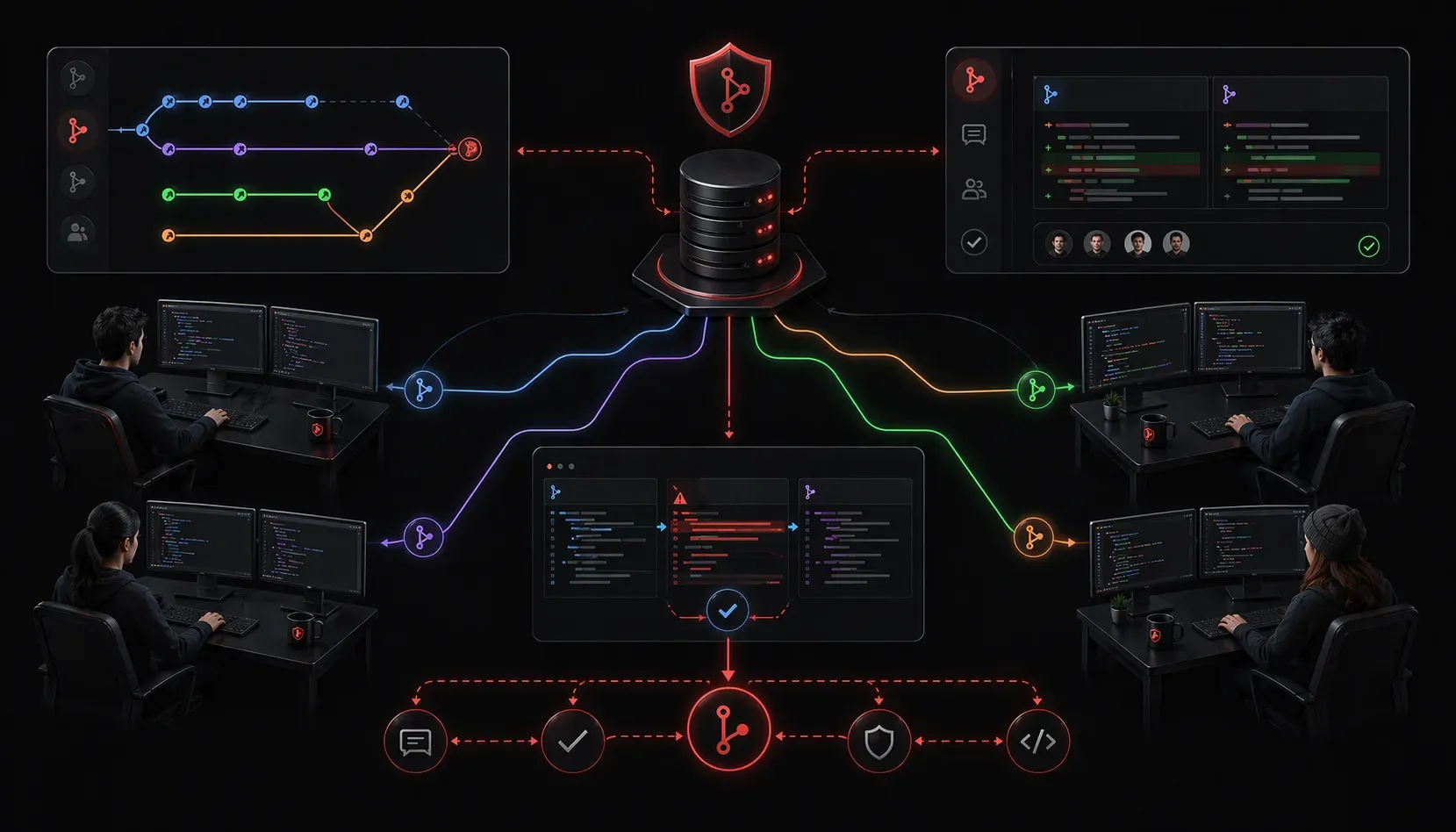
When multiple developers work on the same codebase, chaos can quickly ensue without proper coordination. Version control systems solve this fundamental challenge by providing structured ways for teams to collaborate, track changes, and resolve conflicts efficiently.
The Collaboration Challenge
Imagine three network engineers working on the same Python automation script. Without version control, they might email files back and forth, save copies with names like network_script_v2_final_REALLY_FINAL.py, and inevitably overwrite each other's work. Version control collaboration eliminates this chaos by providing a centralized system for managing code changes.
Modern development teams rely on version control as their primary development tool for coordinating work, whether they're building network automation scripts, web applications, or infrastructure as code.
How Version Control Enables Teamwork
Version control systems create a structured workflow that supports multiple developers working simultaneously:
- Centralized Repository: All team members work from the same source of truth
- Branch Management: Developers can work on features independently without affecting the main codebase
- Change Tracking: Every modification is recorded with timestamps and author information
- Merge Control: Teams can review and approve changes before they become part of the main project
Branching for Parallel Development
The branching model is crucial for teamwork. Here's how teams typically organize their work:
git checkout -b feature/bgp-automation
# Developer works on BGP automation feature

git checkout -b bugfix/interface-parsing
# Another developer fixes interface parsing issue

git checkout main
# Team lead reviews and merges completed work
This approach allows developers to work independently while maintaining code stability.
Code Conflict Resolution
When multiple developers modify the same file, conflicts are inevitable. Version control systems provide tools and processes for code conflict resolution:
Automatic Merging
Git automatically merges changes when they don't overlap:
# Developer A modifies function get_interfaces()
# Developer B adds new function configure_vlan()
# Git merges both changes automatically
Manual Conflict Resolution
When changes overlap, developers must manually resolve conflicts:
<<<<<<< HEAD
def configure_interface(interface, ip_address):
    commands = [f'interface {interface}', f'ip address {ip_address}']
=======
def configure_interface(interface, ip_addr, mask):
    commands = [f'interface {interface}', f'ip address {ip_addr} {mask}']
>>>>>>> feature/subnet-mask-support
The conflict markers show both versions, allowing developers to choose the best approach or combine elements from both.
Development Tools Integration
Modern development tools seamlessly integrate with version control to enhance collaboration:
- IDEs: Visual Studio Code and PyCharm provide built-in Git integration
- Code Review Tools: GitHub, GitLab, and Bitbucket enable peer review workflows
- CI/CD Pipelines: Automated testing runs when code is pushed or merged
- Issue Tracking: Link code changes to specific bugs or feature requests
Pull Request Workflow
The pull request model exemplifies collaborative development:
- Developer creates feature branch and implements changes
- Developer opens pull request for team review
- Team members review code, suggest improvements
- Developer addresses feedback and updates code
- Team lead approves and merges changes
This process ensures code quality while maintaining team communication.
Communication Through Code
Version control systems serve as communication platforms through:
- Commit Messages: Explain the "why" behind code changes
- Code Comments: Document complex logic for future developers
- Issue References: Link commits to project requirements or bug reports
- Release Notes: Automatically generate change summaries from commit history
What's Next
Understanding how version control improves team collaboration sets the foundation for learning specific Git commands and workflows. In the next post, we'll explore essential Git commands that every network automation engineer should master for daily development tasks.