
What is Network Monitoring and Why is it Important?
Network monitoring is the continuous process of watching network infrastructure to ensure optimal performance and prevent issues. This post explains what network monitoring involves, why it's essential for network operations, and introduces common monitoring tools and key metrics.

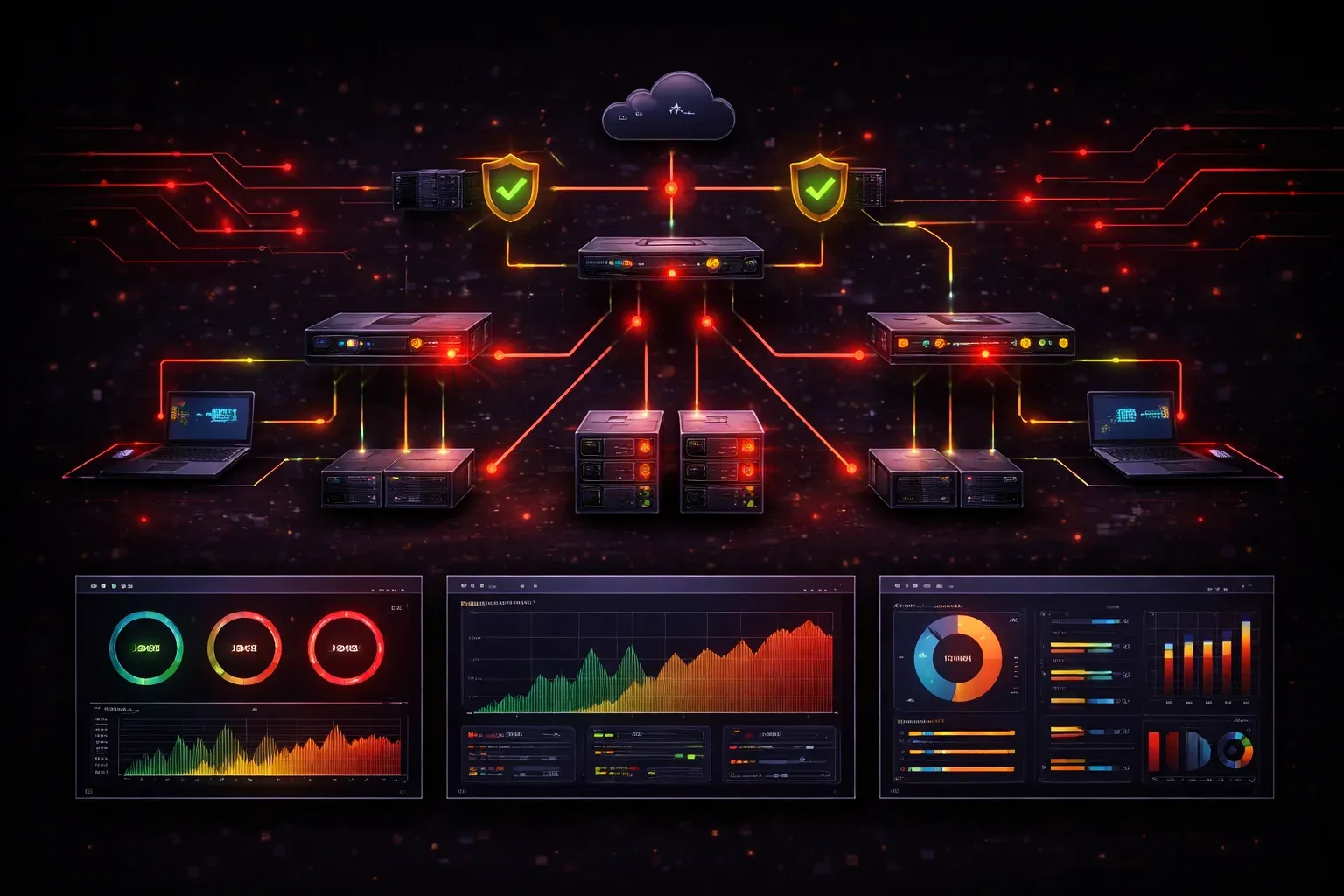
Network monitoring is the foundation of effective network operations, yet many people new to networking wonder what it actually involves and why it's so critical. Simply put, network monitoring is the continuous process of watching your network infrastructure to ensure everything runs smoothly and efficiently.
What is Network Monitoring?
Network monitoring involves using specialized tools and techniques to track the performance, availability, and health of network devices, connections, and services. Think of it as having a security guard who never sleeps, constantly watching over your network infrastructure 24/7.
This process includes monitoring various network components:
- Routers and switches
- Servers and workstations
- Network links and bandwidth usage
- Applications and services
- Security events and potential threats
The monitoring system collects data through protocols like SNMP (Simple Network Management Protocol), which allows devices to report their status and performance metrics to a central monitoring station.
Why Network Monitoring is Essential
Proactive Problem Detection
Rather than waiting for users to complain about slow internet or system outages, network monitoring helps you identify issues before they impact operations. For example, if a router's CPU utilization consistently runs above 90%, you'll receive an alert before the device becomes unresponsive.
Maintaining Network Health
Just like regular health checkups help doctors catch medical issues early, continuous monitoring maintains your network health by tracking key performance indicators such as:
- Bandwidth utilization
- Packet loss rates
- Response times (latency)
- Device uptime statistics
- Error rates on network interfaces
Performance Optimization
Network monitoring provides valuable data for capacity planning and performance tuning. When you notice bandwidth usage trending upward over months, you can plan network upgrades before users experience slowdowns.
Security Enhancement
Many security incidents show up as network anomalies first. Unusual traffic patterns, unexpected connections, or devices communicating with suspicious external addresses can all be detected through proper monitoring.
Common Network Monitoring Tools
Several categories of monitoring tools serve different needs:
SNMP-Based Tools
These tools query network devices directly using SNMP to collect performance data. Popular options include PRTG, SolarWinds, and open-source solutions like Nagios.
Flow-Based Monitoring
Tools that analyze network traffic flows using protocols like NetFlow or sFlow. These provide detailed insights into who's using bandwidth and for what purposes.
Synthetic Monitoring
These tools actively test network services by simulating user activities, such as sending test emails or accessing web applications, to verify everything works correctly.
Key Metrics to Monitor
Effective network monitoring focuses on several critical metrics:
- Availability: Is the device or service up and running?
- Response Time: How quickly do devices respond to requests?
- Throughput: How much data is flowing through network links?
- Error Rates: Are there transmission errors or dropped packets?
- Utilization: How much of the available capacity is being used?
These metrics help you understand both current network operations and trends that might indicate future problems.
Getting Started with Network Monitoring
If you're new to network monitoring, start simple. Most network devices have basic monitoring capabilities built-in. You can check interface statistics on a Cisco switch using commands like:
show interfaces
show interfaces summary
For more comprehensive monitoring, consider starting with free tools like Nagios Core or Zabbix to learn the fundamentals before investing in commercial solutions.
What's Next
Now that you understand the importance of network monitoring, the next step is learning about specific monitoring protocols and how they work. In our upcoming post, we'll dive deep into SNMP - the protocol that makes most network monitoring possible - including how to configure SNMP on network devices and interpret the data it provides.
Tools and resources for this topic
- CompTIA Network+ Study Guide — Comprehensive N10-009 exam preparation covering all five domains.