
What is a SoHo Network and Why is Security Important?
This post introduces SoHo (Small Office/Home Office) networks and explains why security is crucial for small networks. It covers the unique challenges of SoHo environments and real-world security risks that small networks face.

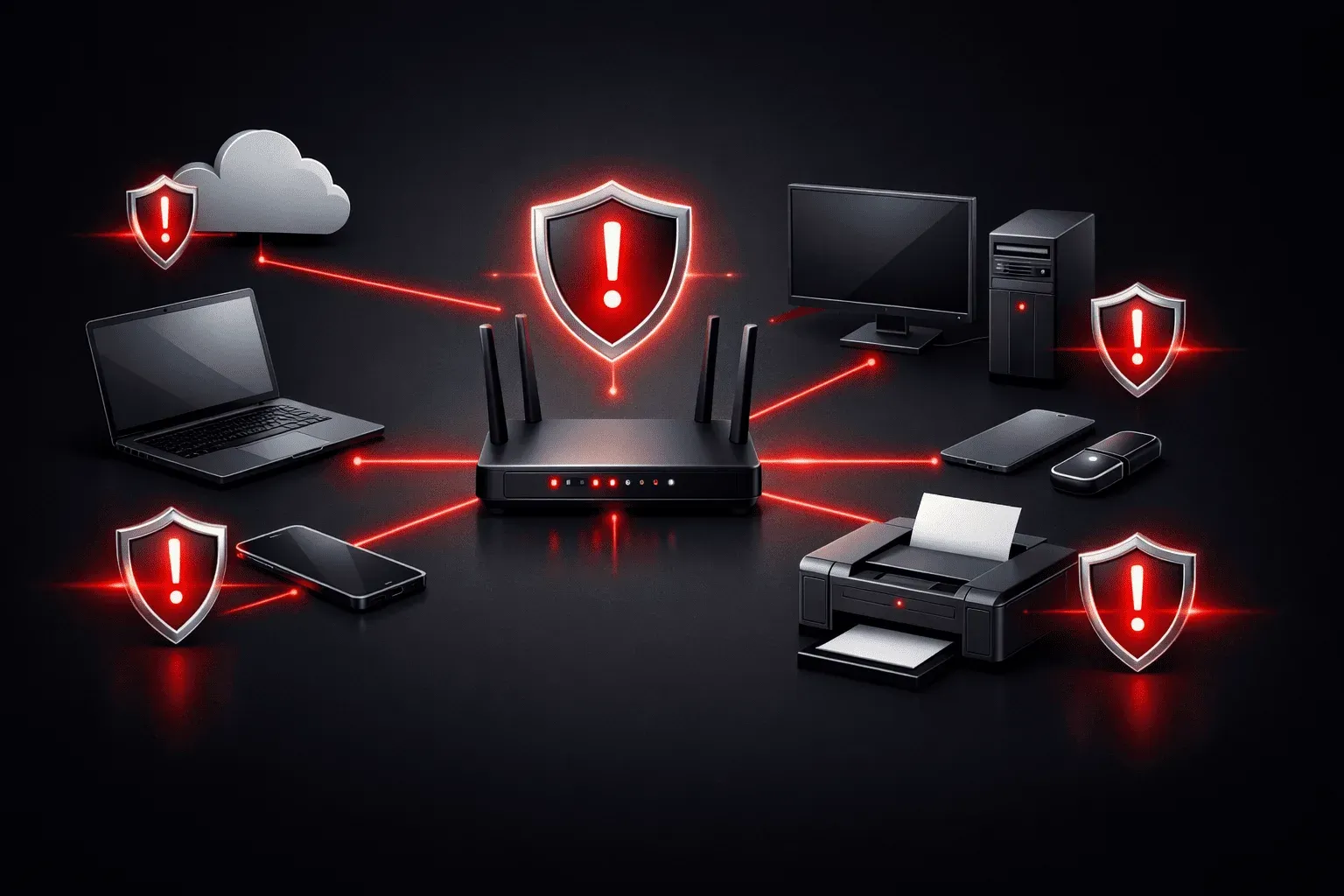
A Small Office/Home Office (SoHo) network is exactly what it sounds like, the network infrastructure that connects devices in a small business or home office environment. Think of it as the digital backbone that allows your computers, phones, printers, and other devices to communicate with each other and access the internet.
What Makes a SoHo Network Different?
Unlike enterprise networks with dedicated IT teams and complex security systems, SoHo networks are typically managed by the business owner or employees who wear multiple hats. This creates unique challenges and opportunities.
A typical home office setup might include:
- A wireless router (often provided by your internet service provider)
- 2-10 connected devices (laptops, smartphones, tablets, smart TV)
- A printer or scanner
- Maybe some smart home devices like security cameras or voice assistants
For a small office network, you might add:
- A network-attached storage (NAS) device for file sharing
- Multiple computers and mobile devices
- VoIP phones or video conferencing equipment
- Point-of-sale systems or specialized business equipment
Why Security Matters More Than You Think
Here's where many people get it wrong: they assume that because their SoHo network is small, it's not a target for cybercriminals. That's like assuming burglars only target mansions and ignore regular homes.
In fact, SoHo network security is often more vulnerable than enterprise networks because:
Limited Security Expertise
Most small business owners and remote workers aren't cybersecurity experts. They're focused on running their business, not configuring firewalls or monitoring for threats. This creates security gaps that attackers can exploit.
Default Configurations
Many SoHo networks run on default settings. Your router might still have the default admin password (admin/admin or admin/password), making it easy for attackers to gain control of your entire network.
Mixed Personal and Business Use
When you check personal email on the same device you use for business, or when family members use the network for gaming and streaming, you're mixing different security risk levels on the same infrastructure.
Real-World Security Risks
Let's look at some practical examples of what can go wrong with poor network basics security:
Scenario 1: Your neighbor discovers your WiFi password is still the default printed on your router. They use your internet for illegal downloads, and law enforcement traces it back to your address.
Scenario 2: A cybercriminal gains access to your network through an unsecured smart device and uses it as a stepping stone to access your business files or financial information.
Scenario 3: Ransomware infects one device and spreads to all connected devices, encrypting your business documents and family photos.
The Foundation of Good SoHo Security
Good SoHo network security starts with understanding that every device on your network is both an asset to protect and a potential entry point for attackers. Think of your network like your home; you wouldn't leave your front door unlocked just because you live in a safe neighborhood.
The key principle is defense in depth, multiple layers of security working together. Even in a simple home office setup, you can implement several security measures:
- Strong, unique passwords for all devices and accounts
- Regular software updates and security patches
- Proper network segmentation (separating business and personal devices)
- Basic monitoring to detect unusual activity
What's Next
Now that you understand what a SoHo network is and why security matters, the next step is learning how to secure your wireless network properly. In our next post, we'll cover the essential wireless security protocols and show you how to configure your router for maximum protection without sacrificing usability.