
Why Cable Management Matters in Networking
Proper cable management in networking environments directly impacts performance, maintenance efficiency, and equipment lifespan. This post covers how organized cables prevent interference and heat buildup while providing practical installation tips for effective cable organization.

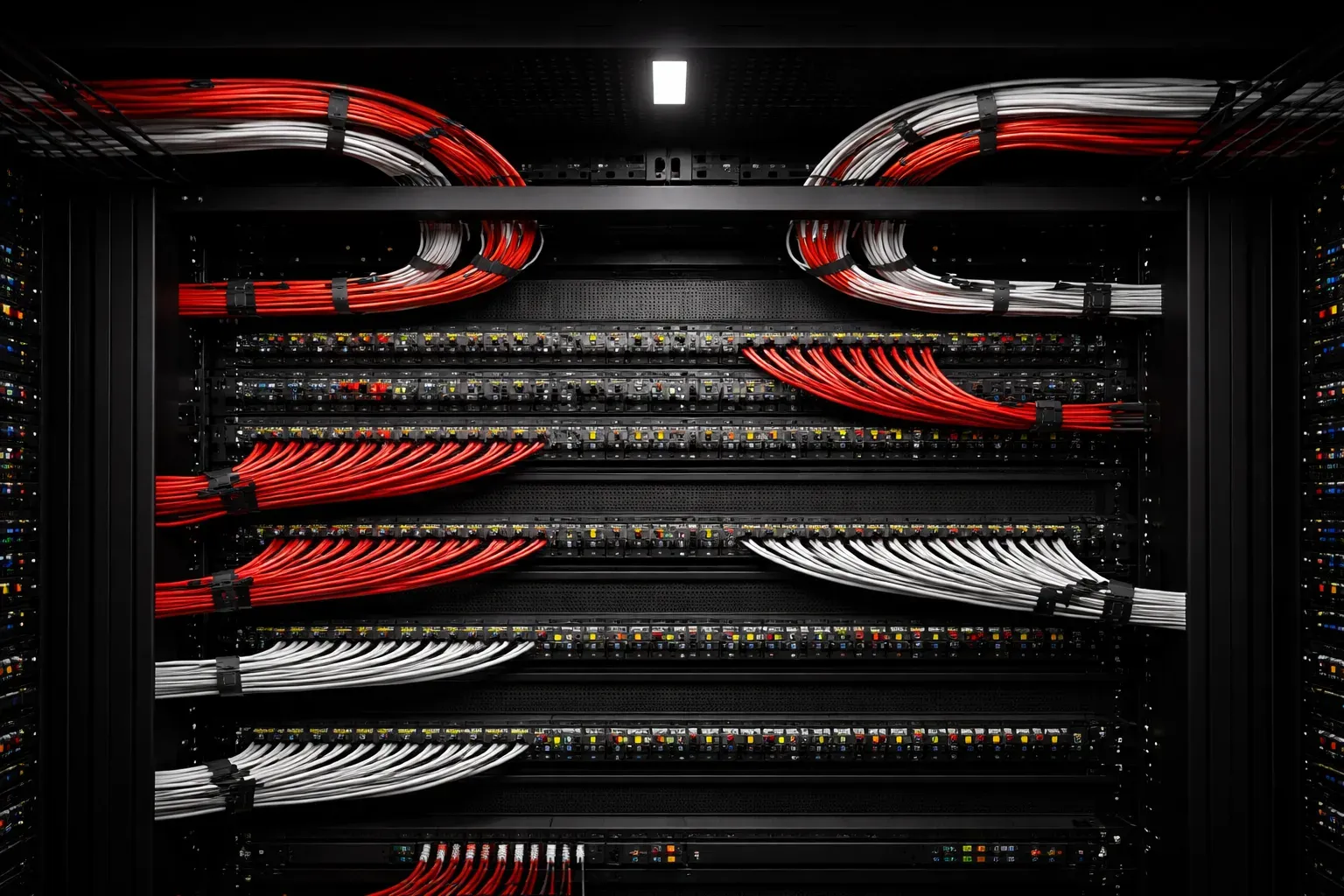
When you walk into a professional data center or network closet, one thing immediately stands out: the cables. In well-managed environments, cables run in neat, organized paths with clear labeling and logical routing. In poorly managed ones, you'll find what network engineers lovingly call "spaghetti" - a tangled mess that makes troubleshooting a nightmare.
Cable management networking isn't just about aesthetics. It directly impacts network performance, maintenance efficiency, and even equipment lifespan. Let's explore why proper cable organization should be a priority in every network installation.
How Cable Management Affects Network Performance
Poor cable management creates several performance issues that might surprise you. Electromagnetic interference (EMI) primarily stems from external sources such as motors, fluorescent lights, and radio transmitters, but can be exacerbated when unshielded cables are bundled without proper spacing. This crosstalk between cables is especially problematic with unshielded twisted pair (UTP) cables running parallel to each other over long distances. Proper cable management reduces susceptibility to EMI by maintaining adequate separation and using appropriate shielding.
Consider a real-world example: A mid-sized company experienced intermittent network slowdowns that occurred primarily during peak business hours. Investigation revealed that their patch panel had dozens of cables bundled tightly together, creating crosstalk between high-traffic connections. After reorganizing the cables with proper spacing and routing, network performance improved by 15% during peak periods.
Heat buildup is another critical factor. Densely packed cables trap heat, and network equipment running hot performs poorly and fails sooner. In one documented case, a server room with poor cable management experienced equipment temperatures 8-12°F higher than recommended, leading to premature switch failures every 18-24 months instead of the expected 5-7 year lifespan.
Cable stress also degrades performance. When cables are bent sharply, stretched, or crushed under equipment, the internal wire pairs can separate or break. This leads to intermittent connectivity issues that are incredibly difficult to troubleshoot.
Installation Tips for Effective Cable Management
Start with planning before you run your first cable. Map out your cable paths, considering both current needs and future expansion. Use cable trays, conduits, and raceways to create dedicated pathways that keep network cables separate from power lines.
Follow the minimum bend radius rule. For most network cables, this means no bends tighter than four times the cable diameter. A sharp 90-degree turn around a corner can permanently damage the cable's internal structure.
When organizing cables in racks, use these practical techniques:
- Bundle cables in groups of 12-24 using velcro ties (never zip ties, which can damage cables)
- Maintain 2-3 inches of service slack at each end for future moves
- Route cables vertically along the sides of racks, not across the front
- Keep patch cables at consistent lengths - typically 3, 6, or 10 feet
Labeling and Documentation
A cable management system is only as good as its documentation. Label both ends of every cable with consistent naming conventions. Many professionals use formats like SW01-P24-WS15 (Switch 1, Port 24, to Workstation 15).
Create and maintain cable schedules. Simple spreadsheets that document what connects where. Include cable type, length, installation date, and any special notes. This documentation becomes invaluable during troubleshooting or network changes.
Tools That Make the Job Easier
Invest in proper cable management tools. Cable combs help organize multiple cables into neat bundles. Cable testers verify that your carefully routed cables actually work correctly. A good label maker and weatherproof labels ensure your documentation stays readable over time.
For larger installations, consider cable management software that generates labels and documentation automatically. These tools often integrate with network monitoring systems, creating a complete picture of your physical and logical network topology.
Long-term Benefits
Well-organized cables save significant time during maintenance and troubleshooting. When you can quickly trace a cable from end to end without moving other equipment, you reduce both downtime and the risk of accidentally disconnecting something else.
A telecommunications company reported that after implementing comprehensive cable management across their network operations centers, their mean time to repair (MTTR) for connectivity issues dropped from 45 minutes to 12 minutes - a 73% improvement that translated to significant cost savings and improved customer satisfaction.
Proper cable management also supports network growth. When you need to add new connections or upgrade equipment, organized cable infrastructure makes the job straightforward rather than requiring a complete reinstallation.
What's Next
Now that you understand why cable management matters, the next step is learning about specific cable types and their installation requirements. We'll cover twisted pair cable categories, fiber optic handling procedures, and the tools needed for professional cable termination.
Tools and resources for this topic
- CompTIA Network+ Study Guide — Comprehensive N10-009 exam preparation covering all five domains.