
ACLs Deep Dive: Standard, Extended, and Named
Comprehensive guide to Access Control Lists covering standard ACLs (source filtering), extended ACLs (granular protocol/port control), and named ACLs with proper placement strategies and wildcard mask usage.

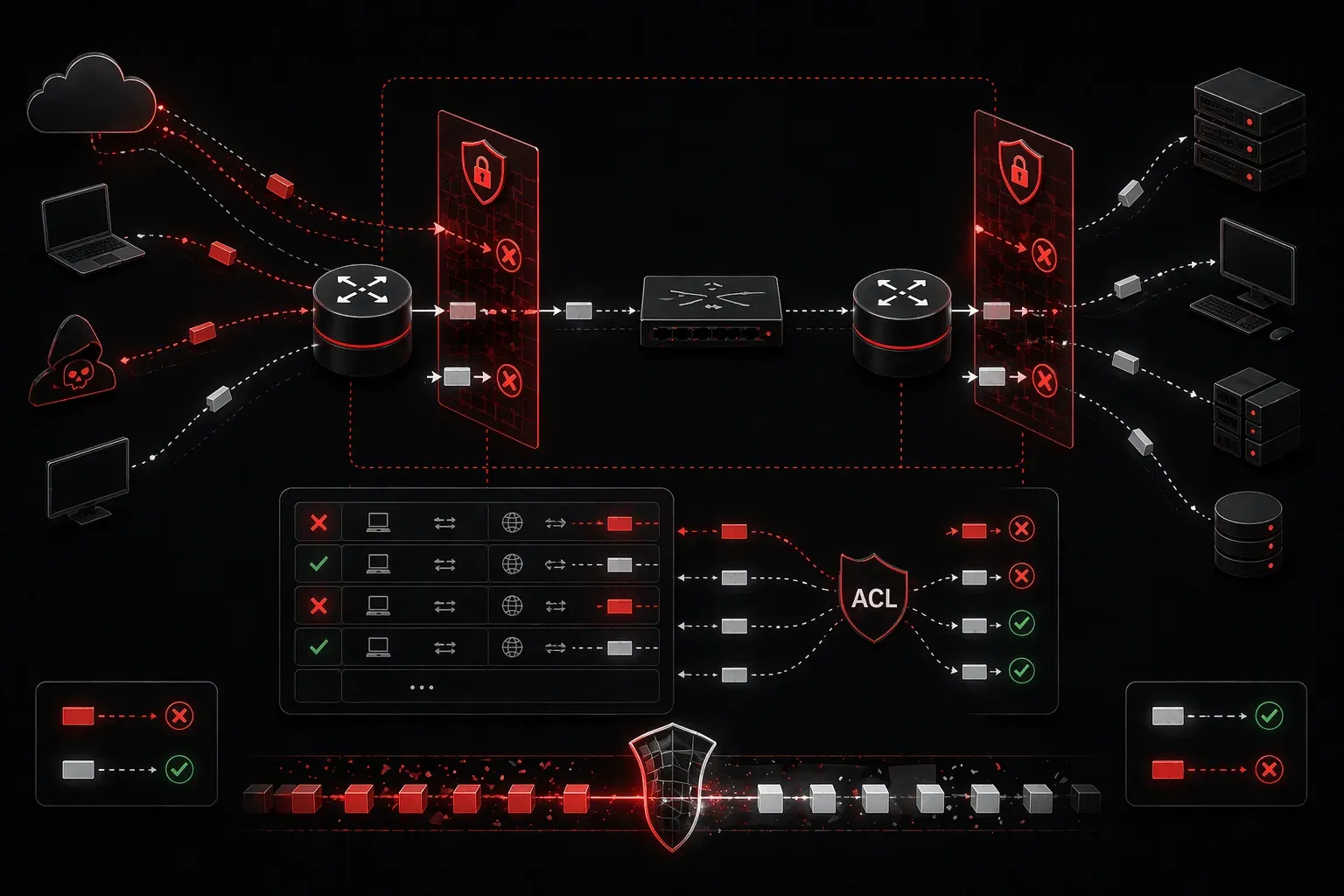
Access Control Lists (ACLs) are your first line of defense in network security, acting as packet filters that permit or deny traffic based on specific criteria. Think of them as digital bouncers at the network door, checking every packet against a set of rules before allowing entry.
Understanding ACLs is crucial for any network engineer, as they're fundamental to implementing security policies, controlling traffic flow, and troubleshooting network issues. Let's break down the three main types and when to use each.
Standard ACLs: The Basic Filter
Standard ACLs are the simplest form of access control list, filtering traffic based solely on the source IP address. They use ACL numbers 1-99 and 1300-1999.
Router(config)# access-list 10 deny 192.168.1.100
Router(config)# access-list 10 permit any
Router(config)# interface gi0/1
Router(config-if)# ip access-group 10 out
In this example, we're blocking traffic from host 192.168.1.100 while allowing everything else. Standard ACLs should be placed as close to the destination as possible since they can only filter by source address.
Extended ACLs: Granular Control
Extended ACLs provide much more control, filtering on source address, destination address, protocol, and port numbers. They use ACL numbers 100-199 and 2000-2699.
Router(config)# access-list 101 permit tcp 192.168.1.0 0.0.0.255 any eq 80
Router(config)# access-list 101 permit tcp 192.168.1.0 0.0.0.255 any eq 443
Router(config)# access-list 101 deny ip any any
Router(config)# interface gi0/0
Router(config-if)# ip access-group 101 in
This extended ACL allows HTTP and HTTPS traffic from the 192.168.1.0/24 network while denying everything else. Extended ACLs should be placed as close to the source as possible to prevent unnecessary traffic traversal.
Named ACLs: Organization and Flexibility
Named ACLs provide the same functionality as numbered ACLs but with descriptive names and additional flexibility for editing:
Router(config)# ip access-list extended WEB_FILTER
Router(config-ext-nacl)# 10 permit tcp 192.168.1.0 0.0.0.255 any eq 80
Router(config-ext-nacl)# 20 permit tcp 192.168.1.0 0.0.0.255 any eq 443
Router(config-ext-nacl)# 30 deny tcp any any eq 23
Router(config-ext-nacl)# 40 permit ip any any
The sequence numbers (10, 20, 30, 40) allow you to insert or delete specific entries without recreating the entire ACL.
Mastering Wildcard Masks
Wildcard masks are the inverse of subnet masks and determine which bits to check. A 0 means "must match exactly," while a 1 means "don't care."
0.0.0.0= exact match (single host)0.0.0.255= match first three octets (/24 network)0.0.255.255= match first two octets (/16 network)255.255.255.255= match anything (same as "any")
For odd subnets like /26, calculate the wildcard mask by subtracting the subnet mask from 255.255.255.255:
# For a /26 network (255.255.255.192)
# Wildcard mask = 255.255.255.255 - 255.255.255.192 = 0.0.0.63
ACL Placement Rules
Proper placement is critical for ACL effectiveness:
- Standard ACLs: Place close to destination (they can only filter by source)
- Extended ACLs: Place close to source (prevent unwanted traffic early)
- Inbound vs Outbound: Consider processing overhead and traffic flow
Common Mistakes and Troubleshooting
The most frequent ACL mistakes include:
- Forgetting the implicit deny: Every ACL ends with an invisible "deny any"
- Wrong wildcard mask: Using subnet masks instead of wildcard masks
- Incorrect placement: Standard ACLs too close to source, extended ACLs too close to destination
- Order matters: ACLs process top-down; first match wins
To troubleshoot ACL issues, use show access-lists to verify hit counts and debug ip packet (use carefully in production) to see packet filtering in action.
What's Next
Now that you understand the fundamentals of packet filtering with ACLs, the next logical step is exploring advanced ACL features like reflexive ACLs and time-based access lists. We'll also dive into how ACLs integrate with other security features like NAT and firewall configurations.