
Building Your Own AI Chatbot for Network Ops
Learn to build a network operations chatbot using Python and OpenAI API that can answer questions about your network based on documentation and configs using RAG architecture.

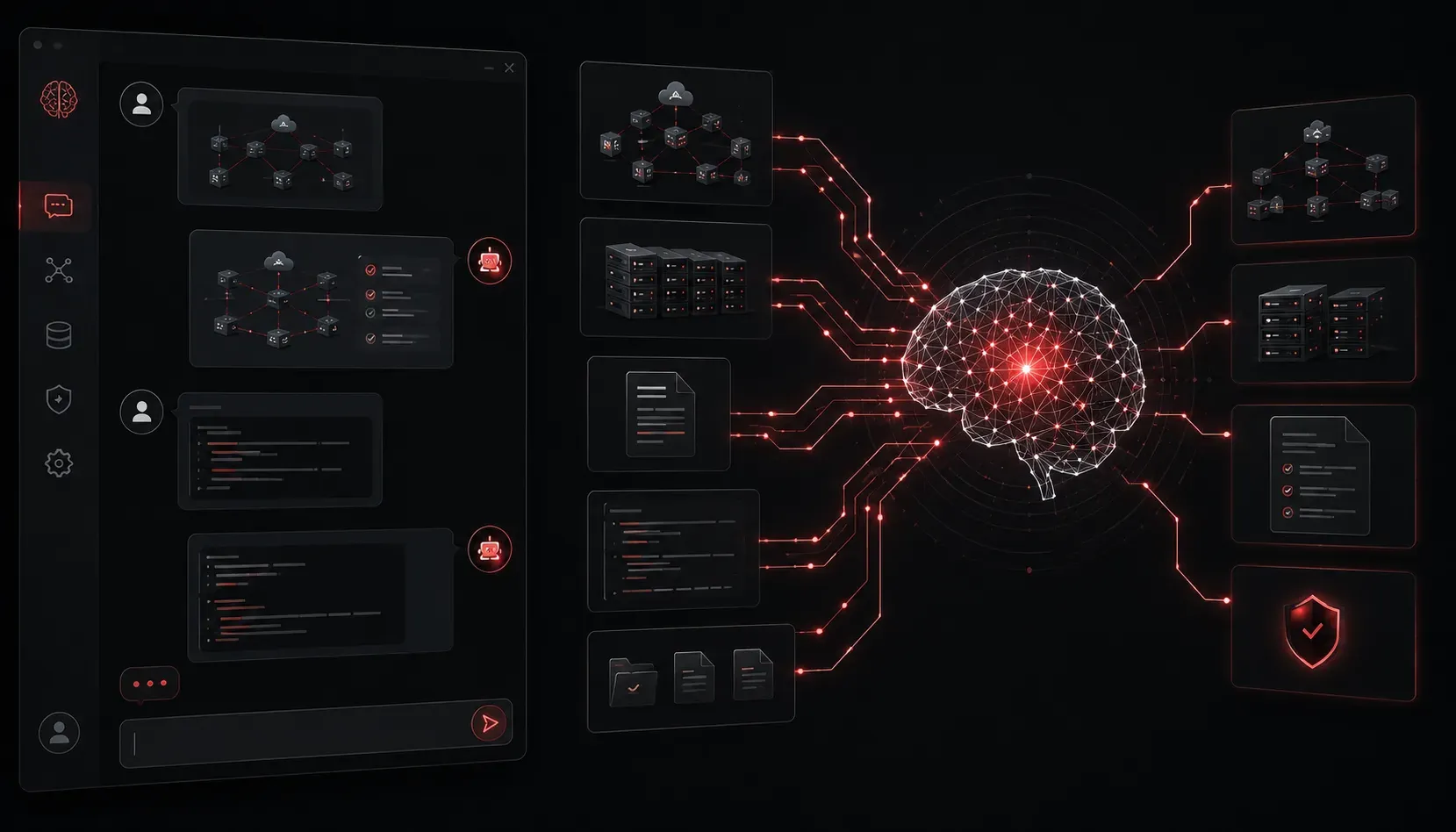
Building a network operations chatbot can transform how your team accesses documentation, troubleshoots issues, and manages configurations. Instead of digging through hundreds of pages of network documentation or searching config files, you can simply ask your AI assistant questions in plain English. Let's walk through creating a basic network ops chatbot using Python and the OpenAI API.
Understanding RAG for Network Operations
Your AI chatbot will use Retrieval-Augmented Generation (RAG) to provide accurate answers based on your specific network environment. RAG is particularly powerful for network operations because it combines your organization's specific documentation, configuration files, and troubleshooting procedures with AI's language understanding capabilities. This ensures responses are tailored to your exact infrastructure rather than providing generic networking advice.
The process works like this: when you ask "What's the BGP configuration for our main router?", the system first searches through your indexed documentation to find relevant configuration snippets and procedures, then feeds that context to the AI model for a comprehensive, accurate answer based on your actual network setup.
Setting Up Your Environment
First, install the required Python packages. We'll use LangChain as our RAG framework to handle document processing and retrieval, and ChromaDB as our vector database for storing document embeddings:
pip install openai python-dotenv langchain tiktoken chromadbCreate a .env file to store your API key securely. Note that accessing GPT models requires an OpenAI API subscription - you can start with the pay-per-use model or choose a subscription plan based on your usage needs:
OPENAI_API_KEY=your_openai_api_key_hereBuilding the Document Processing Pipeline
Your network ops chatbot needs to understand your documentation. Here's a script that uses LangChain to process documents and ChromaDB to store embeddings for efficient retrieval:
import os
from dotenv import load_dotenv
import openai
from langchain.text_splitter import RecursiveCharacterTextSplitter
from langchain.embeddings import OpenAIEmbeddings
from langchain.vectorstores import Chroma

load_dotenv()
openai.api_key = os.getenv("OPENAI_API_KEY")

class NetworkDocsProcessor:
    def __init__(self):
        # OpenAIEmbeddings creates vector representations of text
        self.embeddings = OpenAIEmbeddings()
        # Text splitter breaks documents into manageable chunks
        self.text_splitter = RecursiveCharacterTextSplitter(
            chunk_size=1000,
            chunk_overlap=200
        )

    def load_documents(self, docs_folder):
        documents = []
        for filename in os.listdir(docs_folder):
            if filename.endswith(('.txt', '.md', '.conf')):
                with open(os.path.join(docs_folder, filename), 'r') as file:
                    content = file.read()
                    documents.append({
                        'content': content,
                        'source': filename
                    })
        return documents

    def create_vector_store(self, documents):
        texts = []
        metadatas = []

        for doc in documents:
            chunks = self.text_splitter.split_text(doc['content'])
            for chunk in chunks:
                texts.append(chunk)
                metadatas.append({'source': doc['source']})

        # ChromaDB stores embeddings and enables similarity search
        vectorstore = Chroma.from_texts(
            texts=texts,
            embedding=self.embeddings,
            metadatas=metadatas,
            persist_directory="./network_docs_db"
        )
        return vectorstore
Creating the Chatbot Interface
Now let's build the core chatbot that can answer questions about your network. This implementation uses the OpenAI GPT-3.5-turbo model, which provides good performance for most network operations use cases:
class NetworkOpsBot:
    def __init__(self, vectorstore):
        self.vectorstore = vectorstore
        self.client = openai.OpenAI()

    def get_relevant_docs(self, query, k=3):
        # ChromaDB finds the most similar document chunks
        docs = self.vectorstore.similarity_search(query, k=k)
        return docs

    def generate_response(self, query):
        # Get relevant documentation using vector similarity search
        relevant_docs = self.get_relevant_docs(query)

        # Build context from retrieved documents
        context = "\n\n".join([doc.page_content for doc in relevant_docs])

        # Create the prompt with network operations context
        prompt = f"""You are a network operations AI assistant. Answer the user's question based on the provided network documentation and configurations.

Context from network documentation:
{context}

User question: {query}

Please provide a helpful answer based on the documentation provided. If the information isn't available in the context, say so clearly."""

        # Get response from OpenAI GPT-3.5-turbo
        response = self.client.chat.completions.create(
            model="gpt-3.5-turbo",
            messages=[{"role": "user", "content": prompt}],
            temperature=0.1
        )

        return response.choices[0].message.content

    def chat(self):
        print("Network Ops AI Assistant ready! Type 'exit' to quit.")

        while True:
            user_input = input("\nYou: ")
            if user_input.lower() == 'exit':
                break

            response = self.generate_response(user_input)
            print(f"\nAssistant: {response}")

# Usage example
if __name__ == "__main__":
    # Process your documentation
    processor = NetworkDocsProcessor()
    docs = processor.load_documents("./network_docs")  # Your docs folder
    vectorstore = processor.create_vector_store(docs)

    # Start the chatbot
    bot = NetworkOpsBot(vectorstore)
    bot.chat()
Enhancing Your AI Assistant
To make your AI assistant IT more powerful, consider these improvements:
- Configuration Management: Parse router and switch configs automatically using libraries like
ciscoconfparse - Live Data Integration: Connect to network monitoring APIs to provide real-time status information
- Command Generation: Train the bot to suggest CLI commands for common tasks
- Troubleshooting Workflows: Build decision trees for common network issues
Security and Best Practices
When deploying your network ops chatbot:
- Never include sensitive information like passwords in your training documents
- Implement proper authentication and access controls
- Consider running the chatbot on-premises if you're processing sensitive network data
- Regularly update your document base to keep information current
What's Next
Once you have your basic chatbot running, the next logical step is integrating it with your existing tools and workflows. In our next post, we'll explore how to connect your AI assistant to network monitoring systems and create automated incident response capabilities.