
Common Network Security Threats Explained Simply
This post explains the three most common network security threats - malware, phishing, and DDoS attacks - in simple terms for Network+ students. It covers how each attack works and basic protection strategies.

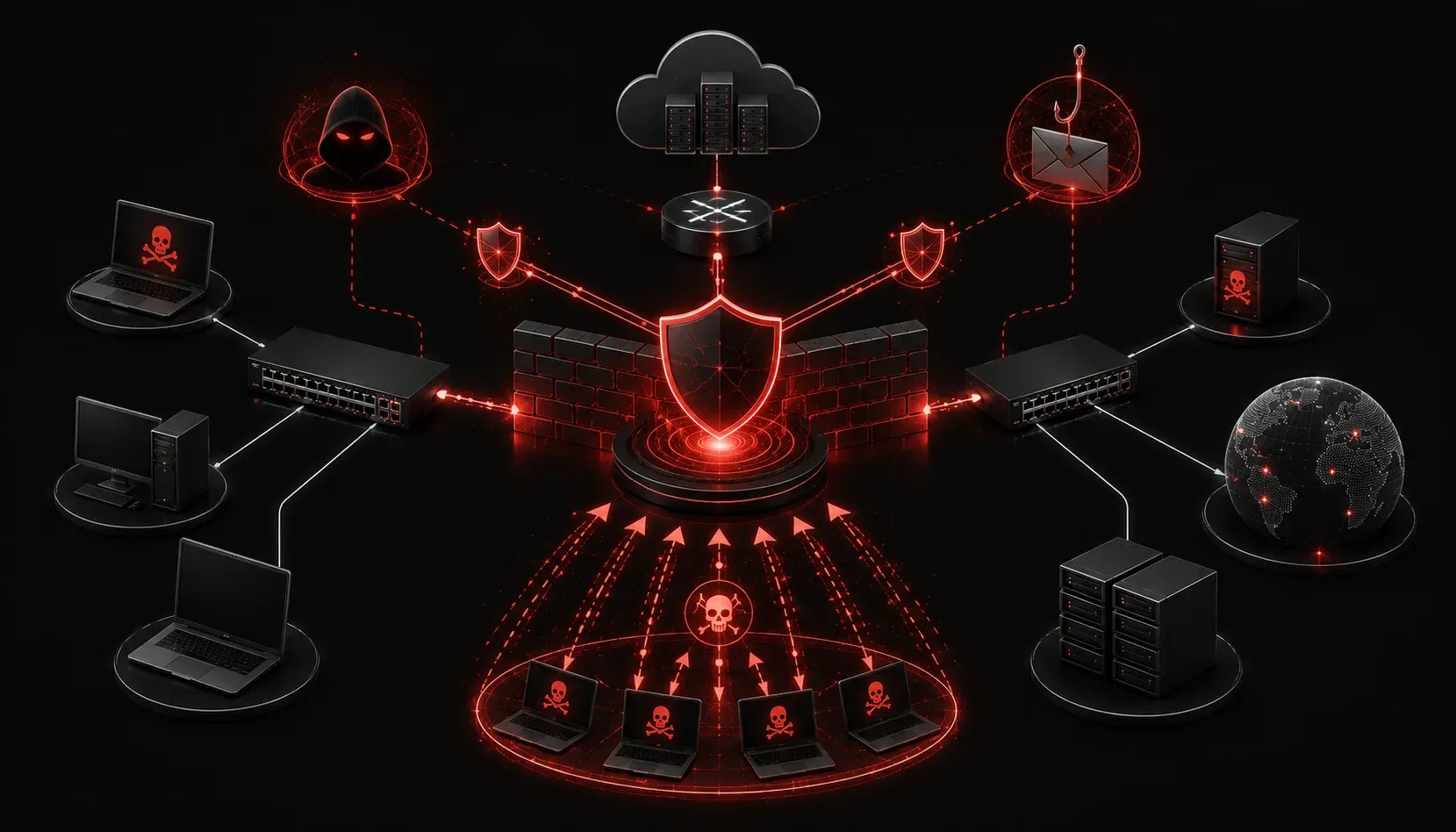
Network security threats are constantly evolving, but understanding the most common ones is crucial for anyone working with networks. Whether you're studying for the Network+ exam or just want to protect your organization's infrastructure, knowing how these attacks work is your first line of defense.
Let's break down the three most prevalent network security threats you'll encounter in the field: malware, phishing, and Distributed Denial of Service (DDoS) attacks.
Malware: The Digital Pest Problem
Malware is malicious software designed to damage, disrupt, or gain unauthorized access to computer systems. Think of it as digital pests that can infect your network in various ways.
Common Types of Malware
- Viruses: Self-replicating programs that attach to legitimate files and spread when those files are shared
- Worms: Standalone malware that spreads across networks without needing to attach to other files
- Trojans: Disguised as legitimate software but contain malicious code
- Ransomware: Encrypts your data and demands payment for the decryption key
- Spyware: Secretly monitors and collects information about users
Malware typically enters networks through email attachments, infected USB drives, malicious downloads, or by exploiting software vulnerabilities. Once inside, it can steal data, corrupt files, or provide backdoor access to attackers.
Phishing: The Art of Digital Deception
Phishing attacks use social engineering to trick users into revealing sensitive information like passwords, credit card numbers, or personal data. These attacks often appear as legitimate communications from trusted sources.
How Phishing Works
A typical phishing attack follows this pattern:
- Attacker sends fake emails that look like they're from banks, social media sites, or other trusted organizations
- The email contains urgent language like "Your account will be suspended" or "Verify your information immediately"
- Users click malicious links that lead to fake websites designed to steal credentials
- Once credentials are entered, attackers gain access to real accounts
Modern phishing has evolved beyond email. You'll also encounter smishing (SMS phishing), vishing (voice phishing), and spear phishing (targeted attacks against specific individuals or organizations).
DDoS Attacks: Overwhelming the Target
Distributed Denial of Service (DDoS) attacks overwhelm network resources by flooding them with massive amounts of traffic from multiple sources. The goal isn't to steal data but to make services unavailable to legitimate users.
How DDoS Attacks Work
DDoS attacks typically use botnets – networks of compromised computers controlled by attackers. These "zombie" computers simultaneously send requests to the target, consuming bandwidth and processing power until services become unavailable.
Common DDoS attack types include:
- Volume-based attacks: Flood the network with high volumes of traffic
- Protocol attacks: Exploit weaknesses in network protocols
- Application layer attacks: Target specific applications or services
What makes DDoS particularly challenging is that the traffic often appears legitimate; it's just the sheer volume that causes problems.
Protection Strategies
Understanding these threats is only half the battle. Here are key protection measures:
- For Malware: Deploy antivirus software, keep systems updated, use firewalls, and train users on safe computing practices
- For Phishing: Implement email filtering, educate users about suspicious messages, and use multi-factor authentication
- For DDoS: Use rate limiting, deploy DDoS protection services, implement redundancy and load balancing
What's Next
Now that you understand the most common network security threats, the next step is learning about the security controls and technologies used to defend against them. In our next post, we'll explore firewalls, intrusion detection systems, and other essential security tools that form your network's defensive perimeter.
Tools and resources for this topic
- CompTIA Network+ Study Guide — Comprehensive N10-009 exam preparation covering all five domains.