
Data Centres 101: Racks, Power, Cooling, and Redundancy
A beginner-friendly tour of data centre infrastructure covering server racks, power systems (UPS, generators, PDUs), cooling strategies (hot/cold aisles), and redundancy concepts that enable high availability.

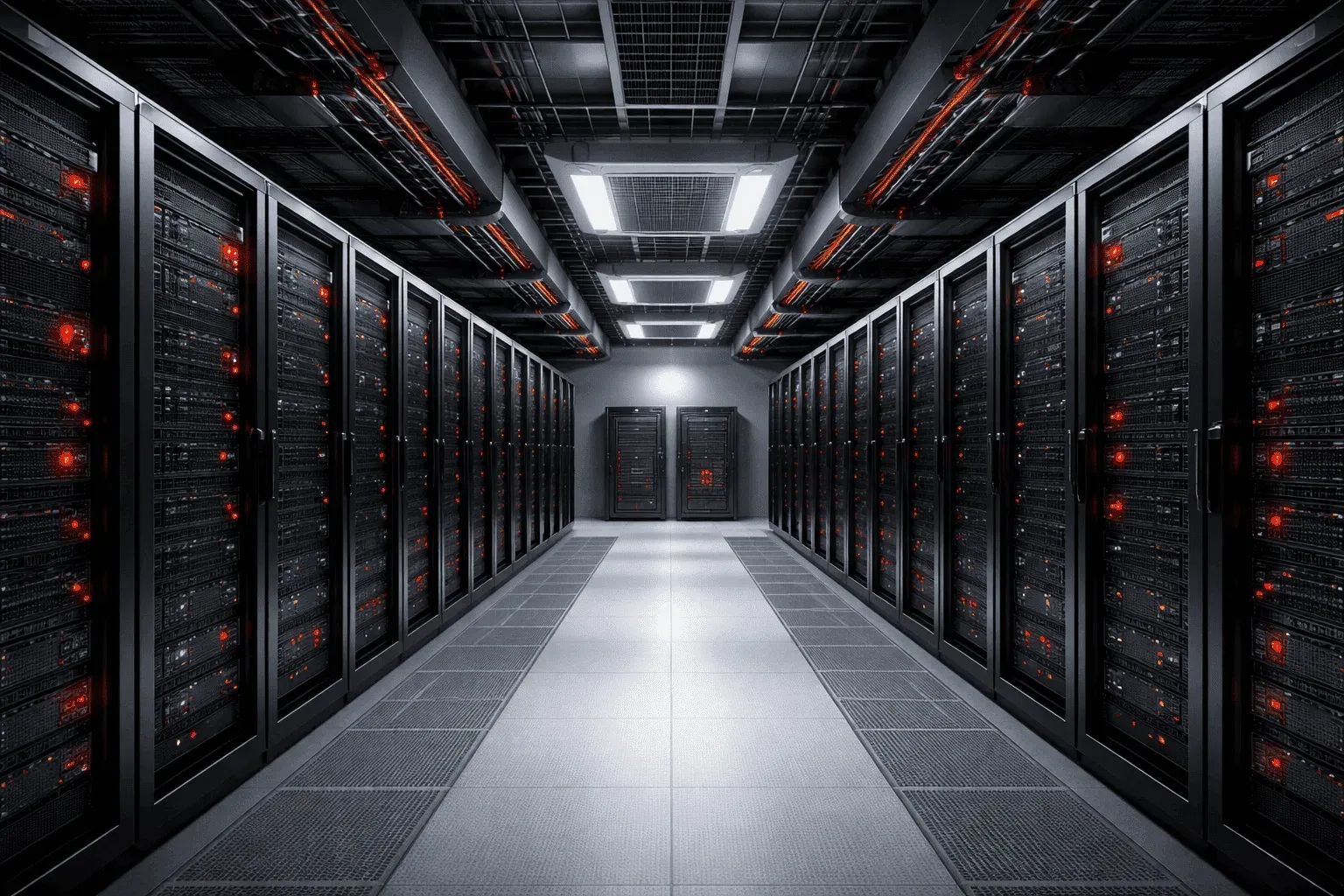
Walking into a data centre for the first time can feel overwhelming. Rows of towering server racks hum with activity, cables snake overhead, and the air conditioning runs constantly. But once you understand the basic components and design principles, you'll see how every element works together to keep your applications running 24/7.
The Foundation: Server Racks
A data centre is essentially rows of standardized 19-inch server racks, typically 42U tall (where 1U equals 1.75 inches). Each rack houses servers, switches, storage devices, and power distribution units. Think of a rack as a vertical apartment building for IT equipment; each "floor" (rack unit) can house different types of hardware.
At the top of each rack, you'll usually find a top-of-rack (ToR) switch. This switch connects all the servers in that rack to the broader network. It's like the building's main telephone junction box; everything in the rack connects through it to reach the outside world.
Power: The Lifeline
Data centres consume massive amounts of power, and power outages mean downtime. That's why power systems are built with multiple layers of redundancy.
Power Distribution Units (PDUs)
Inside each rack, you'll see Power Distribution Units (PDUs), essentially smart power strips that distribute electricity to servers. Most racks have at least two PDUs connected to separate power sources, so if one fails, the other keeps equipment running.
Uninterruptible Power Supplies (UPS)
When utility power fails, UPS systems provide immediate backup power using large battery banks. These aren't meant to run the data centre indefinitely – they're a bridge, providing clean power for 10-15 minutes while backup generators start up.
Backup Generators
Diesel generators provide long-term backup power during extended outages. Most data centres can run entirely on generator power for days or even weeks, with fuel deliveries extending that timeline indefinitely.
Cooling: Managing the Heat
Servers generate tremendous heat, and overheating causes failures. Data centres use sophisticated cooling systems designed around the hot aisle/cold aisle concept.
Racks are arranged in rows with alternating hot and cold aisles between them. Servers intake cool air from the cold aisle (usually maintained at 68-72°F) and exhaust hot air into the hot aisle. The cooling system pulls hot air from hot aisles and returns cooled air to cold aisles, creating an efficient circulation pattern.
You might also see containment systems – physical barriers that separate hot and cold air streams more effectively, improving cooling efficiency and reducing energy costs.
Redundancy: The Key to Availability
Everything in a data centre is designed with redundancy in mind. This concept directly ties to real-world availability requirements:
- N+1 redundancy: If you need 4 power units to run the facility, you install 5
- 2N redundancy: Two complete, independent systems (like dual power feeds from different utility companies)
- Geographic redundancy: Critical systems replicated across multiple data centres in different locations
These design principles enable data centres to achieve "five nines" availability (99.999% uptime), which translates to less than 5.26 minutes of downtime per year.
Tying It All Together
Understanding data centre basics helps you appreciate why cloud services rarely go down and why enterprise applications can promise such high availability. Every server rack you see represents careful planning around power, cooling, and network connectivity. The humming UPS units and constantly running cooling systems aren't just background noise, they're the foundation that makes our always-connected digital world possible.
Next time you deploy a virtual machine in AWS or upload files to Google Drive, remember the physical infrastructure making it all work: carefully arranged racks in climate-controlled rooms, with redundant power systems and network connections ensuring your data is always available.
What's Next
Now that you understand the physical infrastructure, we'll dive into data centre networking concepts, exploring how spine-leaf architectures and software-defined networking create the high-performance, scalable networks that modern applications demand.