
JSON Objects: Structure and Syntax
Learn the fundamental structure and syntax of JSON objects, including data types, formatting rules, and common mistakes to avoid when working with this universal data format.

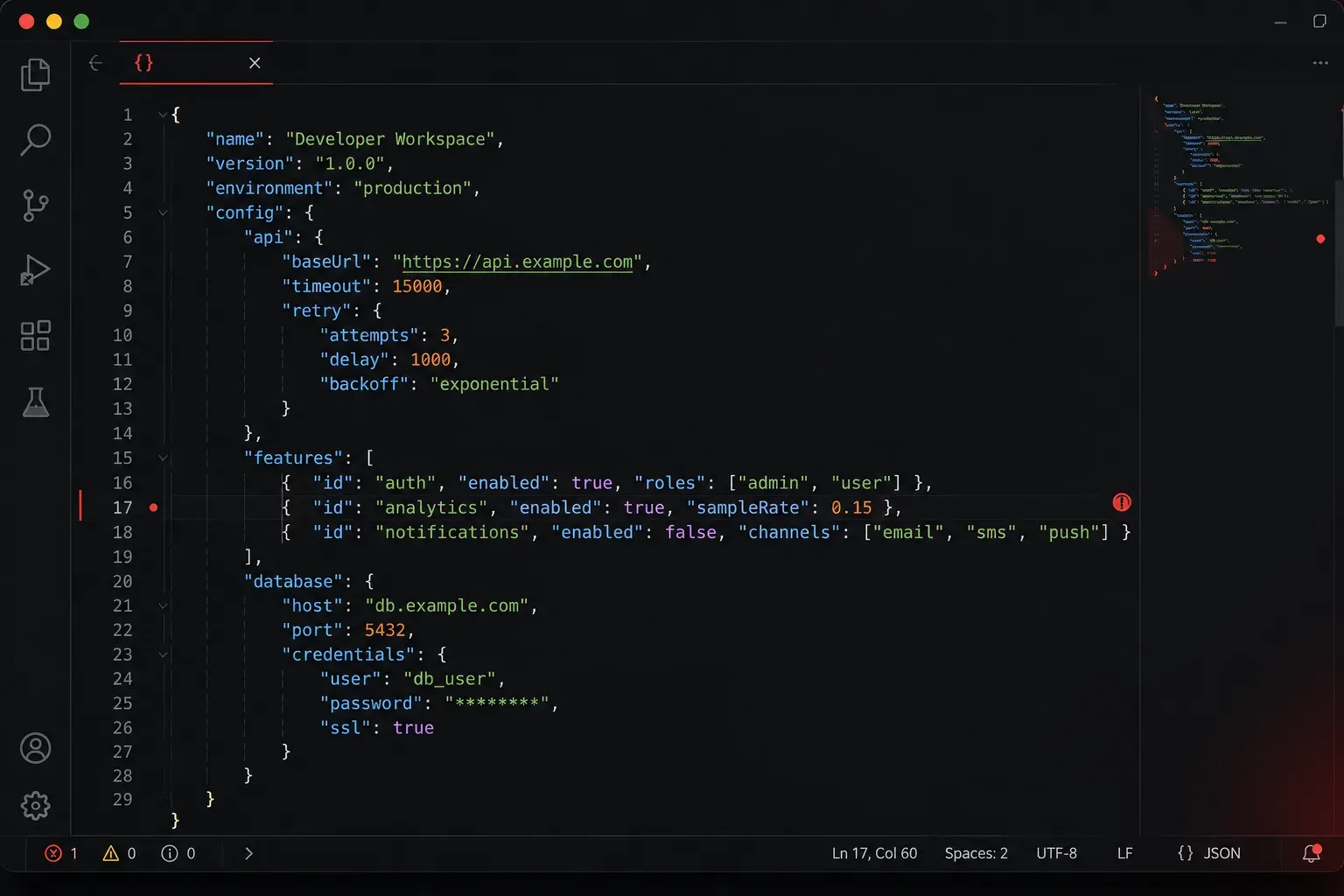
JSON (JavaScript Object Notation) is everywhere in modern programming. Whether you're building web applications, working with APIs, or configuring software, you'll encounter JSON daily. JSON is a widely-used data interchange format that, despite its name suggesting a connection to JavaScript, has been adopted across all programming languages for structured data exchange.
Let's dive into the fundamental structure and syntax that makes JSON so powerful and widely adopted.
What Makes JSON Special?
JSON is a lightweight, text-based data format that's easy for humans to read and write, and simple for machines to parse and generate. While JSON originated as a subset of JavaScript object literal syntax, it has evolved into a language-independent format. It's built on two universal programming structures: collections of name/value pairs (like objects or dictionaries) and ordered lists of values (like arrays).
Here's a simple JSON object that represents a network device:
{
  "hostname": "router-01",
  "ip_address": "192.168.1.1",
  "model": "Cisco 2921",
  "ports": 24,
  "active": true
}
JSON Syntax Rules
JSON follows strict syntax rules that ensure consistency across all implementations:
Data Types
JSON supports six data types:
- String: Text wrapped in double quotes:
"Hello World" - Number: Integer or floating point:
42or3.14 - Boolean: True or false:
trueorfalse - null: Represents empty value:
null - Object: Collection of key/value pairs in curly braces
- Array: Ordered list of values in square brackets
Key Formatting Rules
Understanding these rules prevents common JSON errors:
- Keys must always be strings wrapped in double quotes
- Values are separated from keys with a colon
: - Multiple key/value pairs are separated by commas
- No trailing commas allowed
- Only double quotes, never single quotes
JSON Object Structure
A JSON object is an unordered collection of key/value pairs enclosed in curly braces. Here's a more complex example showing nested objects and arrays:
{
  "user": {
    "id": 12345,
    "username": "networkadmin",
    "email": "[email protected]",
    "roles": ["admin", "user", "viewer"],
    "preferences": {
      "theme": "dark",
      "notifications": true,
      "timezone": "UTC"
    },
    "last_login": null
  },
  "session": {
    "token": "abc123xyz789",
    "expires": "2024-12-31T23:59:59Z",
    "permissions": [
      {
        "resource": "routers",
        "actions": ["read", "write", "delete"]
      },
      {
        "resource": "switches",
        "actions": ["read"]
      }
    ]
  }
}
Working with Arrays in JSON
JSON arrays contain ordered lists of values. Each value can be any valid JSON data type, including other objects or arrays:
{
  "network_devices": [
    {
      "type": "router",
      "hostname": "core-router-01",
      "interfaces": ["GigE0/0", "GigE0/1", "Serial0/0"]
    },
    {
      "type": "switch",
      "hostname": "access-switch-01",
      "interfaces": ["FastEthernet0/1", "FastEthernet0/2"]
    }
  ],
  "vlans": [10, 20, 30, 100],
  "maintenance_windows": [
    "2024-01-15T02:00:00Z",
    "2024-02-15T02:00:00Z"
  ]
}
Common JSON Mistakes to Avoid
New programmers often make these syntax errors:
- Using single quotes instead of double quotes
- Adding trailing commas after the last element
- Forgetting to quote object keys
- Including comments (JSON doesn't support comments)
- Using undefined values instead of
null
Validating Your JSON
Always validate your JSON syntax before using it in applications. Most code editors highlight JSON syntax errors, and online validators like JSONLint can quickly identify problems in your JSON structure.
What's Next
Now that you understand JSON's structure and syntax, you're ready to learn how to manipulate JSON data programmatically. In our next post, we'll explore how to parse and generate JSON in Python, including working with the built-in json module and handling common data conversion scenarios.