
Hands-On with Krisp: Noise-Free Networking for IT Pros
Learn how Krisp's AI-powered noise cancellation can transform virtual communications for IT professionals by eliminating background noise during critical technical meetings and troubleshooting sessions. Includes setup tips and real-world usage scenarios.

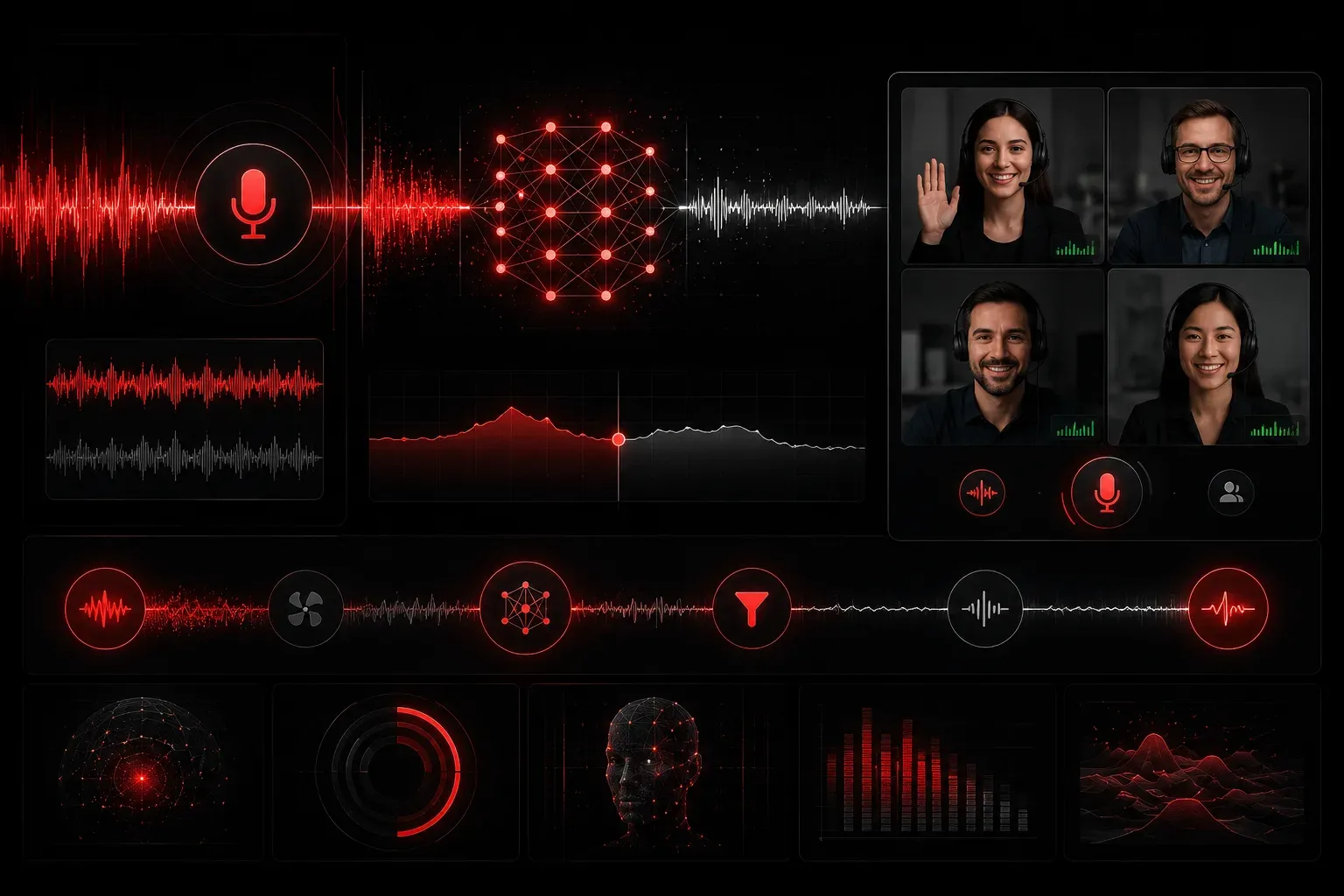
Remote meetings have become the backbone of IT operations, but nothing derails a critical network outage call like barking dogs, construction noise, or that colleague's mechanical keyboard. As IT professionals, we need crystal-clear communication when discussing complex technical issues, troubleshooting network problems, or walking someone through configuration changes.
Krisp is an AI-powered noise cancellation tool that sits between your microphone and any application, filtering out background noise in real-time. Unlike traditional noise gates that simply mute audio below a threshold, Krisp uses machine learning to distinguish between your voice and unwanted sounds, keeping your speech clear while eliminating distractions.
Why IT Professionals Need Krisp
In our field, communication clarity isn't just about convenience; it's about efficiency and accuracy. When you're explaining a complex BGP routing issue or reading out IP addresses during an incident response, every syllable matters. Background noise forces participants to ask for repetition, breaking concentration and extending meeting times.
Consider these common IT scenarios where Krisp noise cancellation makes a difference:
- Emergency bridge calls from home offices or co-working spaces
- Client calls while traveling or in noisy environments
- Training sessions where clear audio is essential
- Vendor calls where technical details require precision
Setting Up Krisp for Maximum Effectiveness
Getting started with Krisp takes less than five minutes. Download the application from krisp.ai and install it on your Windows, Mac, or mobile device. The setup process automatically detects your existing audio devices and creates virtual microphone and speaker devices that route through Krisp's processing engine.
Here's the optimal configuration for IT professionals:
Step 1: Configure Your Default Devices
Set Krisp Microphone as your system default input device and Krisp Speaker as your default output. This ensures all applications automatically use noise cancellation without individual configuration.
Step 2: Adjust Sensitivity Settings
Access Krisp's settings and set noise cancellation to "High" for both microphone and speaker. The AI is sophisticated enough to preserve your voice quality while aggressively filtering background noise.
Step 3: Test with Common Scenarios
Before your next important call, test Krisp with typical background noises in your environment. The AI learns and improves over time, so initial testing helps optimize performance for your specific acoustic conditions.
Real-World Impact on Virtual Communication
The difference becomes immediately apparent during remote meetings. Technical discussions flow more smoothly when participants aren't distracted by ambient noise. During incident response calls, clear communication helps teams resolve issues faster by eliminating the need to repeat critical information.
Krisp also includes useful features like meeting transcription and insights, which can be valuable for documenting technical discussions or creating action items from troubleshooting sessions. The transcription accuracy improves significantly when background noise is eliminated from the audio stream.
One particularly valuable feature for IT professionals is Krisp's ability to work with any communication platform, including Teams, Zoom, WebEx, and even traditional phone systems via softphones. You configure it once at the system level, and it works everywhere.
Performance Considerations and System Impact
Krisp runs efficiently with minimal system resource usage, typically consuming less than 2% CPU on modern systems. The processing occurs locally on your device, meaning no audio data is transmitted to external servers; an important consideration for IT professionals handling sensitive communications.
The application includes a real-time noise-cancellation indicator that shows you exactly when it's actively filtering sounds. This visual feedback helps you understand how effectively it's working in different environments.
What's Next
Now that you've seen how AI-powered noise cancellation can improve your professional communications, our next post will explore ChatGPT for IT Documentation: learning how to leverage AI to create better technical documentation, incident reports, and knowledge base articles that actually help your team solve problems faster.