
Understanding Power Connections and Rack Layout Basics
Learn the fundamentals of power connections and rack layout for network equipment, covering power requirements, management best practices, and proper equipment installation techniques for reliable network infrastructure.

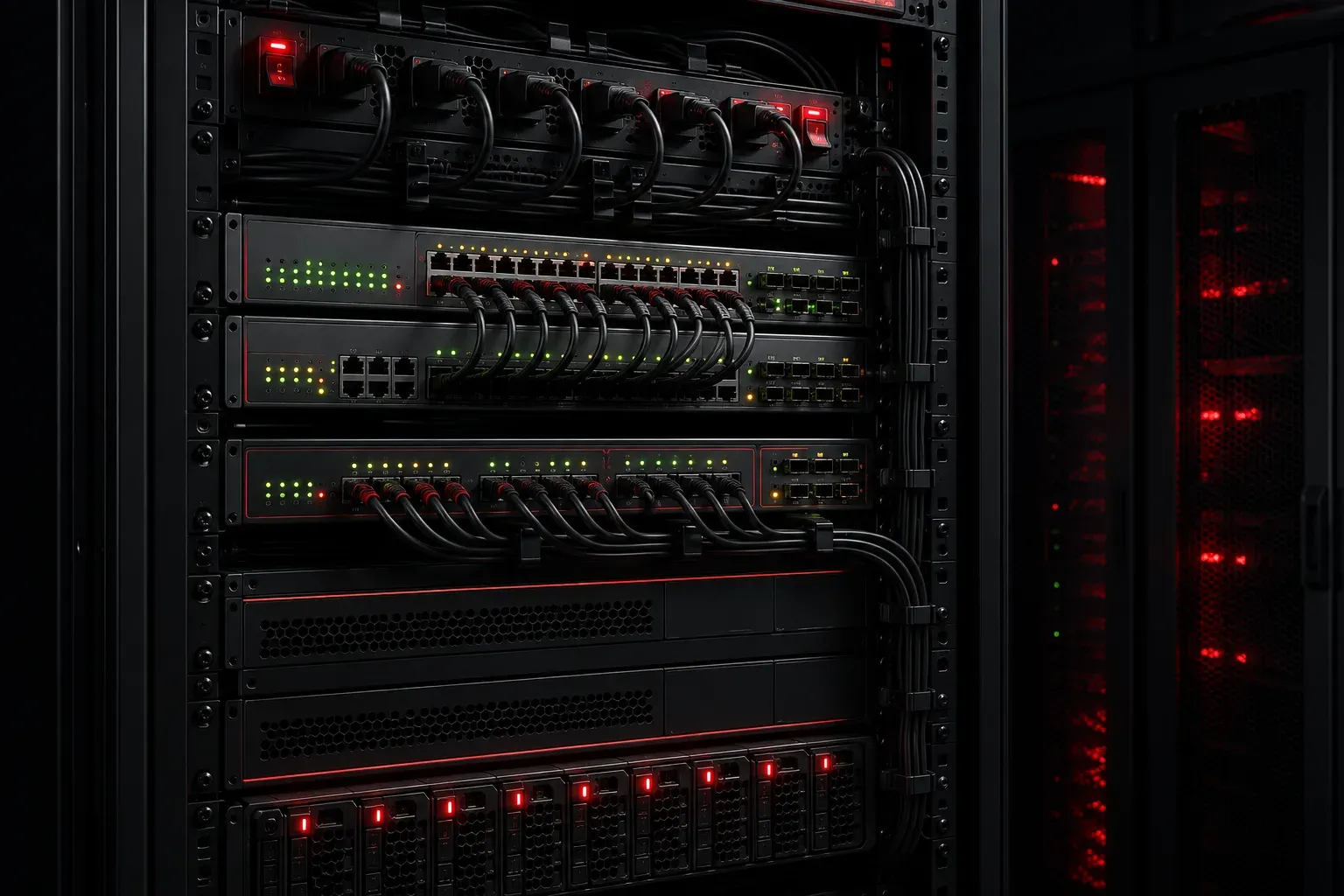
When you're setting up network equipment, understanding power connections and rack layout basics is fundamental to building reliable networks. Whether you're working in a small office or preparing for the CCST Networking exam, these concepts form the foundation of proper network infrastructure deployment.
Understanding Network Equipment Power Requirements
Network devices like switches and routers require consistent, clean power to operate reliably. Most enterprise network equipment uses standard AC power connections, though some enterprise environments also utilize DC power systems for improved efficiency and reliability, particularly in telecommunications and service provider networks.
Common power connection types include:
- IEC C13/C14 connectors: Standard "computer" power cables used by most switches and small routers
- IEC C19/C20 connectors: Higher amperage connections for larger equipment
- DC power inputs: Used by equipment such as telecom-grade routers, carrier-class switches, and some wireless controllers, often with terminal block connections or proprietary DC connectors
When planning your power connections, always check the device's power consumption specifications. A typical 24-port access switch might consume 50-100 watts (though this can increase significantly with Power over Ethernet capabilities), while a core switch could require 300+ watts depending on the specific model, configuration, port count, and features like high-speed interfaces or redundant components.
Power Management Best Practices
Proper power management goes beyond simply plugging devices into outlets. Consider these essential practices:
Redundant Power Sources: Many enterprise switches and routers support dual power supplies. This means if one power source fails, the device continues operating on the backup supply. Always connect these to separate power circuits when possible.
Uninterruptible Power Supply (UPS): Network equipment should be protected by UPS systems to maintain operation during brief power outages. Calculate your total power requirements and ensure your UPS can handle the load for the required runtime.
Power Distribution Units (PDUs): In rack environments, PDUs provide multiple power outlets and often include monitoring capabilities. Smart PDUs can track power consumption per outlet, helping you manage capacity and identify issues.
Rack Layout Fundamentals
Standard network racks follow the 19-inch width specification and use rack units (RU or U) for height measurements. One rack unit equals 1.75 inches.
Key rack layout principles:
- Heat management: Place heat-generating equipment with adequate spacing and ensure proper airflow from front to back
- Weight distribution: Install heavier equipment in lower rack positions for stability
- Cable management: Plan for both power and data cables with appropriate routing and management systems
- Access considerations: Position frequently accessed equipment at convenient heights
Practical Network Equipment Setup
When setting up network devices in a rack environment, follow this general sequence:
1. Plan the layout: Sketch your rack configuration before installation, considering power requirements, cable runs, and heat generation.
2. Install support infrastructure: Mount PDUs, cable management systems, and any rack-mounted UPS units first.
3. Install network equipment: Work from bottom to top, securing each device with appropriate rack screws or mounting hardware.
4. Connect power: Use proper power cables and verify connections before energizing equipment. For devices with redundant power supplies, connect to separate power sources.
5. Document everything: Label power connections and maintain accurate documentation of your rack layout.
Common Mistakes to Avoid
New network technicians often overlook these critical aspects:
- Overloading electrical circuits by connecting too many devices to a single power source
- Poor cable management that restricts airflow and makes troubleshooting difficult
- Installing equipment without considering future expansion needs
- Neglecting to secure devices properly, leading to equipment damage from vibration or movement
What's Next
Now that you understand power connections and rack layout basics, the next step is diving deeper into cable management and patch panel organization. These skills will help you maintain clean, professional network installations that are easy to troubleshoot and expand.