
Linux Filesystem Hierarchy Explained
An overview of the Linux Filesystem Hierarchy Standard (FHS), explaining the purpose and contents of essential directories like /bin, /boot, /etc, and others. Essential knowledge for effective Linux file management and system navigation.

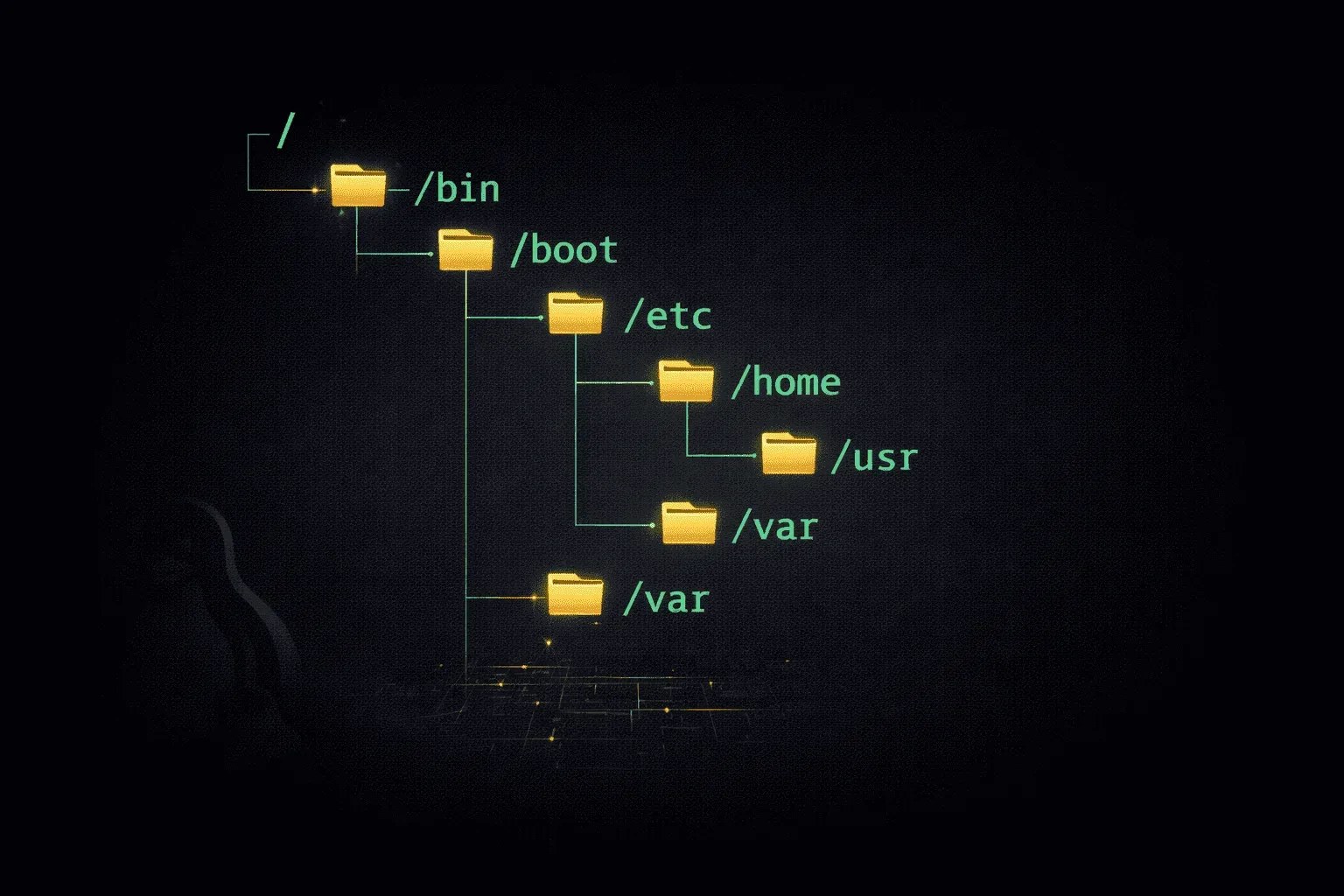
The Linux filesystem hierarchy might seem chaotic at first glance, but it follows a carefully designed standard that makes system administration predictable and efficient. Understanding the Linux filesystem hierarchy is fundamental to effective file management and system navigation.
What is the Filesystem Hierarchy Standard (FHS)?
The Filesystem Hierarchy Standard (FHS) defines the directory structure and directory contents in Unix-like operating systems, including Linux. Think of it as a blueprint that ensures consistency across different Linux distributions. When you know that configuration files live in /etc on Ubuntu, you can confidently find them in the same location on CentOS or Fedora.
Essential Top-Level Directories
Let's explore the key directories you'll encounter in every Linux system, starting from the root directory (/).
/bin - Essential User Binaries
The /bin directory contains essential command binaries that must be available in single-user mode and for all users. These are the fundamental commands you use daily:
ls /bin
# Output includes: bash, cat, cp, ls, mv, rm, chmod
These programs are so critical that they're available even when other filesystems aren't mounted.
/boot - Boot Loader Files
Everything needed to boot your system lives in /boot. This includes the kernel, initial RAM disk, and bootloader configuration:
ls /boot
# Typical contents: vmlinuz-*, initrd.img-*, grub/
/etc - Configuration Files
The /etc directory houses system-wide configuration files. No executables belong here—only configuration data:
ls /etc | head -5
# Examples: passwd, hosts, fstab, ssh/, apache2/
When you need to modify system behavior, you'll often find yourself editing files in /etc.
/home - User Home Directories
Each user gets their personal space under /home. For example, user "john" would have /home/john as their home directory, containing personal files and user-specific configurations.
/lib - Essential Shared Libraries
The /lib directory contains shared library files needed by programs in /bin and /sbin. These are the system's fundamental libraries required for basic system operation.
/opt - Optional Software Packages
Third-party software often installs to /opt. Each package gets its own subdirectory, keeping everything self-contained. For instance, /opt/google/chrome/ might contain a Chrome browser installation.
/tmp - Temporary Files
The /tmp directory stores temporary files that applications create during operation. The system typically clears this directory on reboot, so never store important data here.
/usr - User Binaries and Data
Despite its name, /usr doesn't contain user files. Instead, it holds the bulk of user utilities and applications:
/usr/bin- Non-essential user binaries/usr/lib- Libraries for/usr/binand/usr/sbin/usr/local- Locally compiled software/usr/share- Shared data like documentation and icons
/var - Variable Data
The /var directory contains files that change frequently during system operation:
/var/log- System and application logs/var/spool- Print jobs, mail queues/var/tmp- Temporary files preserved between reboots
Practical Navigation Tips
Understanding this hierarchy makes system navigation intuitive. Need to check system logs? Try /var/log. Looking for a configuration file? Start with /etc. Want to install software manually? Consider /usr/local or /opt.
Use the man hier command to get detailed information about the filesystem hierarchy on your specific system.
What's Next
Now that you understand where files live, the next step is mastering file permissions and ownership. We'll explore how Linux controls access to these directories and files, ensuring system security while maintaining usability.
Linux+ study resources
- CompTIA Linux+ Study Guide: Exam XK0-006 — Comprehensive coverage of the XK0-006 exam objectives including Linux administration, security, scripting, and troubleshooting.