
What is a MAC Address Table and How is it Used?
The MAC address table is a switch's database that maps MAC addresses to physical ports, enabling intelligent frame forwarding. Switches automatically build these tables through learning, creating efficient data paths and reducing unnecessary network traffic.

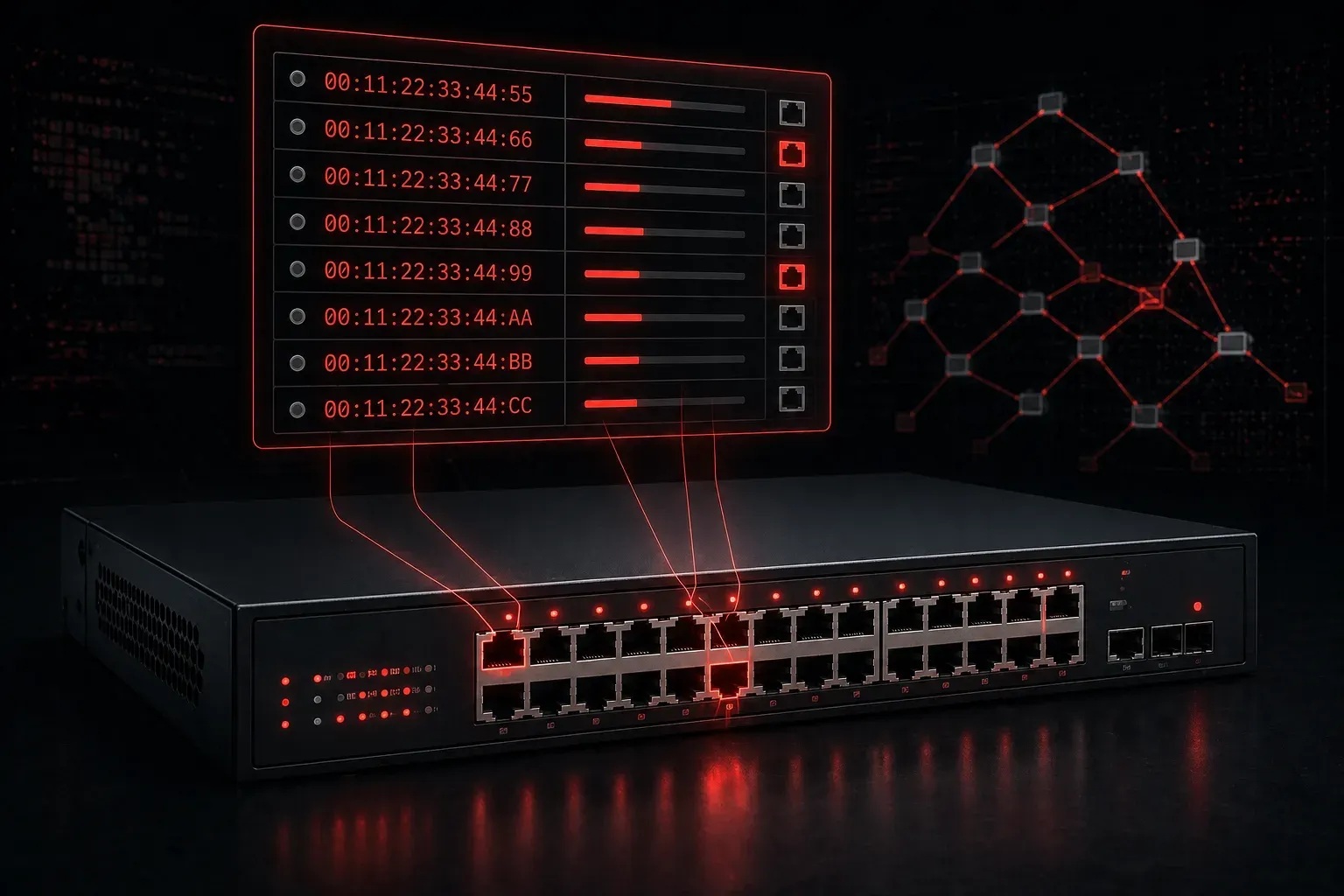
When you plug a device into a network switch, something remarkable happens behind the scenes. The switch doesn't just blindly forward your data everywhere; it learns about your device and builds an intelligent map of where everything is connected. This map is called the MAC address table, and it's the foundation of how modern Ethernet switching works.
What is a MAC Address Table?
A MAC address table is a database that network switches use to store the relationships between MAC addresses and switch ports. Think of it as the switch's memory bank; it remembers which devices are connected to which ports so it can make smart forwarding decisions.
Every network interface has a unique MAC address (like 00:1B:44:11:3A:B7), and when a device sends data through a switch, the switch records this information. The table contains three key pieces of information:
- MAC Address: The unique hardware address of the device
- Port Number: Which physical port the device is connected to
- VLAN ID: Which virtual network the device belongs to
How Switches Build and Use MAC Address Tables
The switching role in managing data paths involves a simple but powerful learning process. When a frame enters a switch port, the switch examines the source MAC address and creates an entry mapping that address to the incoming port. This process is called MAC address learning.
Here's how it works step by step:
- Learning: When Computer A sends data, the switch records "Computer A's MAC address is on port 1"
- Forwarding: When data arrives destined for Computer A, the switch knows exactly which port to use
- Aging: Entries are removed after a period of inactivity (typically 300 seconds) to keep the table current
You can view the MAC address table on Cisco switches using the show mac address-table command:
Switch# show mac address-table
          Mac Address Table
-------------------------------------------

Vlan    Mac Address       Type        Ports
----    -----------       --------    -----
   1    0050.56c0.0001    DYNAMIC     Fa0/1
   1    0050.56c0.0002    DYNAMIC     Fa0/2
   1    0050.56c0.0003    DYNAMIC     Fa0/3
Total Mac Addresses for this criterion: 3
The Impact on Network Management and Data Paths
MAC address tables are crucial for efficient network management and optimal data paths. Without them, switches would have to flood every frame out all ports; imagine the chaos and wasted bandwidth!
The table enables three key switching behaviors:
- Unicast forwarding: Send data directly to the correct port when the destination MAC is known
- Flooding: Send data out all ports (except the source) when the destination MAC is unknown
- Filtering: Drop frames when source and destination are on the same port
This intelligent forwarding creates efficient data paths by ensuring traffic only goes where it needs to go. For network management, administrators can troubleshoot connectivity issues by examining which devices the switch has learned and on which ports.
MAC Address Table in Action
Consider a simple scenario: Computer A (MAC: aaaa.aaaa.aaaa) on port 1 wants to send data to Computer B (MAC: bbbb.bbbb.bbbb) on port 2.
Initially, the switch's MAC address table is empty. When Computer A sends its first frame:
- Switch learns Computer A's MAC address is on port 1
- Since it doesn't know where Computer B is, it floods the frame out all other ports
- When Computer B responds, the switch learns Computer B's MAC address is on port 2
- Now all future communication between A and B flows directly between ports 1 and 2
This learning process happens automatically and continuously, making the switching role in data paths both dynamic and efficient.
What's Next
Understanding MAC address tables sets the foundation for more advanced switching concepts. In our next post, we'll explore how switches handle broadcast traffic and the role of broadcast domains in network segmentation. We'll also dive into how VLANs create separate MAC address tables for different virtual networks.
Tools and resources for this topic
- CCNA Official Cert Guide (Wendell Odom) — The definitive CCNA study resource. Both volumes cover the 200-301 exam blueprint in full.
- Wendell Odom CCNA Vol 1 — Covers networking fundamentals, switching, and routing basics.
- Wendell Odom CCNA Vol 2 — Covers advanced routing, WAN, infrastructure services, and security.