
Network Collisions vs Errors: Key Differences Explained
Network collisions occur when devices transmit simultaneously on shared segments, while errors indicate data transmission problems like corruption or formatting issues. Understanding this distinction is essential for effective network troubleshooting and diagnosing performance problems correctly.

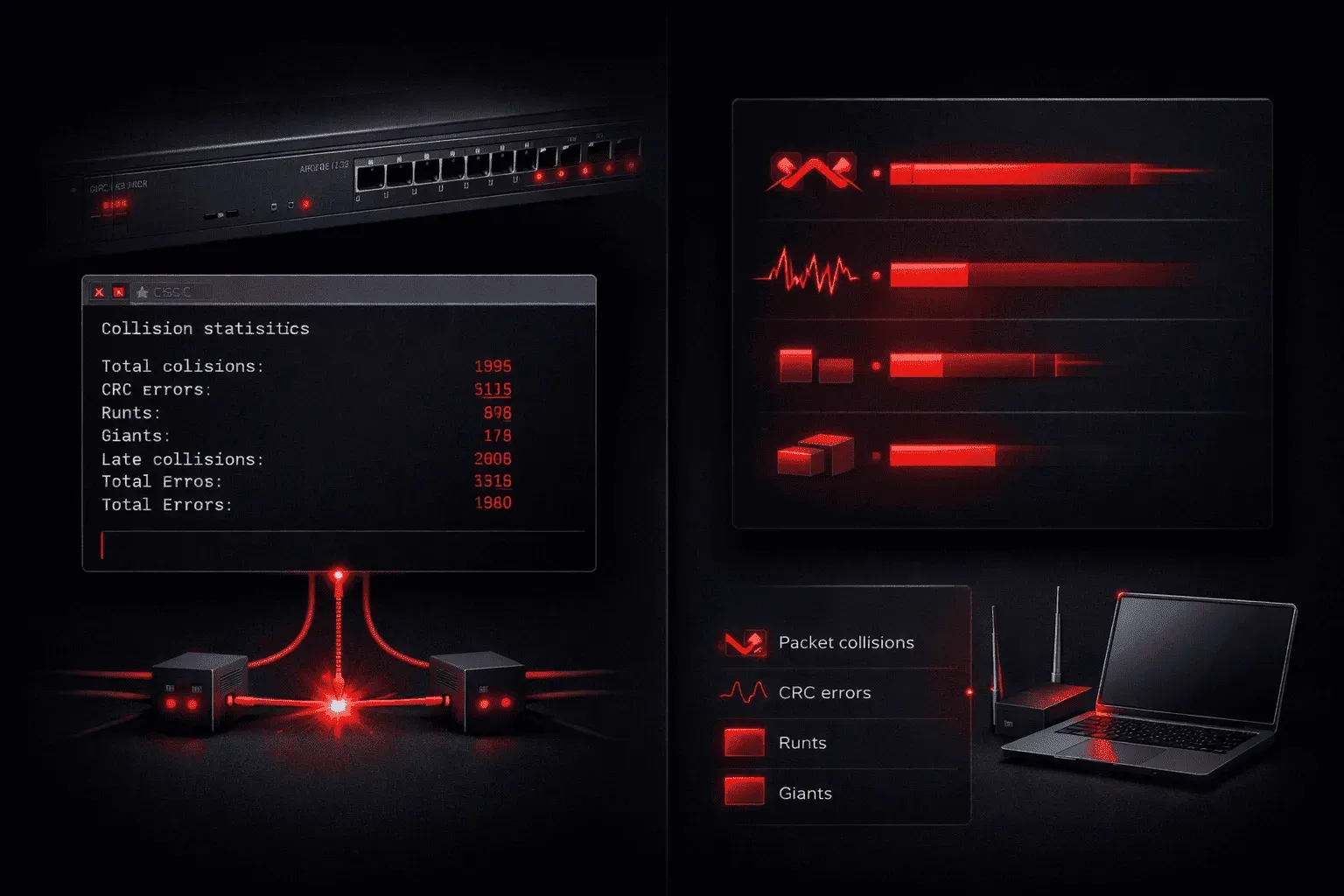
Distinguishing between network collisions and errors can feel confusing. Both can impact network performance, but understanding their fundamental differences is crucial for effective network troubleshooting. Let's break down these concepts and explore why knowing the difference matters when diagnosing network issues.
What Are Network Collisions?
Network collisions occur in shared network segments, particularly in legacy Ethernet environments using hubs or half-duplex connections. A collision happens when two devices attempt to transmit data simultaneously on the same network segment, causing their electrical signals to interfere with each other.
Think of collisions like two people trying to talk at the same time in a conversation. The messages get garbled, and both speakers need to stop, wait, and try again. In networking terms, when devices detect a collision, they use the CSMA/CD (Carrier Sense Multiple Access with Collision Detection) protocol to handle the situation:
- Both devices stop transmitting immediately
- They wait for a random amount of time
- They attempt to retransmit the data
Here's what you might see when checking collision statistics on a Cisco switch:
Switch#show interfaces fastethernet 0/1
FastEthernet0/1 is up, line protocol is up
  Hardware is Fast Ethernet, address is 0012.7f4a.5c01
  MTU 1500 bytes, BW 100000 Kbit/sec, DLY 100 usec
  ...
  0 collisions, 0 late collisions
  0 deferred, 0 no carrier, 0 lost carrier, 0 no buffer
Pay attention to the collisions and late collision values. In the example above, both are 0, which is good; high numbers here could indicate a problem, especially if this link is full-duplex. In Half-duplex (although uncommon these days), high collisions are normal.
What Are Network Errors?
Network errors, on the other hand, are various data transmission problems that occur for different reasons. Unlike collisions, errors typically indicate issues with data integrity, physical layer problems, or configuration mismatches.
Common types of network errors include:
- CRC errors: Data corruption during transmission
- Frame errors: Improperly formatted frames
- Runts: Frames smaller than the minimum size (64 bytes)
- Giants: Frames larger than the maximum size (1518 bytes)
- Input errors: General receive errors on an interface
When you run show interfaces on a Cisco device, you'll see error counters that help identify these issues:
Switch#show interfaces gigabitethernet 0/1
GigabitEthernet0/1 is up, line protocol is up
  ...
  5 minute input rate 2000 bits/sec, 4 packets/sec
  5 minute output rate 1000 bits/sec, 2 packets/sec
     15342 packets input, 1234567 bytes, 0 no buffer
     Received 15342 broadcasts (0 multicasts)
     3 runts, 2 giants, 0 throttles
     5 input errors, 5 CRC, 0 frame, 0 overrun, 0 ignored
Key Differences That Matter for Troubleshooting
Understanding the network collisions vs errors distinction helps you diagnose network issues more effectively:
Cause and Context
Collisions are normal in half-duplex environments but shouldn't occur in modern full-duplex switched networks. If you see collisions on a full-duplex interface, you likely have a duplex mismatch. Errors, however, can occur in any network environment and usually indicate hardware problems, cable issues, or electromagnetic interference.
Impact on Performance
Collisions reduce available bandwidth because devices must retransmit, but the data eventually gets through correctly. Errors often mean data is lost or corrupted, potentially requiring higher-layer protocols to handle retransmission.
Troubleshooting Approach
When you encounter collisions during network troubleshooting, check for duplex mismatches or inappropriate use of hubs. For errors, examine physical connections, cable quality, and environmental factors like electromagnetic interference.
Modern Network Considerations
In today's switched networks operating in full-duplex mode, collisions should be virtually non-existent. If you're seeing collision counters incrementing on modern equipment, it's typically a red flag indicating configuration problems or faulty hardware.
Errors, however, remain relevant in all network environments. Even in well-designed networks, occasional errors are normal, but consistent or increasing error rates warrant investigation.
What's Next
Now that you understand the fundamental differences between collisions and errors, the next step is learning how to systematically troubleshoot network performance issues using Cisco's layered troubleshooting methodology. We'll explore how to use interface statistics and monitoring tools to identify and resolve common network problems.
CCNA study resources
- CCNA Official Cert Guide Library (Wendell Odom) — Both volumes covering the full 200-301 exam blueprint. The definitive CCNA study resource.
- Wendell Odom CCNA Vol 1 — Networking fundamentals, switching, VLANs, STP, and IPv4 routing.