
Resolving OSPF Neighbor Relationship Issues
Comprehensive guide to troubleshooting OSPF neighbor relationship failures, covering authentication issues, Hello parameter mismatches, MTU problems, and systematic debugging approaches for CCNP ENARSI candidates.

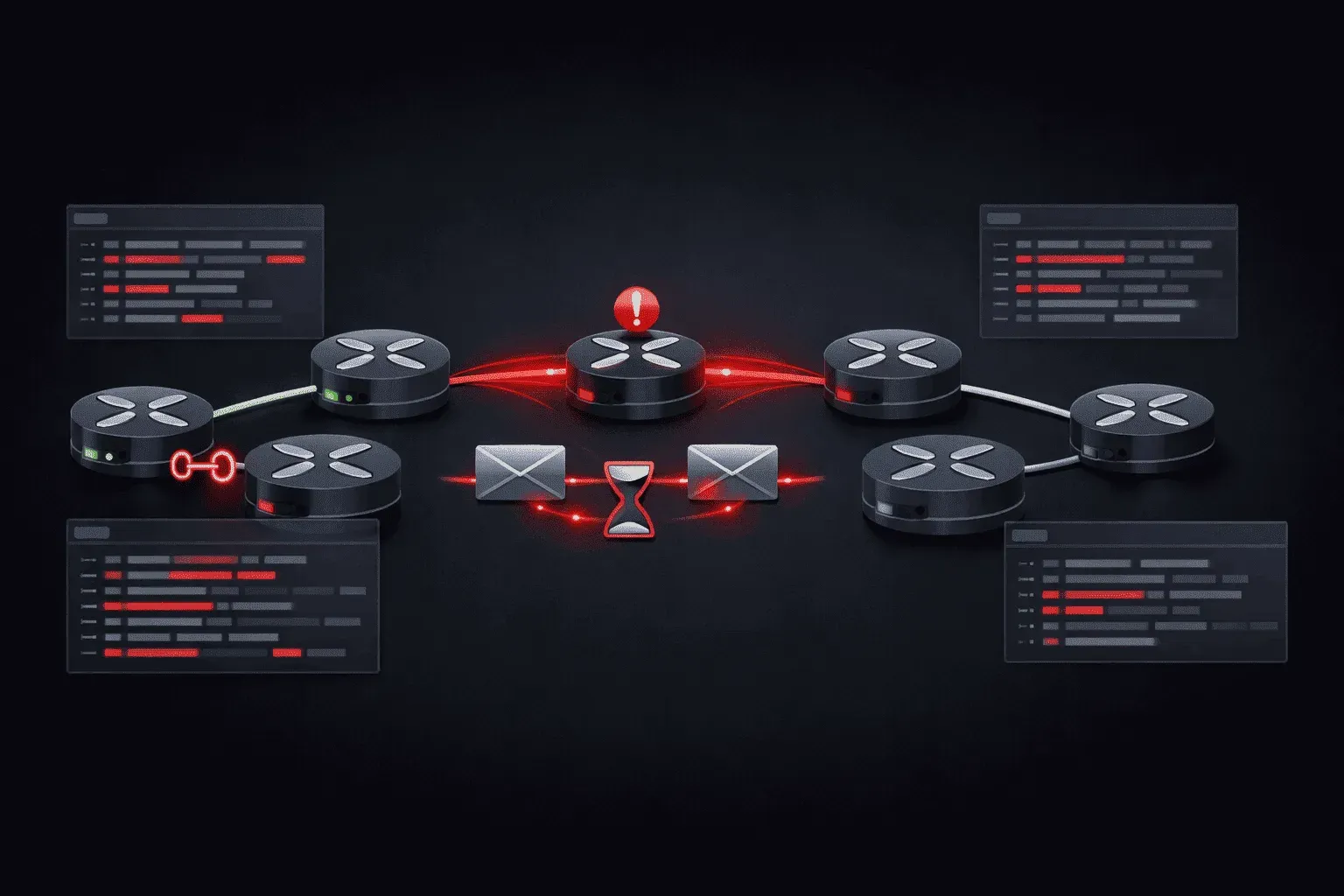
OSPF neighbor relationships form the foundation of a stable OSPF topology, but when these relationships fail to establish or maintain, troubleshooting requires a methodical approach. Understanding the neighbor state machine, authentication mechanisms, and common failure points enables rapid resolution of adjacency issues in production environments.
OSPF Neighbor State Analysis
Begin troubleshooting by examining the current neighbor state using show ip ospf neighbor. Neighbors stuck in states other than Full (or 2-Way for non-DR/BDR relationships on multi-access networks) indicate specific failure points:
R1# show ip ospf neighbor

Neighbor ID     Pri   State           Dead Time   Address         Interface
192.168.1.2       1   Init/Drother    00:00:35     10.1.1.2        GigabitEthernet0/1
192.168.1.3       1   ExStart/DR      00:00:38     10.1.1.3        GigabitEthernet0/1
The Init state indicates R1 receives Hello packets from the neighbor but hasn't seen its own router ID in the neighbor's Hello packet, suggesting unidirectional connectivity or Hello parameter mismatches. ExStart state failures typically point to MTU mismatches or authentication issues during database exchange.
Hello Parameter Verification
OSPF neighbors must agree on Hello interval, Dead interval, area ID, authentication type, and subnet mask. Use show ip ospf interface to verify these parameters:
R1# show ip ospf interface gigabitethernet0/1
GigabitEthernet0/1 is up, line protocol is up
  Internet Address 10.1.1.1/24, Area 0, Attached via Network Statement
  Process ID 1, Router ID 192.168.1.1, Network Type BROADCAST, Cost: 1
  Topology-MTID    Cost    Disabled    Shutdown      Topology Name
        0           1         no          no            Base
  Transmit Delay is 1 sec, State BDR, Priority 1
  Designated Router (ID) 192.168.1.3, Interface address 10.1.1.3
  Backup Designated router (ID) 192.168.1.1, Interface address 10.1.1.1
  Timer intervals configured, Hello 10, Dead 40, Wait 40, Retransmit 5
    oob-resync timeout 40
  Hello due in 00:00:03
  Supports Link-local Signaling (LLS)
  Cisco NSF helper support enabled
  IETF NSF helper support enabled
  Index 1/2/2, flood queue length 0
  Next 0x0(0)/0x0(0)/0x0(0)
  Last flood scan length is 1, maximum is 1
  Last flood scan time is 0 msec, maximum is 0 msec
  Neighbor Count is 1, Adjacent neighbor count is 1
    Adjacent with neighbor 192.168.1.3  (Designated Router)
  Suppress hello for 0 neighbor(s)
Compare timer intervals and network types across all neighbors. Mismatched Hello/Dead timers prevent adjacency formation, while network type mismatches cause DR/BDR election issues.
Authentication Problem Resolution
Authentication failures manifest as neighbors stuck in Init or authentication error messages in logs. OSPF supports three authentication types: null (Type 0), simple password (Type 1), and MD5 (Type 2). Modern implementations should use MD5 authentication:
interface gigabitethernet0/1
 ip ospf message-digest-key 1 md5 SecureKey123

router ospf 1
 area 0 authentication message-digest
Authentication problems often stem from key ID mismatches or different keys configured on neighboring routers. Verify authentication configuration using show ip ospf interface and ensure consistent key IDs and passwords across all neighbors in the area.
Authentication Debugging
Enable OSPF hello debugging to observe authentication exchanges:
R1# debug ip ospf hello
OSPF hello debugging is on
R1#
*Mar  1 01:15:23.456: OSPF-1 HELLO Gi0/1: Rcv hello from 192.168.1.2 area 0 10.1.1.2
*Mar  1 01:15:23.456: OSPF-1 HELLO Gi0/1: Mismatched hello parameters from 10.1.1.2
*Mar  1 01:15:23.456: OSPF-1 HELLO Gi0/1: Dead R 30 C 40, Hello R 15 C 10 Mask R 255.255.255.0 C 255.255.255.0
This output reveals Hello and Dead timer mismatches (R=Received, C=Configured), preventing neighbor adjacency.
MTU Mismatch Resolution
MTU mismatches cause neighbors to reach ExStart state but fail to progress to Exchange state. The database description packets exceed the interface MTU, causing packet drops. Verify MTU settings using:
R1# show interfaces gigabitethernet0/1 | include MTU
  MTU 1500 bytes, BW 1000000 Kbit/sec, DLY 100 usec,
Configure consistent MTU values across all OSPF interfaces, or use the ip ospf mtu-ignore command to bypass MTU checking (not recommended for production):
interface gigabitethernet0/1
 ip ospf mtu-ignore
Area Type and Stub Configuration Issues
Routers in stub areas, totally stubby areas, or NSSAs must have matching configurations. A router configured as stub cannot form adjacencies with routers configured as normal areas:
router ospf 1
 area 10 stub
Verify area configuration consistency using show ip ospf and ensure all routers in an area share the same area type designation.
Advanced Troubleshooting Techniques
Use show ip ospf database database-summary to identify LSA inconsistencies that might prevent full adjacency:
R1# show ip ospf database database-summary

            OSPF Router with ID (192.168.1.1) (Process ID 1)

Area 0 database summary
  LSA Type      Count    Delete   Maxage
  Router        3        0        0
  Network       1        0        0
  Summary Net   0        0        0
  Summary ASBR  0        0        0
  Type-7 Ext    0        0        0
    Prefixes redistributed in Type-7  0
  Opaque Link   0        0        0
  Opaque Area   0        0        0
  Subtotal      4        0        0
Monitor the OSPF event log for adjacency state changes and error conditions:
R1# show logging | include OSPF
*Mar  1 01:20:15.789: %OSPF-5-ADJCHG: Process 1, Nbr 192.168.1.2 on GigabitEthernet0/1 from LOADING to FULL, Loading Done
Systematic Troubleshooting Methodology
Follow this sequence when troubleshooting OSPF neighbor relationships:
- Verify physical connectivity and interface status
- Check IP addressing and subnet consistency
- Confirm OSPF process and area configuration
- Validate Hello/Dead timer parameters
- Verify authentication configuration and keys
- Check MTU settings across interfaces
- Examine area type configuration consistency
- Review OSPF database for LSA inconsistencies
Use packet captures with Wireshark to analyze OSPF packet exchanges when standard troubleshooting methods don't reveal the issue. This approach provides visibility into the actual Hello, Database Description, and LSR/LSU exchanges between neighbors.
What's Next
After establishing stable OSPF neighbor relationships, the next critical area involves optimizing OSPF convergence and understanding LSA propagation patterns. We'll explore OSPF area design considerations, including the strategic use of stub areas and route summarization to control LSA flooding and improve network scalability.
CCNP ENARSI study resources
- CCNP Enterprise Core ENCOR 350-401 and Advanced Routing ENARSI 300-410 Official Cert Guide Library — Both ENCOR and ENARSI books bundled together. The best value for CCNP Enterprise candidates.
- CCNP Enterprise Advanced Routing ENARSI 300-410 Official Cert Guide — The only Cisco-approved study guide for the ENARSI 300-410 exam. Covers advanced routing, VPNs, and infrastructure security.