
What Are PoE Ports and How Do They Work?
PoE ports deliver both power and data through a single Ethernet cable, eliminating the need for separate power sources for network devices. This technology uses different standards (PoE, PoE+, PoE++) to provide varying power levels to IP phones, wireless access points, and security cameras.

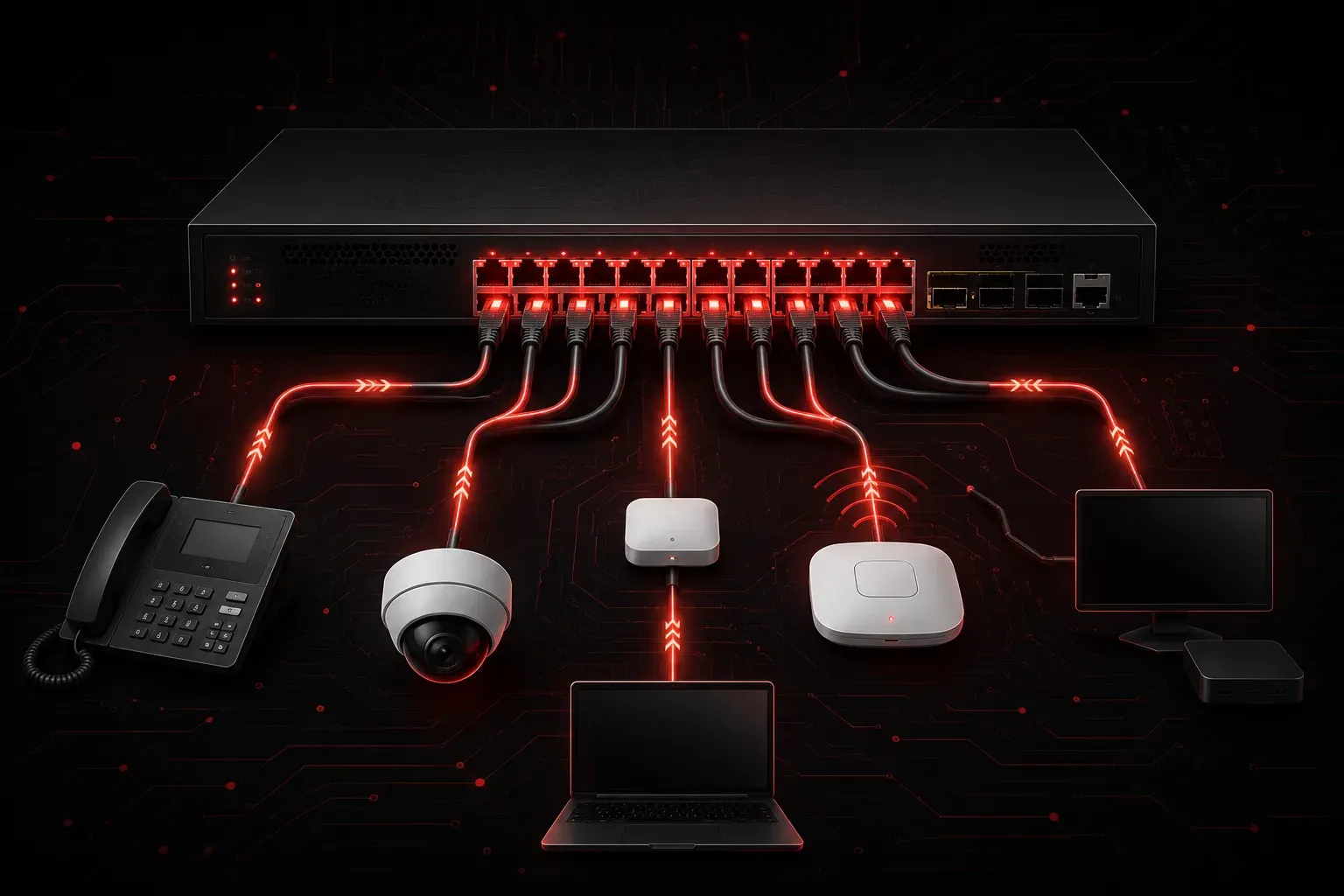
Power over Ethernet (PoE) ports are one of the most practical innovations in modern networking. Instead of running separate power cables to network devices, PoE ports deliver both electrical power and data through a single Ethernet cable. This technology simplifies installations and reduces costs, making it essential knowledge for anyone studying networking.
What is Power over Ethernet?
Power over Ethernet is a technology standard that allows network cables to carry electrical power alongside data signals. A PoE port on a network switch can provide power to connected devices like IP phones, wireless access points, security cameras, and other network equipment. This eliminates the need for separate power adapters or electrical outlets near each device.
PoE works by utilizing the wire pairs in standard Ethernet cables to deliver DC power safely. In standard 10/100 Ethernet, data transmission uses only two of the four wire pairs in a Cat5e or Cat6 cable, so PoE can use the unused pairs for power delivery. However, in modern implementations and Gigabit Ethernet, PoE can also use the same wire pairs that carry data, with power and data signals coexisting on the same conductors through different frequency ranges.
How PoE Ports Work
When you connect a device to a PoE port, the power sourcing equipment (PSE) and powered device (PD) go through an automated negotiation process:
- Detection: The PoE port first checks if the connected device can accept power by applying a low voltage and measuring electrical characteristics like resistance
- Classification: The port determines how much power the device needs through a classification signature
- Negotiation: In newer PoE standards, the PSE and PD may exchange additional information to optimize power delivery
- Power Delivery: If everything checks out, the port begins supplying the appropriate amount of power at 48V DC
- Monitoring: The port continuously monitors power consumption and can shut off power if there's a problem or the device is disconnected
This process ensures that non-PoE devices won't be damaged if accidentally connected to a PoE port, as power is only supplied after proper device identification.
PoE Standards and Power Levels
Different PoE standards provide varying amounts of power:
- PoE (802.3af): Delivers up to 15.4 watts to the device
- PoE+ (802.3at): Provides up to 25.5 watts to the device
- PoE++ (802.3bt): Supplies up to 60 watts (Type 3) or 90 watts (Type 4) to the device
The actual power received by the device is less than what the port supplies due to cable resistance and power loss over distance. For example, a PoE port might supply 30 watts, but the device receives about 25.5 watts.
Common PoE-Powered Devices
You'll find PoE functionality powering many network devices:
- IP Phones: Office phones that connect directly to the network
- Wireless Access Points: WiFi equipment mounted on ceilings or walls
- Security Cameras: IP cameras for surveillance systems
- Network Equipment: Small switches, wireless controllers, and IoT devices
Identifying PoE Ports
PoE ports look identical to regular Ethernet ports, but you can identify them by:
- Labels on the switch (often marked "PoE" or with a power symbol)
- Documentation that specifies which ports support PoE
- Using the
show power inlinecommand on Cisco switches to see PoE status
Switch# show power inline
Module   Available     Used     Remaining
          (Watts)     (Watts)    (Watts)
------   ---------   --------   ---------
1           370.0       45.6       324.4
Interface Admin  Oper       Power   Device              Class Max
                            (Watts)
--------- ------ ---------- ------- ------------------- ----- ---
Gi1/0/1   auto   on          15.4   IP Phone 7965        3    15.4
Gi1/0/2   auto   on          12.8   Cisco AP             2    15.4
Benefits and Considerations
PoE ports offer several advantages. Installation becomes simpler since you only need to run network cables, not separate power lines. This reduces installation costs and provides flexibility in device placement. Many PoE devices can also receive backup power through an uninterruptible power supply (UPS) connected to the network switch.
However, PoE has limitations. Power delivery decreases over longer cable distances, and the total power budget of a PoE switch limits how many devices you can power simultaneously. Higher-power devices might require PoE+ or PoE++ standards.
What's Next
Now that you understand how PoE ports provide network power, the next step is learning about VLANs and how they segment network traffic logically. This will build on your networking foundation as you explore more advanced switching concepts.