
Software Asset Management: Best Practices for Security
Software Asset Management (SAM) is essential for cybersecurity, involving systematic tracking and securing of all software assets. This guide covers discovery, risk mitigation, patch management, and compliance practices to reduce vulnerabilities and maintain regulatory requirements.

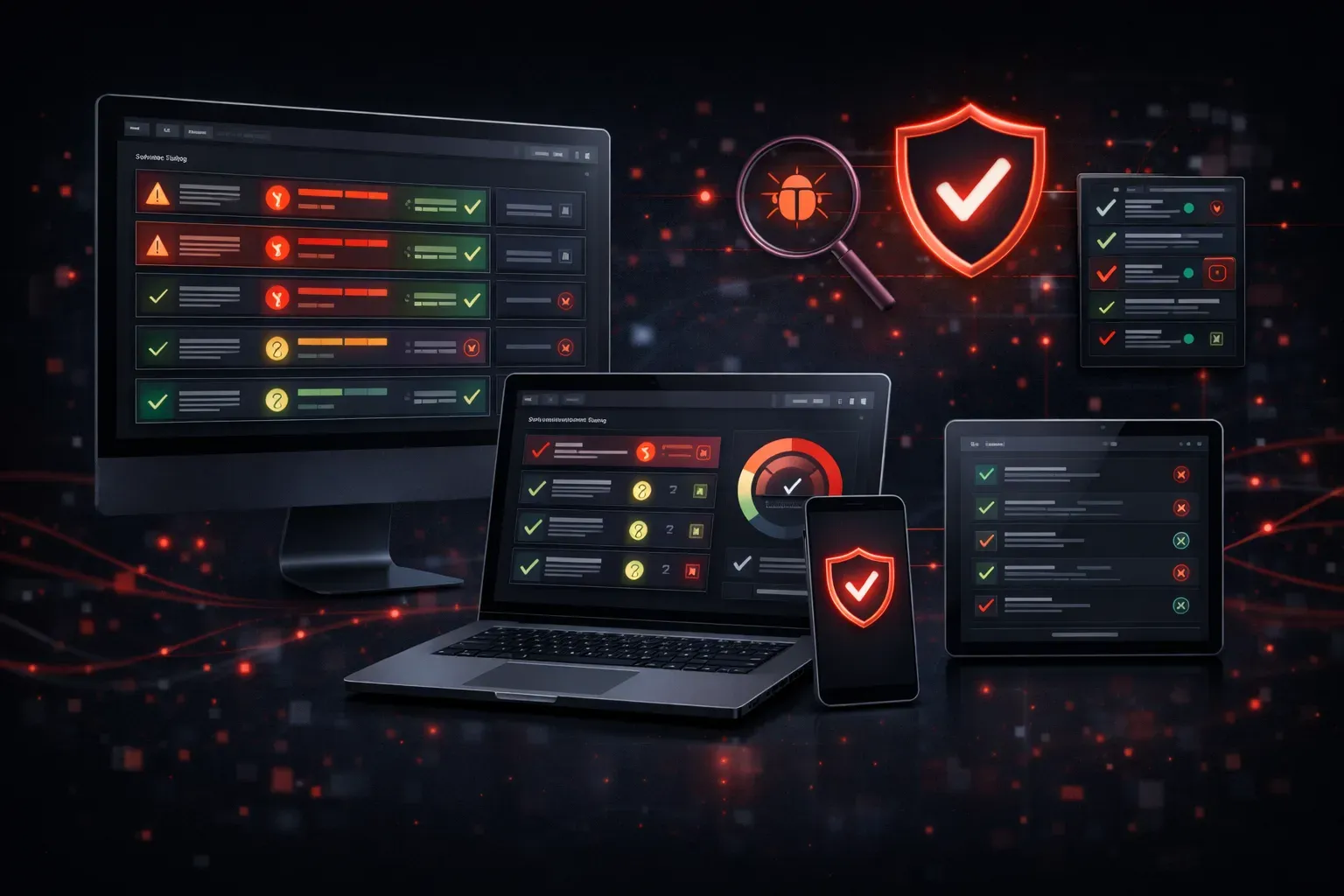
Software Asset Management (SAM) is a critical security discipline that organizations often overlook until they face a costly security incident or compliance audit. At its core, SAM involves systematically tracking, managing, and securing all software assets within your environment to reduce risk and maintain regulatory compliance.
Think of SAM as your organization's software inventory system with security at its heart. Without proper asset management, you're essentially flying blind when it comes to understanding your attack surface and potential vulnerabilities.
The Security Foundation of Software Asset Management
Effective software asset management begins with comprehensive discovery and inventory. You can't secure what you don't know exists. Modern organizations often struggle with shadow IT, where departments install software without IT approval, creating unknown security gaps.
Start by implementing automated discovery tools that scan your network to identify all installed software. Tools like nmap for network scanning or Microsoft's System Center Configuration Manager (SCCM) can help build your initial inventory. For smaller environments, even PowerShell commands like Get-WmiObject -Class Win32_Product can provide valuable insights.
Once you have your inventory, categorize software by criticality and risk level. Mission-critical applications require different security considerations than utility software, and this classification drives your security priorities.
Risk Mitigation Through Proactive Management
Software asset management directly supports risk mitigation through several key practices. First, maintaining an accurate inventory allows you to quickly identify vulnerable software when new threats emerge. When a critical vulnerability like Log4j is announced, organizations with proper SAM can immediately determine their exposure.
Implement a formal software approval process to prevent unauthorized installations. This process should include security reviews, license verification, and documentation requirements. Consider creating an approved software catalog that employees can request from, reducing the likelihood of shadow IT deployments.
Regular vulnerability assessments become much more effective when you know exactly what software versions are running across your environment. Tools like Nessus or OpenVAS can scan for known vulnerabilities, but they need accurate asset data to be truly effective.
Software Updates and Patch Management
One of the most critical aspects of SAM is maintaining current software versions through systematic software updates. Develop a patch management strategy that balances security needs with operational stability.
Create different update categories:
- Critical security patches: Deploy within 72 hours after testing
- Standard updates: Schedule for monthly maintenance windows
- Feature updates: Plan and test thoroughly before deployment
Use centralized management tools like Windows Server Update Services (WSUS) for Microsoft environments or Red Hat Satellite for Linux systems. These tools allow you to control and schedule updates across your infrastructure systematically.
Document your update procedures and maintain rollback plans. Test updates in a staging environment that mirrors production to identify potential conflicts before widespread deployment.
Compliance and Licensing Management
Software asset management plays a crucial role in maintaining compliance with both security regulations and software licensing agreements. Many compliance frameworks, including SOX and PCI DSS, require organizations to maintain accurate inventories of their IT assets.
Implement license tracking to ensure you're not over-deployed, which can result in costly audits and legal issues. Under-deployment can indicate unused assets that still represent security risks if not properly decommissioned.
Regular compliance audits should verify that all software installations are properly licensed and that security patches are current. Document these processes thoroughly, as auditors will want to see evidence of systematic management practices.
Implementation Best Practices
Start with automated discovery tools but don't rely solely on technology. Combine automated scanning with manual verification processes, especially for critical systems. Establish regular review cycles – monthly for high-risk systems, quarterly for standard systems.
Create clear ownership assignments for different software categories. Designate system administrators responsible for specific applications or system types, ensuring someone is accountable for maintaining current versions and security configurations.
Integrate your SAM processes with your incident response procedures. When security events occur, having accurate asset information speeds up containment and remediation efforts significantly.
What's Next
With solid software asset management practices in place, the next logical step is implementing comprehensive change management procedures. Change management ensures that software updates and new deployments follow security protocols and don't introduce new vulnerabilities to your environment.
Tools and resources for this topic
- CompTIA Security+ Study Guide — Full SY0-701 exam coverage including threats, vulnerabilities, and mitigation.