
Troubleshooting Common Issues in Cisco Catalyst SD-WAN
A systematic approach to troubleshooting Cisco Catalyst SD-WAN deployments, covering control plane connectivity, overlay tunnel issues, policy configuration problems, and performance optimization techniques for enterprise networks.

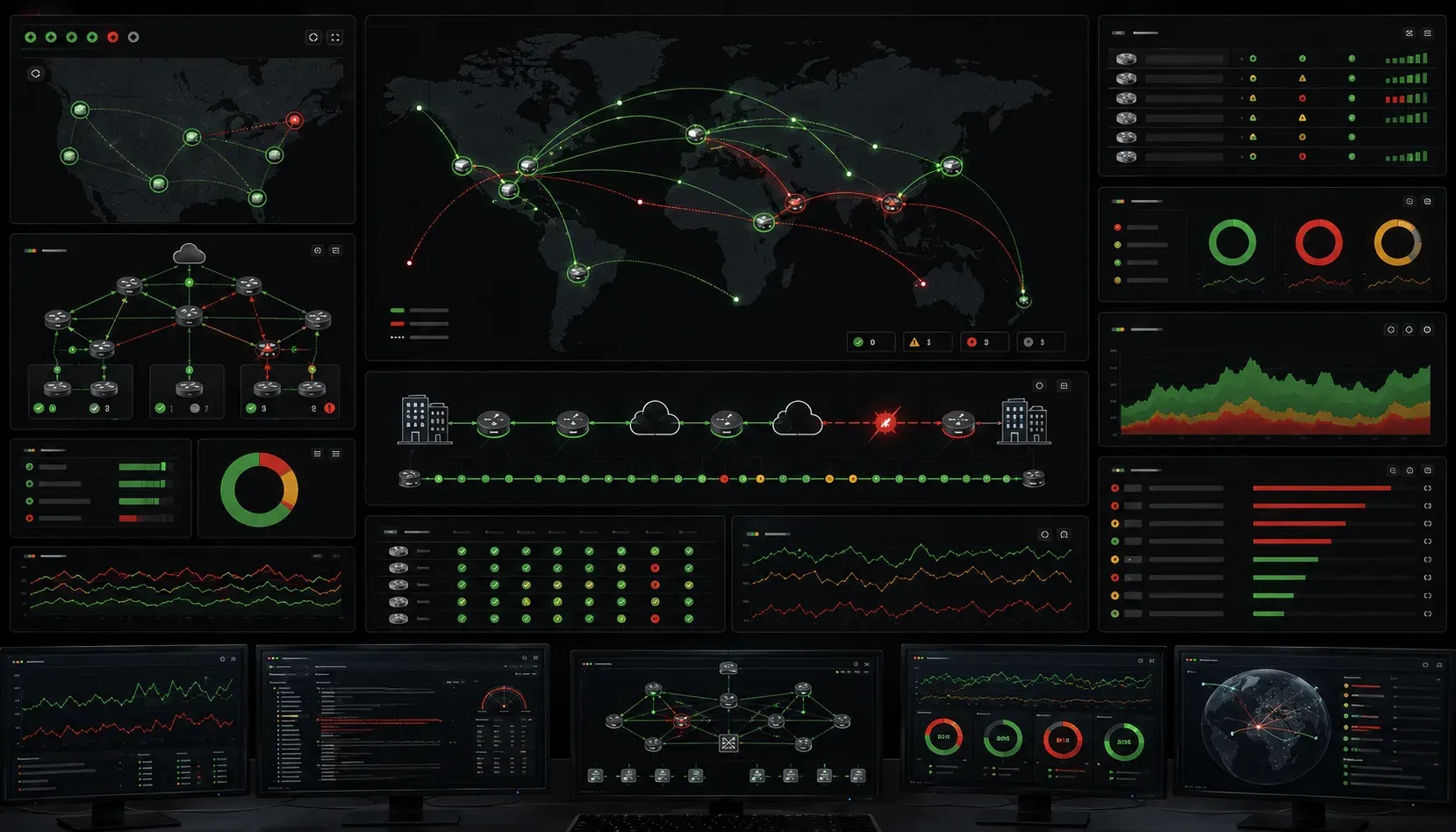
SD-WAN deployments bring tremendous benefits, but they also introduce new failure points and troubleshooting challenges. When engineers encounter SD-WAN issues, the distributed nature of the solution and multiple control plane dependencies can make root cause analysis complex. Let's examine systematic approaches to troubleshoot Catalyst SD-WAN issues effectively.
Control Plane Connectivity Problems
The most common SD-WAN errors stem from control plane connectivity failures. When WAN Edge devices lose connectivity to vSmart controllers or vManage, the entire overlay fabric becomes unstable.
Start by verifying control connections on the WAN Edge device:
Router# show control connections
                         PEER    PEER PEER            SITE       DOMAIN PEER
PEER    PEER             TYPE    PROT SYSTEM IP       ID         ID     PRIVATE  PEER            PUBLIC
TYPE    PROTOCOL         STATE   VERS    (LOOPBACK)     VPN    STATE IP           IP
------------------------------------------------------------------------------------------------------------------------
vsmart  dtls             up      4    10.255.255.100     0    1      10.1.1.100     192.168.1.100
vmanage http             up      1    10.255.255.10      0    1      10.1.1.10      192.168.1.10
vbond   dtls             up      4    10.255.255.50      0    1      10.1.1.50      192.168.1.50
If connections show as down or partial, check certificate validity and clock synchronization. Certificate issues manifest as handshake failures in the logs:
Router# show log | include certificate
%IPSEC-3-CERT_INVALID: Certificate validation failed for peer 10.255.255.100
Clock skew problems often prevent successful certificate validation. Verify NTP synchronization:
Router# show ntp status
Clock is synchronized, stratum 3, reference is 192.168.1.1
Overlay Tunnel State Issues
BFD tunnel failures represent another critical area for SD-WAN problem solving. When overlay tunnels fail, traffic blackholes or routes through suboptimal paths.
Check tunnel status comprehensively:
Router# show bfd sessions
Interface           Dest Addr           Local det time     Multiplier
Tunnel100           10.255.255.200      1000               3
Tunnel101           10.255.255.201      1000               3

SessionState        TxInterval     RxInterval     Multiplier     Clients
UP                  200            200            3              IPV4_ROUTING
DOWN                200            200            3              IPV4_ROUTING
When tunnels show DOWN state, examine the underlying transport. NAT traversal issues commonly cause tunnel instability. Verify TLOC extensions are properly configured:
Router# show sdwan tloc-paths
                         REMOTE    REMOTE    REMOTE                    SPI
TLOC ADDRESS             COLOR     ENCAP     FROM PEER   STATUS
--------------------------------------------------------
10.1.12.2                biz-internet    ipsec   10.255.255.200  up
10.1.13.2                mpls            ipsec   10.255.255.200  up
Path Quality Degradation
Application-aware routing depends on accurate path quality measurements. When SLA-class policies stop working correctly, investigate application probe results:
Router# show app-route sla-class
SLA CLASS NAME      LOSS    LATENCY    JITTER
--------------------------------------------------
critical-realtime   0%      45ms       2ms
best-effort         1%      125ms      15ms
bulk-data           2%      200ms      25ms
Verify that SLA policies match current network conditions. Misconfigured thresholds can cause unnecessary path switching or failure to switch when needed.
Policy Configuration and Application Issues
Centralized policy distribution creates unique troubleshooting challenges. Policy push failures from vManage often result in inconsistent forwarding behavior across the fabric.
Check policy application status:
Router# show sdwan policy from-vsmart
FROM-VSMART policy downloaded
  Type: CLI
  Name: site-100-policy
  Version: 5.2.0.1234
  Timestamp: 2024-01-15 14:32:18 UTC
  Status: Applied successfully
When policies fail to apply, examine the policy debug logs:
Router# show sdwan policy access-list-names
access-list-names                   CONFIGURED   FORWARDING
----------------------------------------------------------
VOICE-TRAFFIC-ACL                   Yes          Yes
CRITICAL-DATA-ACL                   Yes          No
INTERNET-TRAFFIC-ACL                Yes          Yes
Access list inconsistencies indicate policy parsing or memory allocation issues. Review the full policy configuration in vManage and verify template variable resolution.
Application Classification Problems
Deep packet inspection failures affect traffic steering decisions. When applications get misclassified, examine DPI statistics:
Router# show sdwan app-fwd dpi flows
APPLICATION   FAMILY      BYTES-TX     BYTES-RX     PKTS-TX    PKTS-RX
-----------------------------------------------------------------------
ms-office     business    1547823      892341       1247       743
netflix       video       98234567     156782345    76234      89432
unknown       other       2347891      1234567      1789       945
High volumes of unknown traffic suggest DPI engine issues or signature database problems. Update DPI signatures or adjust classification policies as needed.
Performance Optimization Troubleshooting
SD-WAN troubleshooting tips for performance issues require understanding queue utilization and shaping policies. Check interface statistics for drops and errors:
Router# show interface tunnel 100 | include drops
Input queue: 0/75/2547/0 (size/max/drops/flushes); Total output drops: 1234
Output queue: 0/40/892/0 (size/max/drops/flushes)
Output drops often indicate incorrect shaper configuration or bandwidth oversubscription. Verify shaper settings match actual circuit capacity:
Router# show policy-map interface tunnel100
tunnel100
  Service-policy output: TUNNEL-100-SHAPER
    Class-map: class-default (match-any)
      0 packets, 0 bytes
      5 minute offered rate 0000 bps, drop rate 0000 bps
      Match: any
      Shaping
        Target   : 50000000 bps
        Byte Limit: 625000; Sustain bits: 1250000
Monitoring and Alerting Best Practices
Proactive monitoring prevents many SD-WAN errors from becoming critical issues. Implement comprehensive monitoring for control plane health, tunnel statistics, and application performance metrics.
Key metrics to monitor include:
- Control connection state and certificate expiration dates
- BFD session state and failure counters
- Path SLA measurements and threshold violations
- Policy push success rates and configuration drift detection
- Interface utilization and quality metrics
Configure SNMP traps for critical events and integrate with network monitoring systems for automated alerting and remediation workflows.
What's Next
Understanding SD-WAN troubleshooting fundamentals provides the foundation for maintaining reliable overlay networks. Next, we'll explore advanced SD-WAN security policies and how to implement comprehensive threat protection across the fabric while maintaining optimal performance characteristics.
Tools and resources for this topic
- CCNP ENCOR 350-401 Official Cert Guide — The definitive ENCOR study resource by Brad Edgeworth. Covers enterprise infrastructure, virtualisation, and automation.