
Understanding Audit Logs and Their Importance
Audit logs are detailed records of system activities that track user actions, security events, and system changes. This post explains what audit logs are, different types of security logs, and why system activity tracking is essential for cybersecurity and compliance.

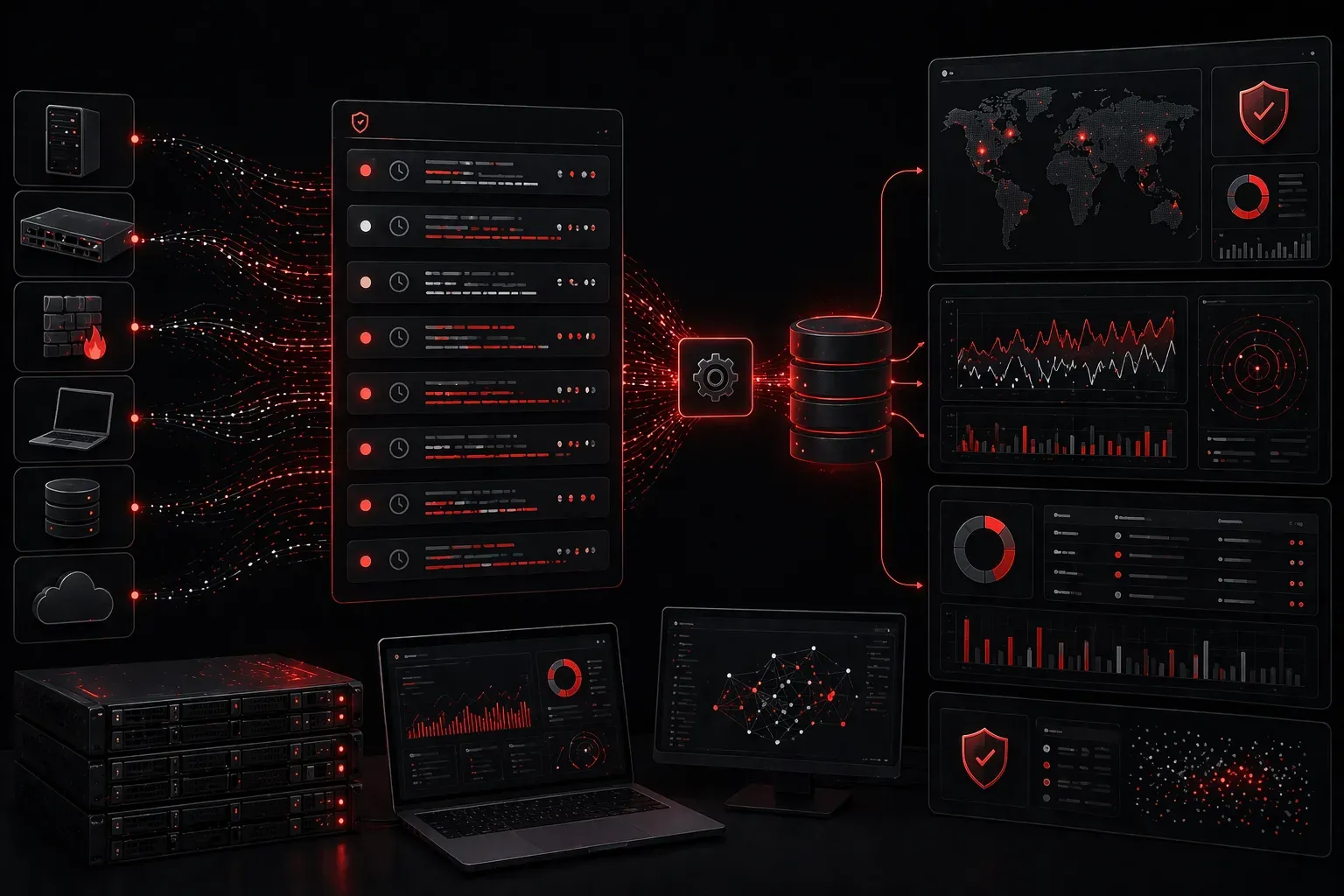
Audit logs are like a detailed diary that your computer systems keep, recording every important action that happens. If you're studying for the CCST Cybersecurity exam, understanding audit logs is essential because they serve as the foundation for detecting security incidents and maintaining system accountability.
What Are Audit Logs?
An audit log is a chronological record of system activities, user actions, and security events. Think of it as a security camera for your digital environment, it captures who did what, when they did it, and from where. These logs automatically track activities like user logins, file access, configuration changes, and failed authentication attempts.
Every entry in an audit log typically contains several key pieces of information:
- Timestamp: Exactly when the event occurred
- User ID: Who performed the action
- Event type: What action was taken
- Source location: Where the action originated
- Result: Whether the action succeeded or failed
Types of Security Logs
Different systems generate various types of logs, each serving specific security purposes:
System Logs
System logs track operating system events like startup/shutdown sequences, hardware failures, and driver issues. On Windows systems, you'll find these in the Event Viewer under System, while Linux systems store them in files like /var/log/syslog.
Application Logs
Application logs record software-specific events, including errors, warnings, and user interactions. Web servers like Apache create access logs showing every website request, while database systems log queries and connection attempts.
Security Logs
Security logs focus specifically on authentication events, privilege changes, and access control violations. Windows Security logs capture logon events with IDs like 4624 (successful logon) and 4625 (failed logon attempt).
Why System Activity Tracking Matters
Understanding audit logs becomes crucial when you realize their role in cybersecurity. They provide several critical benefits:
Incident Detection: Unusual patterns in logs often indicate security breaches. Multiple failed login attempts followed by a successful login might signal a brute force attack.
Forensic Investigation: When security incidents occur, audit logs provide the timeline and evidence needed to understand what happened and how to prevent future occurrences.
Compliance Requirements: Many regulations like SOX, HIPAA, and PCI-DSS require organizations to maintain detailed audit logs for specific periods.
Performance Monitoring: Logs help identify system bottlenecks and unusual resource consumption that might indicate malware or inefficient processes.
Basic Log Analysis Techniques
Effective log analysis starts with knowing what to look for. Common security indicators include:
- Login attempts outside normal business hours
- Multiple failed authentications from the same IP address
- Privilege escalation events
- Unusual file access patterns
- System configuration changes
Modern log analysis often involves automated tools that can process thousands of log entries per second, looking for predetermined patterns or anomalies. However, understanding the fundamentals helps you interpret results and investigate incidents manually when needed.
Log Management Best Practices
Proper log management ensures your audit logs remain useful and secure:
Centralized Collection: Send logs from multiple systems to a central location for easier analysis and correlation.
Secure Storage: Protect log files from unauthorized modification or deletion using appropriate access controls and backup procedures.
Retention Policies: Establish how long to keep different types of logs based on compliance requirements and available storage.
Regular Review: Implement processes to regularly examine logs for security events and system issues.
What's Next
Now that you understand the fundamentals of audit logs and their importance in cybersecurity, the next step is learning about specific log monitoring tools and techniques. We'll explore how Security Information and Event Management (SIEM) systems aggregate and analyze logs from multiple sources, making it easier to detect complex security threats across your entire network infrastructure.