
How to Verify EtherChannel Configuration
Learn essential commands and techniques to verify EtherChannel configurations on Cisco switches. Covers show etherchannel summary, interpreting status flags, load balancing verification, and common troubleshooting checks for CCNA exam preparation.

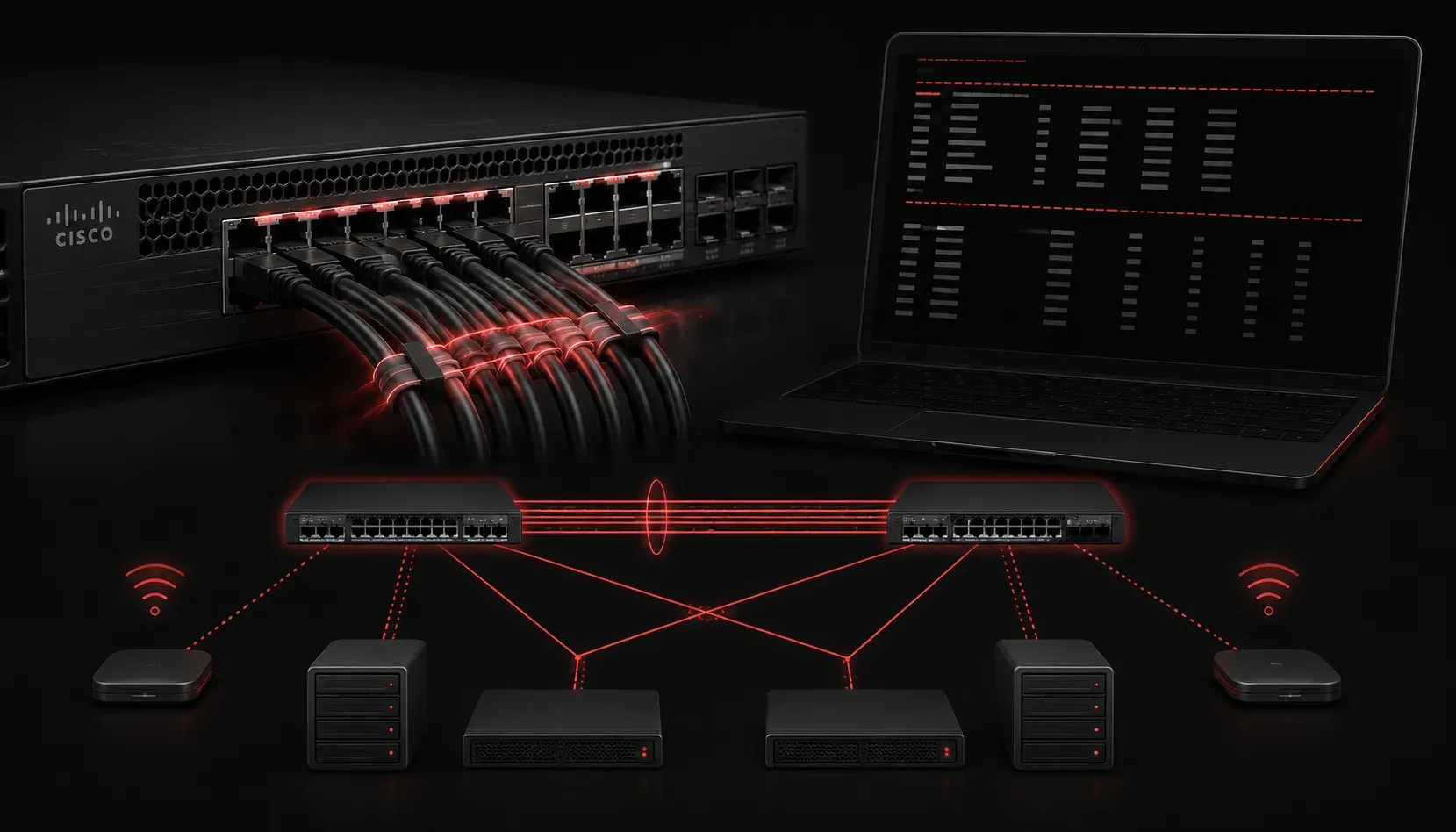
After configuring EtherChannel on your Cisco switches, the real work begins with verification. A properly functioning EtherChannel can dramatically improve your network's bandwidth and redundancy, but misconfigurations can lead to unexpected failures or suboptimal performance. Let's explore the essential commands and techniques to verify your EtherChannel setup is working correctly.
Essential EtherChannel Verification Commands
The primary command for EtherChannel verification is show etherchannel summary. This command provides a quick overview of all EtherChannel configurations on your switch:
Switch# show etherchannel summary
Flags:  D - down        P - bundled in port-channel
        I - stand-alone s - suspended
        H - Hot-standby (LACP only)
        R - Layer3      S - Layer2
        U - in use      f - failed to allocate aggregator

        M - not in use, Min-links not met
        u - unsuitable for bundling
        w - waiting to be aggregated
        d - default port

Number of channel-groups in use: 1
Number of aggregators:           1

Group  Port-channel  Protocol    Ports
------+-------------+-----------+-----------------------------------------------
1      Po1(SU)         LACP      Fa0/1(P)    Fa0/2(P)
This output shows critical information: the port-channel interface (Po1), protocol in use (LACP), and the status of individual ports. The flags tell you everything you need to know about your EtherChannel's health.
Interpreting Port Status Flags
Understanding the status flags is crucial for effective network checks. Here's what the most common flags mean:
- P (bundled in port-channel): The port is actively participating in the EtherChannel
- S (Layer2): The EtherChannel operates at Layer 2
- U (in use): The port-channel is actively forwarding traffic
- s (suspended): The port is not participating due to configuration mismatch
- D (down): The individual port or entire channel is down
Detailed Configuration Verification
For comprehensive configuration verification, use show etherchannel detail. This command reveals the complete EtherChannel configuration and operational status:
Switch# show etherchannel 1 detail
Group state = L2
Ports: 2   Maxports = 8
Port-channels: 1 Max Port-channels = 1
Protocol:   LACP
Minimum Links: 0
This detailed view shows your channel group settings, including the protocol negotiation method and minimum links configuration. Pay special attention to any error messages or mismatched parameters between connected switches.
Verifying Load Distribution
EtherChannel efficiency depends heavily on proper load distribution. Use show etherchannel load-balance to verify your load-balancing algorithm:
Switch# show etherchannel load-balance
EtherChannel Load-Balancing Configuration:
        src-dst-ip

EtherChannel Load-Balancing Addresses Used Per-Protocol:
Non-IP: Source XOR Destination MAC address
  IPv4: Source XOR Destination IP address
  IPv6: Source XOR Destination IP address
The load-balancing method determines how traffic distributes across your bundled links. Common methods include source-destination IP, source-destination MAC, and port-based algorithms.
Troubleshooting Common Issues
When your verification reveals problems, check these common configuration mismatches:
- Speed and duplex settings: All member ports must match
- VLAN assignments: Trunk or access configurations must be identical
- Spanning Tree settings: PortFast and other STP configurations should align
- Protocol negotiation: Both sides must use the same EtherChannel protocol
Use show interfaces port-channel 1 to verify the operational status of your port-channel interface and confirm it's forwarding traffic as expected.
Performance Monitoring
Regular network checks should include monitoring EtherChannel utilization. Use show interfaces port-channel 1 counters to view traffic statistics and identify any irregularities in traffic distribution or error counters that might indicate underlying issues.
What's Next
Now that you can verify EtherChannel configurations effectively, the next step is understanding how to troubleshoot specific EtherChannel problems when verification reveals issues. We'll cover advanced troubleshooting techniques and resolution strategies for common EtherChannel failures.
Tools and resources for this topic
- CCNA Official Cert Guide (Wendell Odom) — The definitive CCNA study resource. Both volumes cover the 200-301 exam blueprint in full.
- Wendell Odom CCNA Vol 1 — Covers networking fundamentals, switching, and routing basics.
- Wendell Odom CCNA Vol 2 — Covers advanced routing, WAN, infrastructure services, and security.