
Introduction to Wireless Network Encryption
Wireless network encryption is essential for protecting data transmitted over radio waves. This post covers the evolution from weak WEP to secure WPA2/WPA3 standards, explaining why encryption matters and how to choose the right type for your network.

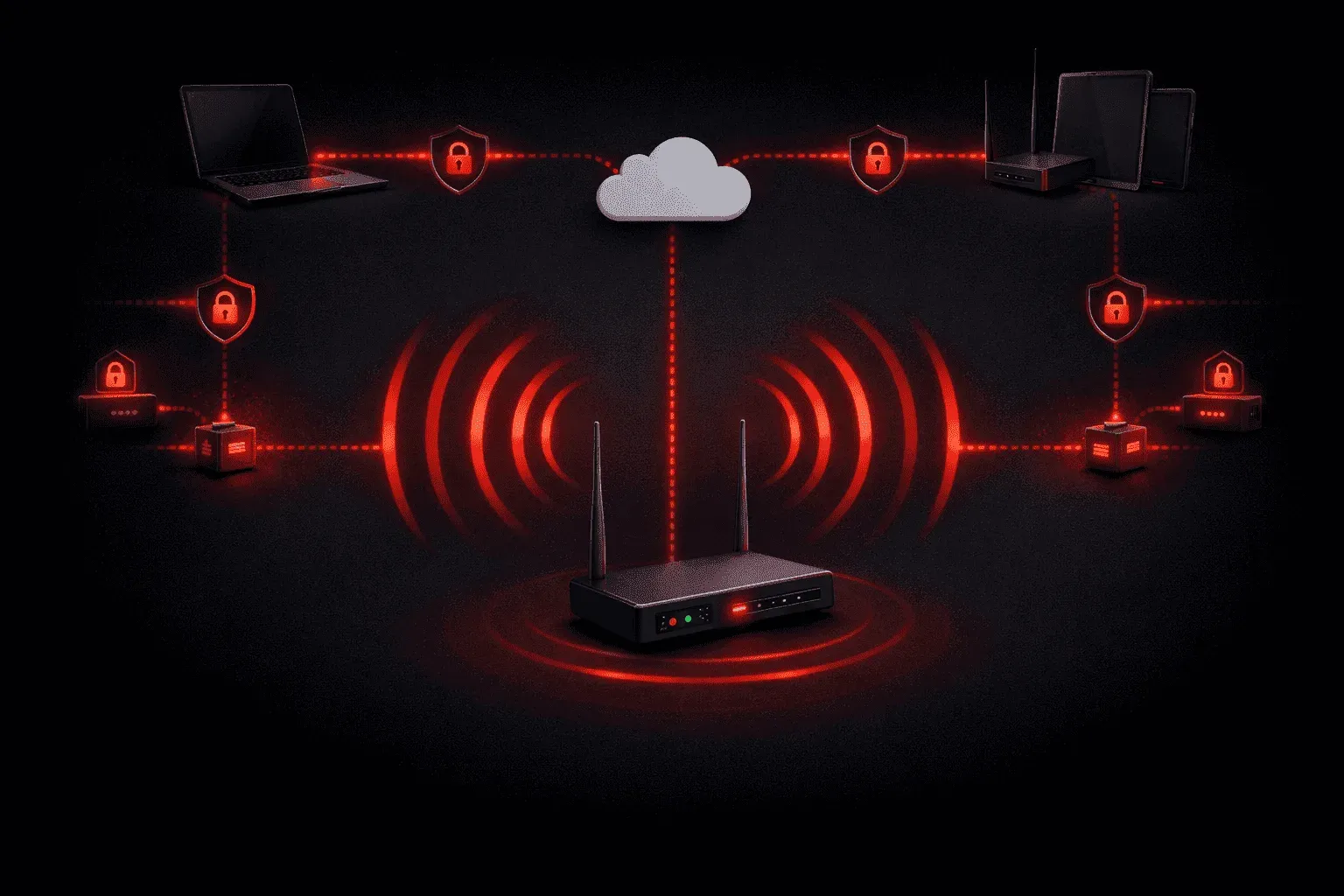
When you connect to a wireless network, your data travels through the air as radio waves. Unlike wired networks where your data is contained within cables, wireless transmissions can be intercepted by anyone with the right equipment within range. This is where wireless network encryption becomes crucial for protecting your sensitive information.
Why Wireless Network Encryption Matters
Imagine shouting your credit card number across a crowded room; that's essentially what unencrypted wireless communication is like. Without proper network protection, anyone can capture your data packets as they travel through the air. Encryption scrambles this data, making it unreadable to unauthorized users even if they intercept it.
The risks of unencrypted wireless networks include:
- Data theft and identity theft
- Unauthorized network access
- Man-in-the-middle attacks
- Corporate espionage
Common Wireless Encryption Types
Understanding the different encryption types available helps you choose the right level of wireless security for your network. Let's explore the main options from weakest to strongest:
WEP (Wired Equivalent Privacy)
WEP was the first wireless encryption standard, introduced in 1997. It uses a shared key that can be 64-bit or 128-bit in length. However, WEP has serious security flaws and can be cracked in minutes with readily available tools. You should never use WEP in modern networks.
Router(config)# interface dot11radio 0
Router(config-if)# encryption key 1 size 40bit 1234567890 transmit-key
Router(config-if)# encryption mode wep
WPA (Wi-Fi Protected Access)
WPA was developed as an interim solution to replace WEP. It uses the Temporal Key Integrity Protocol (TKIP) and provides better security through dynamic key generation. While more secure than WEP, WPA has also been compromised and is not recommended for new deployments.
WPA2 (Wi-Fi Protected Access 2)
WPA2 is currently the most widely deployed wireless security standard. It uses the Advanced Encryption Standard (AES) with Counter Mode with Cipher Block Chaining Message Authentication Code Protocol (CCMP). WPA2 comes in two flavors:
- WPA2-Personal (PSK): Uses a pre-shared key for small networks
- WPA2-Enterprise: Uses 802.1X authentication for larger organizations
Router(config)# interface dot11radio 0
Router(config-if)# encryption mode ciphers aes-ccmp
Router(config-if)# ssid MyNetwork
Router(config-if-ssid)# wpa-psk ascii MySecurePassword123
WPA3 (Wi-Fi Protected Access 3)
WPA3 is the newest standard, offering enhanced security features including:
- Simultaneous Authentication of Equals (SAE) to prevent offline dictionary attacks
- Enhanced Open for better security on public networks
- 192-bit encryption for WPA3-Enterprise
Choosing the Right Encryption
For most networks today, WPA2 provides adequate security when properly configured. However, as WPA3-capable devices become more common, upgrading to WPA3 offers the best protection. Here's a simple decision matrix:
- Home networks: WPA2-Personal or WPA3-Personal
- Small business: WPA2-Personal or WPA3-Personal
- Enterprise networks: WPA2-Enterprise or WPA3-Enterprise
- Legacy devices: Upgrade hardware or isolate on separate VLAN
Best Practices for Wireless Security
Beyond choosing the right encryption type, consider these additional security measures:
- Use strong, unique passwords for your wireless network
- Regularly update firmware on wireless access points
- Disable WPS (Wi-Fi Protected Setup) if not needed
- Consider hiding your SSID for additional security through obscurity
- Implement MAC address filtering for highly sensitive environments
What's Next
Now that you understand the fundamentals of wireless network encryption, the next step is learning about wireless access points and their configuration. We'll explore how to properly set up and secure your wireless infrastructure, including SSID management and enterprise authentication methods.
CCNA study resources
- CCNA Official Cert Guide Library (Wendell Odom) — Both volumes covering the full 200-301 exam blueprint. The definitive CCNA study resource.
- Wendell Odom CCNA Vol 1 — Networking fundamentals, switching, VLANs, STP, and IPv4 routing.