
How to Implement Routing Technologies in a Network
A comprehensive guide covering how to implement routing technologies in networks, including step-by-step instructions for static and dynamic routing configuration with practical examples and verification techniques.

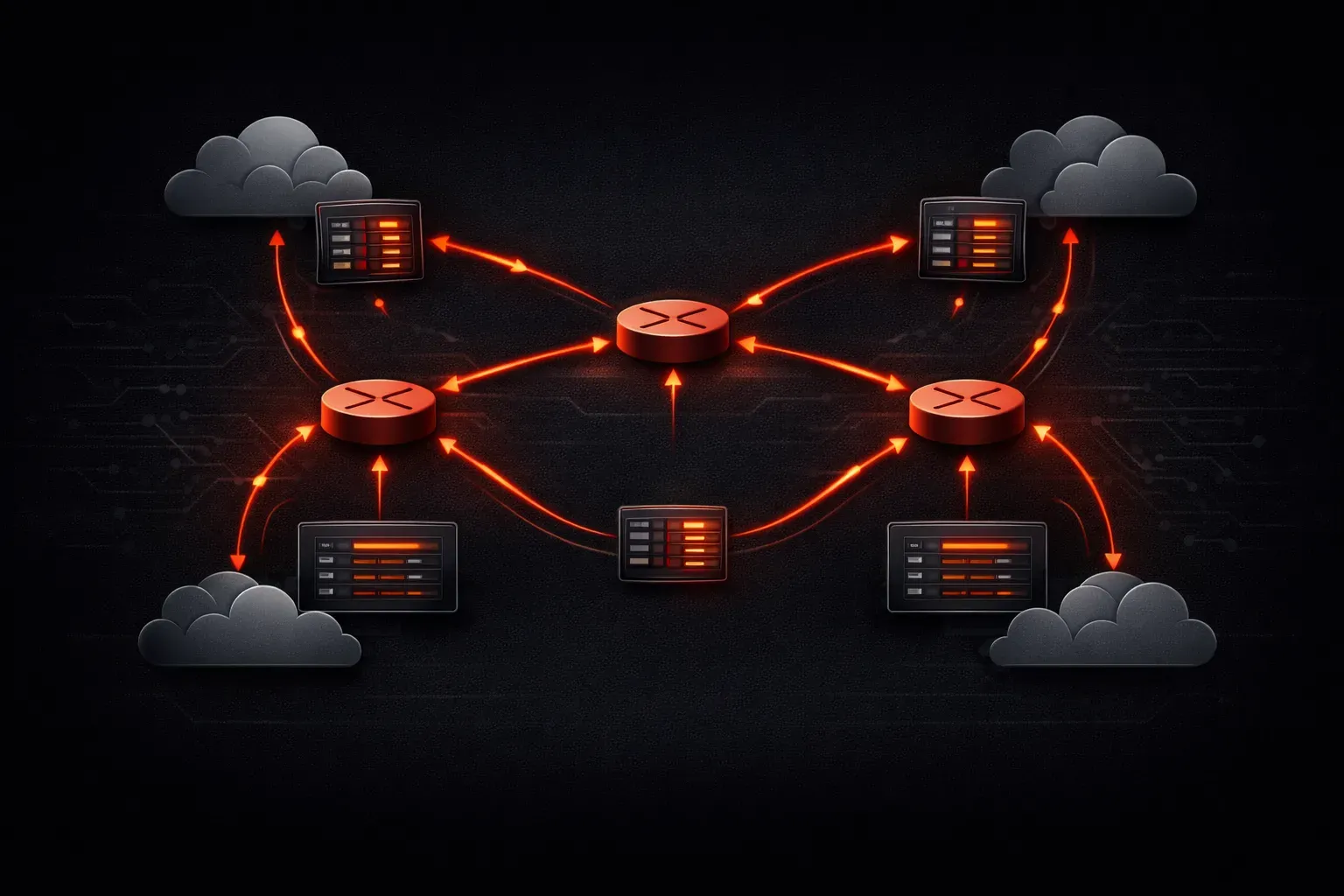
Understanding how to implement routing technologies is a fundamental skill for any network professional. Whether you're preparing for the Network+ exam or working on your first network deployment, mastering routing implementation will help you connect different network segments and enable communication across your infrastructure.
Understanding Routing Fundamentals
Before diving into implementation, let's clarify what routing does. Routing is the process of selecting paths in a network to send data packets from source to destination. When you implement routing technologies, you're essentially creating a roadmap that tells network traffic how to get from point A to point B efficiently.
There are two main types of routing you'll encounter:
- Static routing: manually configured routes that don't change
- Dynamic routing: routes that automatically adjust based on network conditions
Step 1: Planning Your Network Routing Configuration
Start by mapping out your network topology. Identify the different subnets you need to connect and determine the best paths between them. For a basic setup, you might have:
- LAN segment:
192.168.1.0/24 - DMZ segment:
192.168.100.0/24 - Management segment:
10.0.0.0/24
Document which devices need to communicate with each other and any security requirements that might affect your routing decisions.
Step 2: Implementing Static Routing
Static routing is perfect for small networks or specific routes that shouldn't change. Here's how to configure a basic static route on a Cisco router:
Router(config)# ip route 192.168.100.0 255.255.255.0 192.168.1.1This command tells the router: "To reach the 192.168.100.0/24 network, send packets to the next-hop address 192.168.1.1."
For a default route (used when no specific route exists), use:
Router(config)# ip route 0.0.0.0 0.0.0.0 192.168.1.1Always verify your configuration with:
Router# show ip routeStep 3: Basic Dynamic Routing Setup
Dynamic routing protocols automatically discover and maintain routes. For beginners, OSPF (Open Shortest Path First) is an excellent choice because it's widely supported and relatively straightforward to configure.
Here's a basic OSPF configuration:
Router(config)# router ospf 1
Router(config-router)# network 192.168.1.0 0.0.0.255 area 0
Router(config-router)# network 192.168.100.0 0.0.0.255 area 0
This configuration enables OSPF process 1 and advertises the specified networks in area 0 (the backbone area).
Step 4: Verification and Troubleshooting
After implementing your routing setup guide, verification is crucial. Use these commands to check your configuration:
Router# show ip route
Router# show ip ospf neighbor
Router# ping [destination-ip]
Router# traceroute [destination-ip]
The show ip route command displays your routing table, while show ip ospf neighbor shows OSPF adjacencies. Use ping and traceroute to test actual connectivity and path selection.
Common Implementation Scenarios
Here are practical scenarios where you'll implement routing technologies:
Scenario 1: Branch Office Connection
Connect a remote office to headquarters using static routing for predictable, secure paths.
Scenario 2: Multi-VLAN Environment
Use inter-VLAN routing to allow controlled communication between different departments while maintaining security boundaries.
Scenario 3: Redundant Path Setup
Implement dynamic routing protocols to automatically switch to backup paths when primary links fail.
Best Practices for Network Routing Configuration
- Document all static routes and their purposes
- Use meaningful descriptions in your router configurations
- Implement route filtering to prevent unwanted route advertisements
- Regularly monitor routing tables for unexpected entries
- Test failover scenarios in a lab environment first
What's Next
Now that you understand basic routing implementation, the next logical step is exploring advanced routing protocols and their specific use cases. In our upcoming posts, we'll dive deeper into OSPF area design, BGP for internet connectivity, and route redistribution techniques that will expand your networking toolkit.
Tools and resources for this topic
- CompTIA Network+ Study Guide — Comprehensive N10-009 exam preparation covering all five domains.