
How to Build Resilient Security Systems
This post explains how to build resilient security systems by covering core strategies including redundancy, high availability, defense in depth, capacity planning, and backup policies. It is aligned to CompTIA Security+ Exam Objective 3.4 and written for beginners approaching security architecture

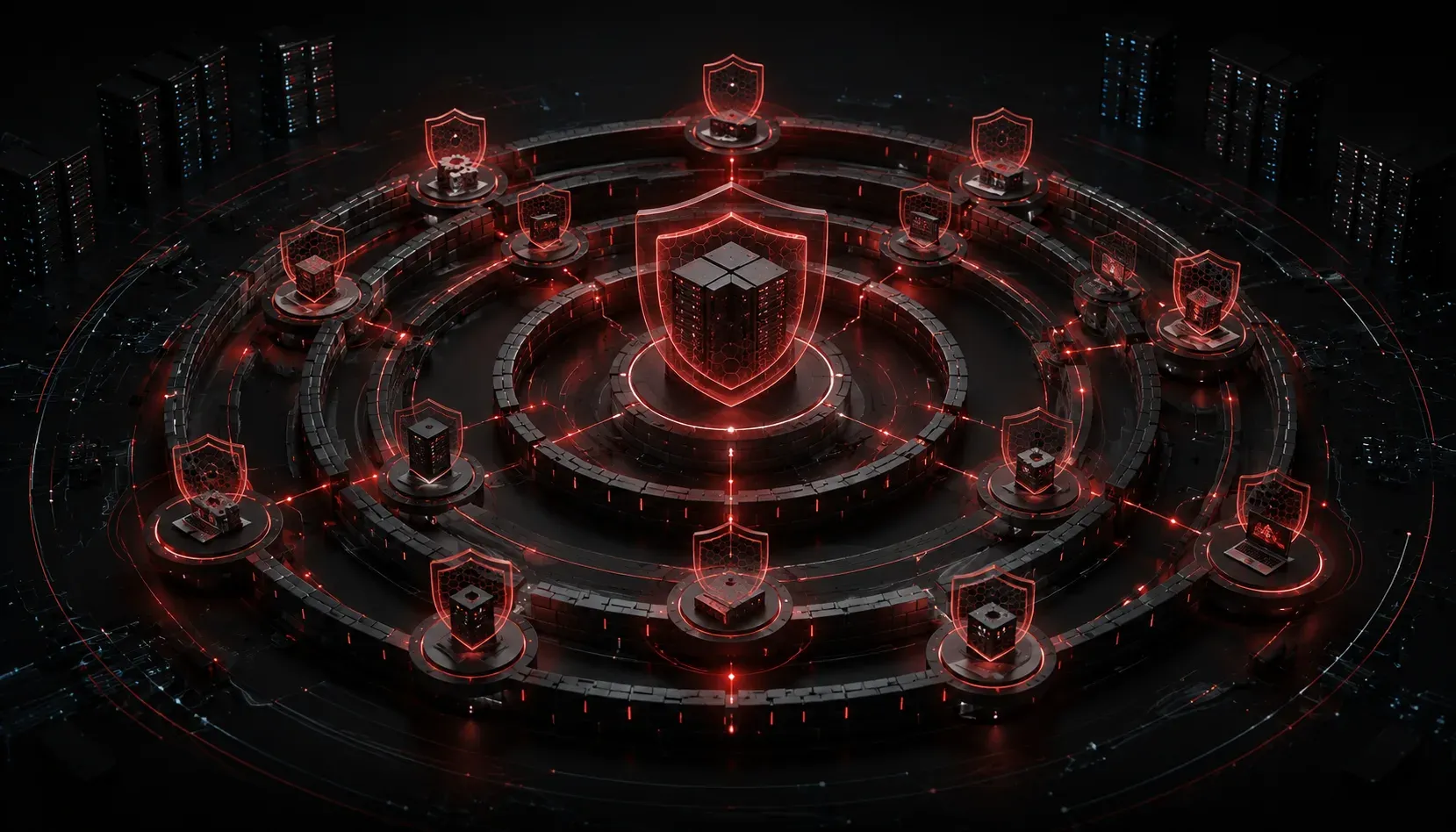
Security systems fail. Networks go down. Attackers find gaps. The question is not whether your environment will face a threat, it is whether your systems can absorb that hit and keep functioning. That is the core idea behind resilience, and it is a critical concept tested in CompTIA Security+ Domain 3.4: Security Architecture.
This post walks you through practical resilience strategies you can understand, explain, and apply, whether you are preparing for the exam or starting to think about real-world architecture decisions.
What Does "Resilient" Actually Mean?
A resilient security system is one that continues to operate, or recovers quickly, even when part of it is compromised, fails, or comes under attack. Think of it like a submarine with watertight compartments. If one section floods, the others stay sealed and the vessel keeps moving.
Resilience is not just about preventing attacks. It is about designing systems that assume failure will happen and are ready for it. This thinking shift is fundamental to modern security architecture.
Core Strategies to Build Resilient Systems
Redundancy
Redundancy means having backup components ready to take over when a primary component fails. You should apply this across multiple layers of your environment:
- Hardware redundancy: Duplicate power supplies, RAID storage, and failover servers ensure that hardware failure does not cause a full outage.
- Network redundancy: Multiple ISP connections and redundant switches prevent a single cut cable from killing your connectivity.
- Geographic redundancy: Data replicated across multiple physical sites protects against site-level disasters.
High Availability (HA)
High availability is the goal of keeping systems accessible as close to 100% of the time as possible. Common HA configurations include active-active clustering, where multiple nodes share the load simultaneously, and active-passive clustering, where a standby node activates only when the primary fails.
The target is often expressed as "nines": 99.9% uptime means roughly 8.7 hours of downtime per year, while 99.999% means less than 6 minutes. Knowing these numbers matters when designing service-level expectations.
Diversity and Defense in Depth
Relying on a single vendor, technology, or control type creates a single point of failure. Defense in depth layers multiple controls so that if one fails, others remain in place. For example:
- A firewall blocks external traffic
- An intrusion detection system watches internal traffic
- Endpoint protection catches anything that slips through
- Log monitoring detects anomalous behavior after the fact
Using diverse technologies, such as firewalls from different vendors or multi-factor authentication combined with behavioral analytics, reduces the risk that a single vulnerability defeats your entire defense.
Capacity Planning
A system overwhelmed by traffic, whether from legitimate users or a DDoS attack, fails just as surely as one that is hacked. Capacity planning means regularly reviewing your resource usage and scaling proactively. Cloud environments make this easier with auto-scaling, but on-premises infrastructure requires manual forecasting and investment.
Patching and Configuration Management
Unpatched systems are low-hanging fruit for attackers. A disciplined patching schedule, combined with configuration baselines, reduces your attack surface. Use tools to enforce hardened configurations and flag drift from your approved baseline. This is not glamorous work, but it is foundational to threat protection.
Backups and Recovery Planning
Backups are your last line of defense against ransomware and data loss. The 3-2-1 rule is a widely accepted standard: keep 3 copies of your data, on 2 different media types, with 1 copy stored offsite. Critically, test your backups regularly. An untested backup is an assumption, not a guarantee.
Tying It Together: Resilience Is a Mindset
The most important shift when learning to build resilient systems is moving from "how do I prevent this?" to "how do I survive this?" Both questions matter, but resilience lives in the second one. Preventive controls reduce likelihood; resilience controls reduce impact.
When you design or evaluate a security architecture, ask yourself: what happens if this control fails? If the answer is "everything breaks," that is a gap worth addressing.
For deeper study on these concepts, the CompTIA Security+ Study Guide by Mike Chapple and David Seidl covers resilience architecture in detail with exam-focused explanations and practice questions aligned to Domain 3.4.
What's Next
Now that you understand how to build resilient systems, the next step is understanding how organizations plan for when resilience is not enough: incident response and disaster recovery. Coming up, we will look at how security teams structure their response when something actually goes wrong, and how those plans tie directly into your Security+ exam objectives.