
Choosing the Right Networking Appliances for Your Needs
Learn how to select the right networking appliances by conducting a proper needs assessment, understanding different equipment types, and following practical selection tips to avoid common beginner mistakes.

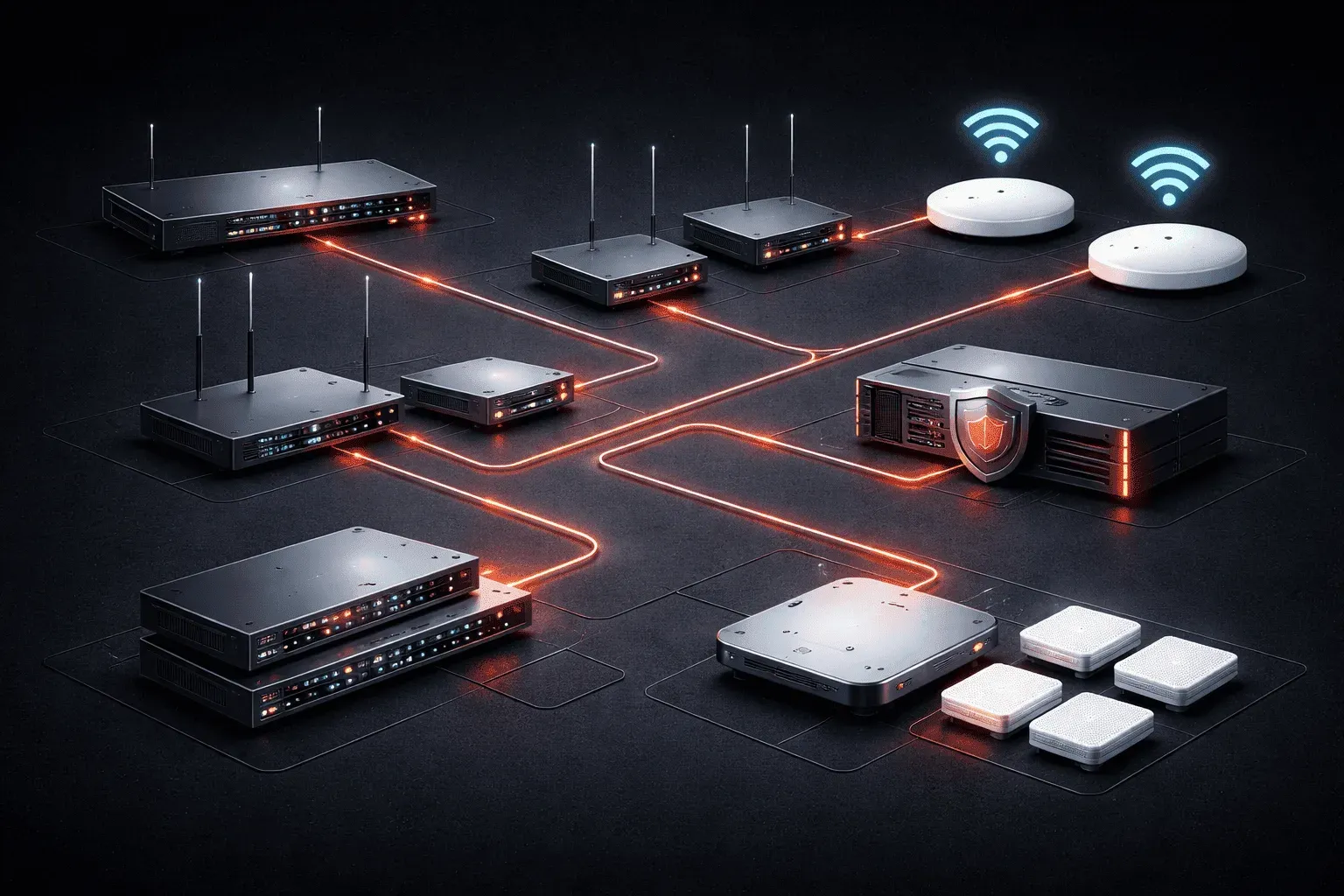
When building or upgrading your network, choosing networking appliances can feel overwhelming. With countless options from basic home routers to enterprise-grade switches, how do you know what's right for your situation? The key is understanding your needs first, then matching them to the right equipment.
Start with Network Needs Assessment
Before shopping for any networking gear, conduct a thorough network needs assessment. This means asking yourself some fundamental questions:
- How many devices will connect to your network?
- What types of applications will run (web browsing, video streaming, file sharing)?
- Do you need wireless access, wired connections, or both?
- What's your budget range?
- Are there any security requirements or compliance needs?
For example, a small office with 10 employees checking email and browsing the web has vastly different needs than a media production studio transferring large video files. Document these requirements before you start shopping.
Understanding Core Networking Appliances
Let's break down the main types of networking equipment and their purposes:
Routers
Routers connect your network to the internet and manage traffic between different network segments. For home use, an all-in-one wireless router often suffices. Businesses typically need dedicated routers with features like VLAN support and QoS (Quality of Service) controls.
Switches
Switches connect multiple wired devices within your network. Unmanaged switches work great for simple setups, while managed switches offer advanced features like port monitoring and traffic prioritization. Consider port count carefully; it's cheaper to buy extra ports upfront than to add switches later.
Access Points
Wireless access points extend Wi-Fi coverage. Small spaces might only need one, but larger areas require multiple access points for proper coverage. Look for devices that support the latest Wi-Fi 6 standard for better performance andcapacity.
Firewalls
Firewalls protect your network from threats. Basic routers include simple firewall features, but businesses often need dedicated firewall appliances with advanced threat detection and content filtering.
Practical Appliance Selection Tips
Here are some beginner tips for making smart choices:
Match Performance to Usage
Don't overbuy or underbuy. A home network streaming Netflix doesn't need enterprise-grade equipment, but don't cheap out if you're running a business. Calculate your bandwidth needs: multiply the number of concurrent users by their typical usage patterns.
Plan for Growth
Choose equipment that can handle 25-50% more capacity than your current needs. Networks always grow, and upgrading later costs more than buying the right size initially.
Consider Management Complexity
Managed switches and enterprise routers offer powerful features but require configuration knowledge. If you're not comfortable with command-line interfaces like Cisco IOS, look for devices with user-friendly web interfaces or consider hiring a consultant for initial setup.
Check Compatibility
Ensure all your devices work together. Mixing vendors isn't always problematic, but staying within one ecosystem (like all Cisco or all Ubiquiti) often provides better integration and support.
Common Selection Mistakes to Avoid
Many beginners make these errors when choosing networking appliances:
- Focusing only on price: The cheapest option often costs more in the long run due to reliability issues or lack of features
- Ignoring power requirements: Some switches need
PoE+(Power over Ethernet Plus) to power devices like IP cameras or access points - Forgetting about cooling: Network closets get hot, and inadequate ventilation kills equipment
- Not reading reviews: Real-world user experiences reveal issues that spec sheets don't show
Making Your Final Decision
Once you've assessed your needs and researched options, create a simple comparison chart. List your top 3-5 candidates with their key features, prices, and how well they meet your requirements. Don't forget to factor in ongoing costs like support contracts or licensing fees.
Remember that networking is often about the ecosystem, not just individual devices. A well-integrated network of mid-range equipment typically outperforms a mix of high-end devices that don't work well together.
What's Next
Now that you understand how to select the right networking appliances, the next step is learning about network topologies and how different physical and logical arrangements affect your equipment choices. We'll explore star, mesh, and hybrid topologies to help you design an optimal network layout.
Network+ study resources
- CompTIA Network+ Study Guide — Full N10-009 exam coverage across all five domains. Essential exam preparation.