
Grep: Searching for Text in Bash
This post introduces the grep command in Bash, covering its core syntax, the most useful flags like -i, -n, -v, -r, and -c, and how to combine grep with pipes to filter command output. Practical examples throughout make it immediately applicable for anyone working in a Linux terminal.

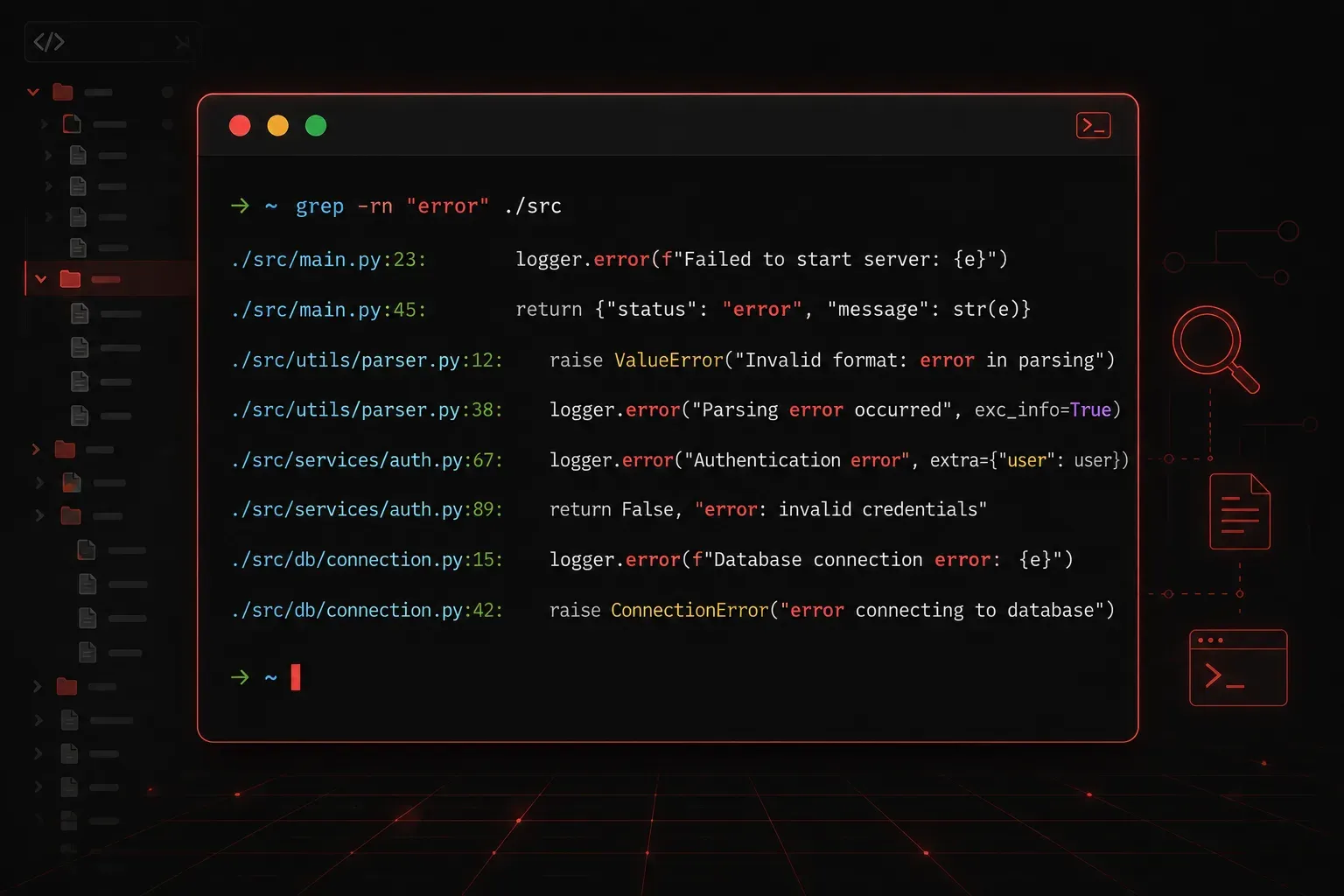
If you spend any time working in a Linux terminal, you will quickly discover that grep is one of the most useful commands you can learn. It lets you search through text, files, and command output to find exactly what you are looking for, fast. Think of it as the terminal's version of Ctrl+F, but far more powerful.
What is grep?
grep stands for Global Regular Expression Print. It scans input line by line and prints any line that matches a pattern you specify. That pattern can be a simple word, a phrase, or a more complex regular expression.
The basic syntax looks like this:
grep [options] "pattern" filenameYou can also pipe output from another command into grep, which is where it really starts to shine.
Your First grep Search
Let's say you have a log file called syslog.txt and you want to find every line that mentions the word "error". You would run:
grep "error" syslog.txtgrep will print every matching line directly to your terminal. If the file has hundreds of lines, this saves you from scrolling through all of them manually.
Common grep Options You Will Use Daily
Plain grep is useful on its own, but a handful of flags make it dramatically more practical.
Case-Insensitive Search
By default, grep is case-sensitive. The word "Error" will not match a search for "error". Add the -i flag to ignore case:
grep -i "error" syslog.txtShow Line Numbers
The -n flag adds the line number before each result, which is incredibly helpful when debugging a script or config file:
grep -n "error" syslog.txtExample output:
42: [ERROR] Failed to connect to database
87: [error] Timeout on port 5432
Invert the Match
The -v flag prints every line that does not match. This is great for filtering out noise:
grep -v "debug" syslog.txtRecursive Search Through Directories
Use -r to search through every file in a directory and its subdirectories:
grep -r "api_key" /etc/myapp/Count Matching Lines
The -c flag returns a count of matching lines instead of the lines themselves:
grep -c "error" syslog.txtCombining grep with Pipes
One of the most common patterns in Bash scripting is piping the output of one command into grep. This lets you filter results on the fly without needing a file at all.
For example, to find a running process by name:
ps aux | grep "nginx"Or to check which network ports are listening:
ss -tuln | grep "LISTEN"You can even chain multiple grep commands to narrow results further:
cat syslog.txt | grep "error" | grep -v "debug"This finds all lines containing "error" but excludes any that also contain "debug".
A Quick Note on Patterns
grep supports regular expressions, which gives it enormous power. For example, the . character matches any single character, and ^ matches the beginning of a line. To search only for lines that start with the word "fail":
grep "^fail" syslog.txtRegular expressions are a topic of their own, but even knowing a few basics like these will immediately improve your searches.
Resources to Go Deeper
- The grep manual page: run
man grepin your terminal for the full reference - GNU grep documentation: available at gnu.org/software/grep/manual
- RegexOne: a free interactive regular expressions tutorial at regexone.com
What's Next
Now that you can search for text with grep, the next natural step is learning to transform that text. In the next post, we will cover sed, the stream editor, which lets you find and replace text directly in files or within a pipeline. Together, grep and sed form the foundation of almost every text processing task you will encounter in Bash.