
Integrating PBR with Other Routing Protocols for Optimized Network Performance
This post explores advanced integration strategies for Policy-Based Routing with OSPF, EIGRP, and BGP, covering configuration examples, performance considerations, and troubleshooting approaches for optimized enterprise network performance.

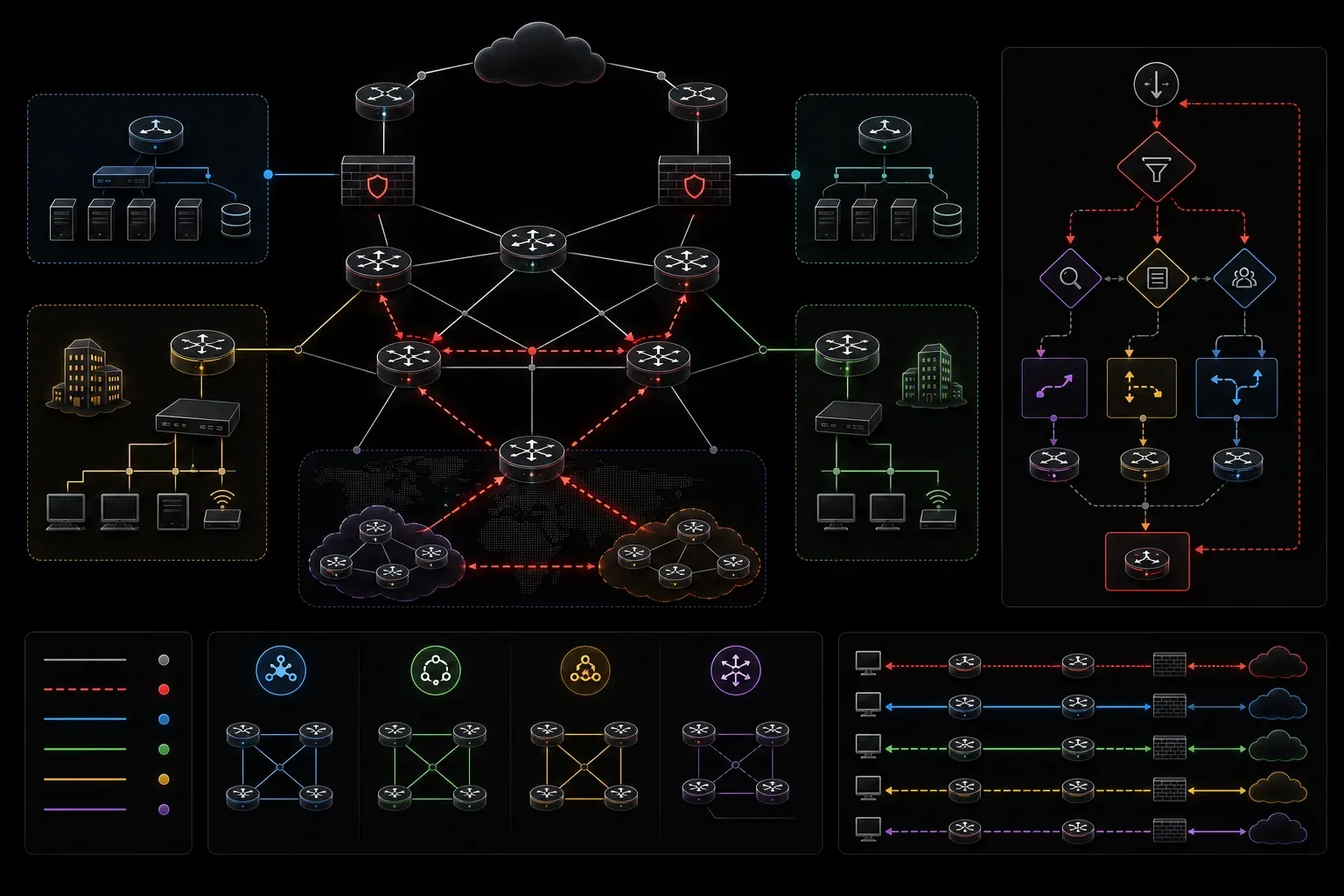
When implementing policy-based routing in enterprise networks, the real challenge isn't configuring PBR in isolation; it's ensuring seamless integration with your existing routing protocols while maintaining optimal performance. The key to successful network optimization lies in understanding how PBR interacts with OSPF, EIGRP, and BGP to create a cohesive traffic engineering strategy.
Understanding PBR's Position in the Routing Decision Process
Before diving into integration strategies, it's crucial to understand where PBR fits in the routing decision hierarchy. PBR processes packets before the routing table lookup occurs, which means it can override any routing protocol decision. This positioning gives you powerful control but requires careful planning to avoid creating routing loops or performance bottlenecks.
The packet processing order follows this sequence:
- Policy-based routing (if configured on the interface)
- Routing table lookup (CEF/FIB)
- Default gateway
This hierarchy means your policy routing decisions take precedence over even the most specific routes learned through routing protocols.
Integration with OSPF for Load Balancing
When you integrate PBR with routing protocols like OSPF, you can create sophisticated traffic distribution schemes that complement OSPF's equal-cost multipath (ECMP) capabilities. Consider a scenario where OSPF provides multiple equal-cost paths, but you need application-specific routing based on source networks.
interface GigabitEthernet0/1
 ip policy route-map OSPF_INTEGRATION

route-map OSPF_INTEGRATION permit 10
 match ip address SOURCE_NETWORK_A
 set ip next-hop 192.168.10.1
route-map OSPF_INTEGRATION permit 20
 match ip address SOURCE_NETWORK_B
 set ip next-hop 192.168.20.1
route-map OSPF_INTEGRATION permit 30
 set ip next-hop verify-availability 192.168.10.1 10 track 101
 set ip next-hop verify-availability 192.168.20.1 20 track 102

ip access-list extended SOURCE_NETWORK_A
 permit ip 10.1.0.0 0.0.255.255 any
ip access-list extended SOURCE_NETWORK_B
 permit ip 10.2.0.0 0.0.255.255 any
This configuration allows PBR to make intelligent forwarding decisions while OSPF continues to maintain reachability information. The verify-availability feature ensures that if your primary PBR next-hop fails, traffic can fall back to OSPF's routing table decisions.
Monitoring OSPF Integration
Use these commands to verify proper integration:
show route-map OSPF_INTEGRATION
show ip policy
show track brief
show ip ospf neighbor
show ip route ospf
EIGRP Integration for Convergence Optimization
EIGRP's fast convergence characteristics make it an excellent partner for PBR in environments requiring rapid failover. The combination allows you to maintain application-specific routing policies while leveraging EIGRP's sub-second convergence to activate backup paths.
router eigrp 100
 network 192.168.0.0
 eigrp router-id 1.1.1.1

route-map EIGRP_PBR_INTEGRATION permit 10
 match ip address CRITICAL_APPS
 set ip next-hop verify-availability 203.0.113.1 10 track 201
 set ip next-hop 203.0.113.2
route-map EIGRP_PBR_INTEGRATION permit 20

ip sla 201
 icmp-echo 203.0.113.1 source-interface GigabitEthernet0/0
 frequency 5
ip sla schedule 201 life forever start-time now

track 201 ip sla 201 reachability
This configuration ensures that critical applications follow your policy routing while maintaining EIGRP's ability to quickly reroute traffic when failures occur. The IP SLA integration provides more granular failure detection than relying solely on interface status.
BGP Integration for WAN Optimization
In WAN environments, integrating PBR with BGP creates powerful traffic engineering capabilities. This is particularly valuable when you have multiple ISP connections and need to implement egress traffic policies that differ from BGP's best path selection.
router bgp 65001
 neighbor 203.0.113.10 remote-as 65002
 neighbor 203.0.113.20 remote-as 65003
 neighbor 203.0.113.10 route-map SET_LOCAL_PREF_ISP1 in
 neighbor 203.0.113.20 route-map SET_LOCAL_PREF_ISP2 in

route-map BGP_PBR_INTEGRATION permit 10
 match ip address HTTP_TRAFFIC
 set ip next-hop 203.0.113.10
route-map BGP_PBR_INTEGRATION permit 20
 match ip address VoIP_TRAFFIC
 set ip next-hop 203.0.113.20
route-map BGP_PBR_INTEGRATION permit 30

ip access-list extended HTTP_TRAFFIC
 permit tcp any any eq 80
 permit tcp any any eq 443
ip access-list extended VoIP_TRAFFIC
 permit udp any any range 16384 32767
This approach allows you to override BGP's path selection for specific traffic types while maintaining BGP's role in learning reachability information and providing backup paths.
Performance Considerations and Best Practices
Successful routing integration requires careful attention to performance implications. PBR processing occurs in the process-switched path unless you're using Cisco Express Forwarding (CEF) with policy routing, which can impact router performance under high traffic loads.
CEF-Based Policy Routing
Enable CEF-based policy routing to maintain hardware-based forwarding performance:
ip cef
interface GigabitEthernet0/1
 ip route-cache policy
Verify CEF policy routing status:
show ip policy interface GigabitEthernet0/1
show ip cef interface GigabitEthernet0/1 policy-statistics
Route Map Optimization
Structure your route maps efficiently by placing the most frequently matched conditions first and using specific access lists to minimize processing overhead. Avoid overly complex route maps that could impact convergence times when integrated with fast-converging protocols like EIGRP.
Troubleshooting Integration Issues
Common integration problems include routing loops, asymmetric routing, and convergence delays. Use these troubleshooting approaches:
debug ip policy
show ip route summary
show route-map [map-name]
show track [object-number] [brief]
traceroute [destination] source [interface]
When troubleshooting, pay special attention to the interaction between PBR next-hop verification and routing protocol timers. Mismatched timers can cause temporary traffic blackholing during convergence events.
What's Next
Now that you understand how to integrate PBR with routing protocols for network optimization, the next logical step is implementing Quality of Service (QoS) marking and classification strategies. QoS policies often work hand-in-hand with PBR to provide end-to-end traffic management, allowing you to not only control the path traffic takes but also how it's treated along that path.
Tools and resources for this topic
- CCNP ENARSI 300-410 Official Cert Guide — The definitive ENARSI study resource by Raymond Lacoste. Covers advanced routing, services, and troubleshooting.