
Troubleshooting Common Routing Issues for Beginners
A beginner's guide to troubleshooting common routing issues using systematic approaches and essential network commands. Covers ping, traceroute, routing table analysis, and solutions for routing loops and configuration problems.

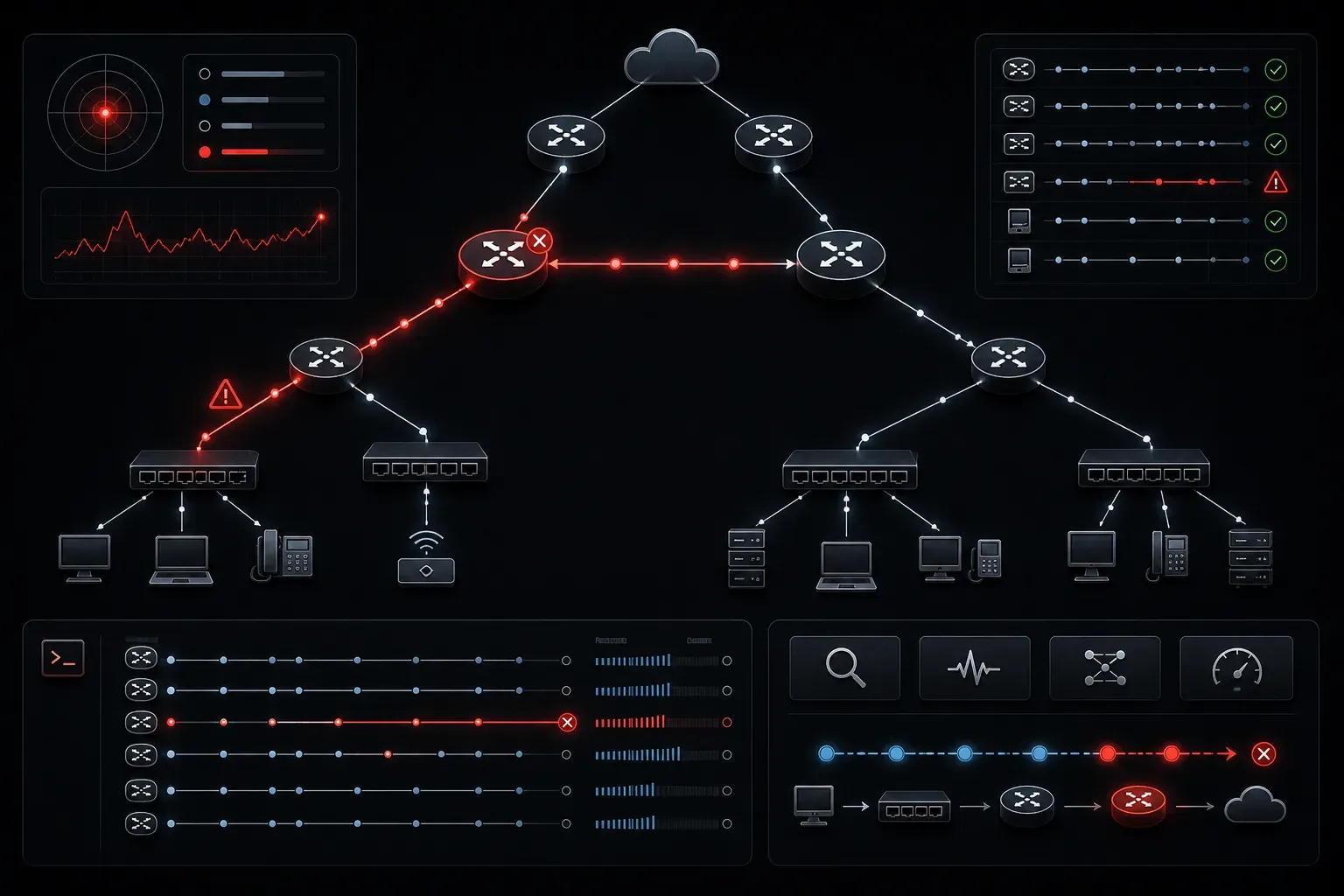
When networks don't work as expected, routing issues are often the culprit. Whether packets can't reach their destination or network performance is sluggish, understanding how to troubleshoot routing problems is essential for any network professional. Let's walk through a systematic approach to identifying and resolving common routing issues.
Understanding Routing Fundamentals
Before diving into troubleshooting, it's important to understand what routing does. Routers make forwarding decisions based on their routing tables, which contain information about network destinations and the best paths to reach them. When troubleshooting routing issues, you're essentially doing detective work, following the path packets should take and identifying where things go wrong.
The most common symptoms of routing problems include:
- Complete loss of connectivity to specific networks
- Intermittent connection issues
- Slow network performance
- Packets taking suboptimal paths
Essential Troubleshooting Commands
Your network troubleshooting toolkit should include several key commands that help trace packet flow and identify routing problems.
Using Ping for Basic Connectivity
Start with the ping command to test basic connectivity. This simple tool sends ICMP (Internet Control Message Protocol) echo requests and measures response times:
ping 192.168.1.1
PING 192.168.1.1: 56 data bytes
64 bytes from 192.168.1.1: icmp_seq=0 ttl=64 time=1.234 ms
64 bytes from 192.168.1.1: icmp_seq=1 ttl=64 time=0.987 ms
If ping fails, you know there's a connectivity issue. Pay attention to the TTL (Time To Live) values; they indicate how many hops remain before the packet would be discarded. A lower TTL indicates the packet has traversed more routers to reach its destination.
Tracing the Path with Traceroute
When ping fails or shows high latency, use traceroute (or tracert on Windows) to see exactly where packets are going:
traceroute google.com
traceroute to google.com (172.217.164.110), 30 hops max, 60 byte packets
 1  192.168.1.1 (192.168.1.1)  1.234 ms  1.123 ms  0.987 ms
 2  10.0.0.1 (10.0.0.1)  12.456 ms  11.234 ms  10.987 ms
 3  * * *
The asterisks (*) in hop 3 indicate where the path is failing. This immediately narrows down where to focus your troubleshooting efforts.
Systematic Troubleshooting Approach
When applying network troubleshooting tips, follow a structured methodology to avoid missing obvious issues.
Step 1: Check Physical Connectivity
Always start with the basics. Verify that all cables are properly connected, link lights are active, and interfaces show as "up/up" status. Many routing problems are actually physical layer issues in disguise.
Step 2: Examine Routing Tables
Check the routing table on your router to ensure it has the correct routes:
show ip route
Codes: C - connected, S - static, R - RIP, M - mobile, B - BGP

Gateway of last resort is 192.168.1.1 to network 0.0.0.0

C    192.168.1.0/24 is directly connected, FastEthernet0/0
S*   0.0.0.0/0 [1/0] via 192.168.1.1
Look for missing routes to destination networks. If a route is missing, packets won't know where to go.
Step 3: Verify Default Gateway Configuration
On end devices, ensure the default gateway is correctly configured. A misconfigured default gateway is one of the most common causes of routing problems:
ipconfig /all
   Default Gateway . . . . . . . . . : 192.168.1.1
Common Routing Issues and Solutions
Routing Loops
Routing loops occur when packets get stuck circling between routers. You'll notice this when traceroute shows the same hops repeating or when packets have very low TTL values. The solution typically involves checking routing protocol configurations and ensuring that proper loop-prevention mechanisms are in place.
Asymmetric Routing
Sometimes packets take different paths in each direction, which can cause issues with stateful firewalls or load balancers. Use traceroute from both ends of a connection to identify asymmetric paths.
Incorrect Subnet Masks
Mismatched subnet masks can cause devices to believe they're on different networks when they should be on the same one. Always verify that subnet masks match across devices in the same network segment.
What's Next
Now that you understand basic routing troubleshooting techniques, the next step is to learn about dynamic routing protocols such as RIP, OSPF, and EIGRP. These protocols automatically build and maintain routing tables, but they introduce their own troubleshooting challenges that require protocol-specific knowledge to resolve effectively.
Tools and resources for this topic
- CompTIA Network+ Study Guide — Comprehensive N10-009 exam preparation covering all five domains.