
Wi-Fi vs Cellular: Which is Right for You?
This post compares Wi-Fi and cellular networks, covering their speed, coverage, cost, and security differences. It helps readers understand when to choose each technology based on their specific needs and usage patterns.

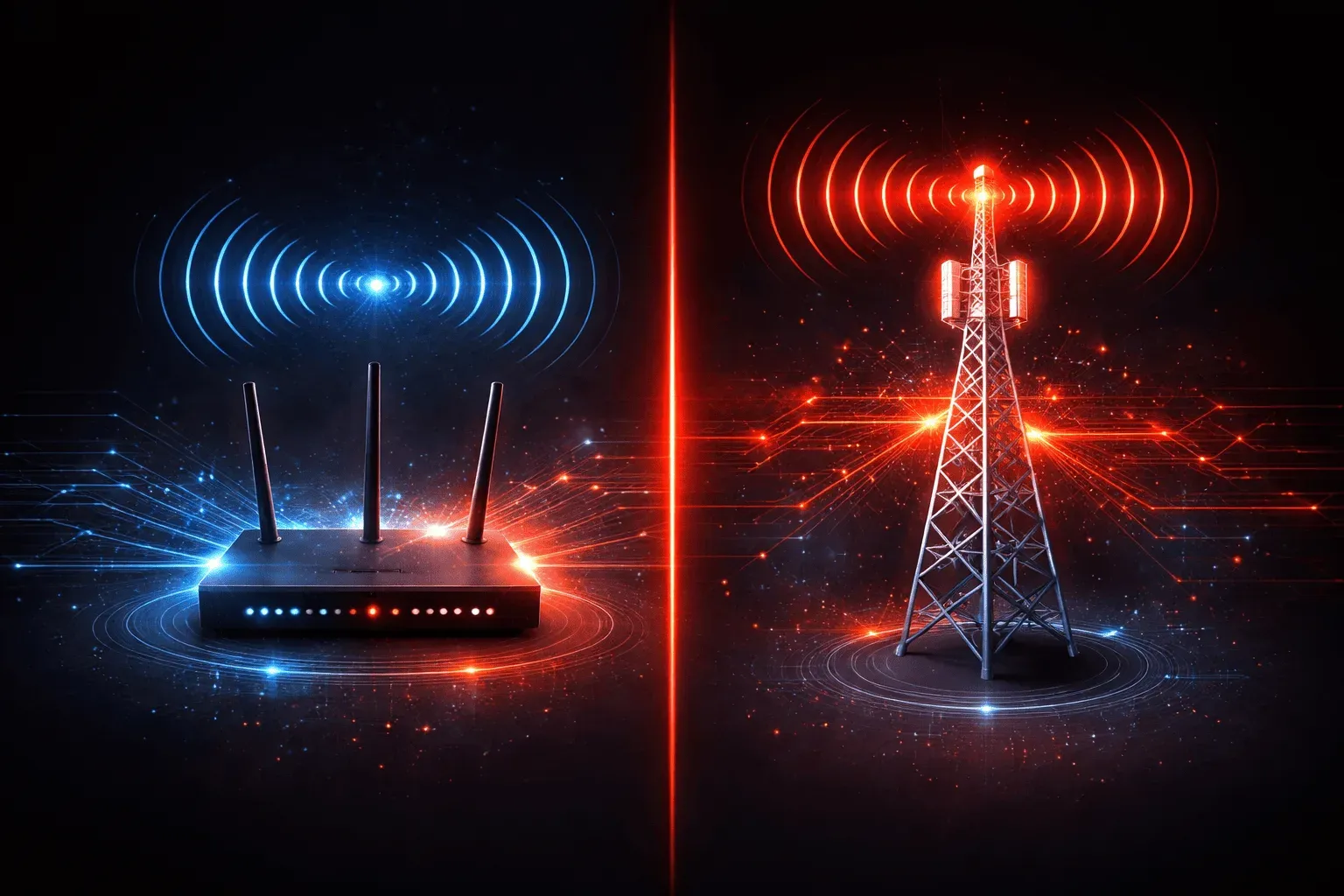
When it comes to getting your devices connected to the internet, you have two primary wireless options: Wi-Fi and cellular networks. Understanding the differences between these technologies will help you make informed decisions about which internet access method works best for different situations.
What Are Wi-Fi and Cellular Networks?
Wi-Fi is a local area wireless technology that connects your devices to a router or access point, which then connects to the internet through a wired broadband connection. Think of Wi-Fi as a wireless extension of your home or office network.
Cellular networks use radio towers to provide wide-area wireless coverage. Your device connects directly to cell towers operated by carriers like Verizon, AT&T, or T-Mobile, giving you internet access wherever there's cellular coverage.
Wi-Fi vs Cellular: Speed and Performance
In this network comparison, speed often favors Wi-Fi in ideal conditions. Modern Wi-Fi 6 networks can deliver speeds over 1 Gbps in close proximity to the router. However, Wi-Fi performance degrades significantly with distance and obstacles like walls.
Cellular speeds vary greatly by technology generation:
- 4G LTE: Typically 10-50 Mbps download speeds
- 5G: Can reach 100+ Mbps, with some areas seeing gigabit speeds
- 5G mmWave: Ultra-fast but limited range and coverage
The key difference: Wi-Fi speeds are more consistent when you're close to the router, while cellular provides more predictable performance across wider areas.
Coverage and Mobility
This is where cellular networks shine. With cellular, you get internet access anywhere there's tower coverage, in your car, on hiking trails, or traveling between cities. Modern cellular networks cover over 99% of the US population.
Wi-Fi coverage is limited to roughly 150 feet indoors and 300 feet outdoors from the access point. You'll find Wi-Fi hotspots in cafes, airports, hotels, and public spaces, but coverage gaps are common when you're mobile.
Cost Considerations
Wi-Fi typically offers better value for high-data usage:
- Usually unlimited data once you pay for a broadband service
- No per-device charges for multiple connections
- One-time setup costs for equipment
Cellular costs add up quickly:
- Monthly charges per device or line
- Data caps or throttling on many plans
- Overage charges for exceeding data limits
- Premium pricing for truly unlimited high-speed data
Security and Reliability
Both technologies have evolved significantly in security. Modern Wi-Fi uses WPA3 encryption, while cellular networks use robust authentication and encryption protocols. However, public Wi-Fi hotspots can pose security risks if not properly configured.
Reliability varies by implementation. A well-configured Wi-Fi network in your home or office typically provides consistent connectivity. Cellular reliability depends on tower proximity, network congestion, and weather conditions.
When to Choose Each Option
Choose Wi-Fi when you:
- Need high-bandwidth activities like streaming 4K video or large file downloads
- Have multiple devices that need internet access
- Work primarily from fixed locations
- Want to avoid data usage charges
Choose Cellular when you:
- Need internet access while mobile
- Work in areas without reliable Wi-Fi
- Require backup connectivity for critical applications
- Need secure connections without depending on potentially unsecured public Wi-Fi
The Hybrid Approach
Most users benefit from both technologies. Your smartphone likely uses Wi-Fi when available and automatically switches to cellular when you leave Wi-Fi coverage. Many modern devices support Wi-Fi calling and seamless handoff between networks.
For businesses, cellular backup connections provide redundancy when the primary Wi-Fi/broadband connection fails, ensuring continuous operations.
What's Next
Now that you understand the fundamental differences between Wi-Fi and cellular networks, the next step is to dive deeper into Wi-Fi standards and how different generations, such as Wi-Fi 5, Wi-Fi 6, and the upcoming Wi-Fi 7, impact your network performance and capabilities.