
Troubleshooting Common IPv4 Addressing Issues
Learn to systematically troubleshoot common IPv4 addressing problems including IP conflicts, incorrect subnet masks, gateway issues, and DHCP failures. Includes practical CLI commands and step-by-step solutions.

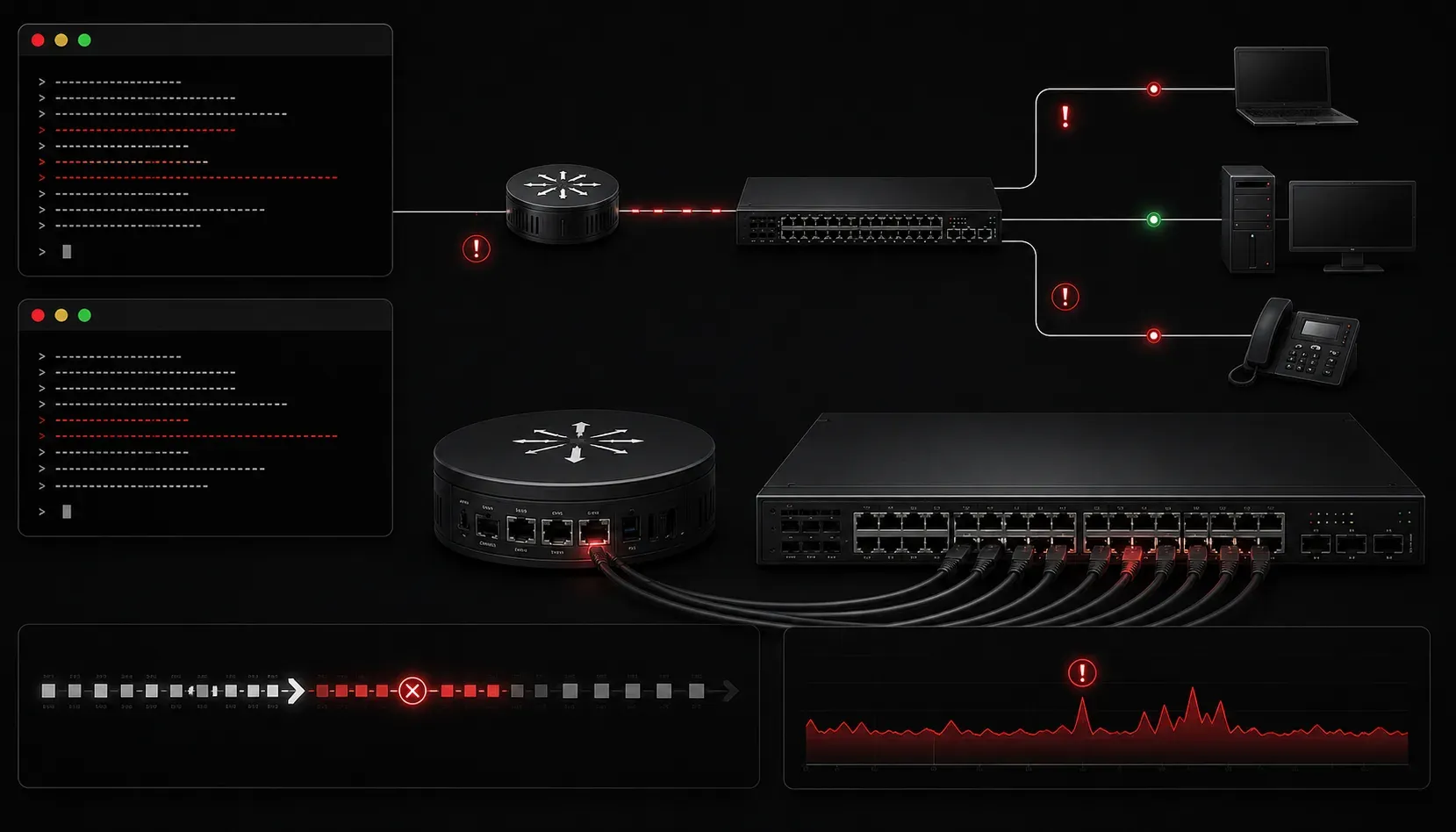
When you're starting your networking journey, IPv4 addressing issues can feel overwhelming. But here's the good news: most IP address problems fall into predictable patterns, and with the right troubleshooting approach, you can solve them systematically. Let's walk through the most common IPv4 issues you'll encounter and how to fix them.
The Foundation: Understanding What Can Go Wrong
Before diving into specific problems, it's important to understand that IPv4 issues typically stem from four main areas: incorrect IP configuration, subnet mask problems, gateway issues, or IP address conflicts. Each has distinct symptoms that help guide your troubleshooting process.
Issue #1: IP Address Conflicts
An IP address conflict occurs when two devices on the same network have identical IP addresses. This is one of the most common IPv4 errors you'll encounter.
Symptoms:
- Intermittent connectivity
- "IP address conflict" error messages
- Unable to reach certain network resources
Troubleshooting steps:
First, identify which device has the conflict using ping and arp commands:
ping 192.168.1.100
arp -a | findstr 192.168.1.100
This shows you the MAC address associated with the IP. If you see different MAC addresses for the same IP over time, you've confirmed a conflict.
Solution: Change one device's IP address or ensure DHCP is properly configured to prevent duplicate assignments.
Issue #2: Incorrect Subnet Mask
Wrong subnet masks cause devices to misunderstand which addresses are local versus remote, leading to routing problems.
Symptoms:
- Can ping some devices but not others on the "same" network
- Traffic going to default gateway unnecessarily
- Partial network connectivity
Troubleshooting approach:
Check the current configuration:
ipconfig /allCompare the subnet mask with other working devices. Calculate the network range to verify if problematic devices should be in the same subnet.
For example, if your network is 192.168.1.0/24, but a device has mask 255.255.0.0, it thinks the entire 192.168.0.0 range is local, causing routing confusion.
Issue #3: Wrong Default Gateway
Gateway problems prevent devices from reaching networks beyond their local subnet.
Symptoms:
- Can ping local devices but not internet or remote networks
- Local connectivity works perfectly
- DNS resolution may fail
Troubleshooting steps:
Test local connectivity first:
ping 192.168.1.1Then test gateway connectivity:
ping [gateway-ip]Check your routing table:
route printLook for the default route (0.0.0.0). If it's missing or incorrect, you've found your problem.
Issue #4: DHCP Problems
DHCP failures result in devices having no IP configuration or using APIPA addresses (169.254.x.x).
Symptoms:
- IP address shows as
169.254.x.x - Limited or no connectivity
- "No network access" messages
Troubleshooting approach:
Release and renew the IP address:
ipconfig /release
ipconfig /renew
Check if DHCP server is reachable and functioning. Verify DHCP scope isn't exhausted.
Systematic Troubleshooting Method
When facing any IPv4 issue, follow this methodical approach:
- Check physical connectivity: cables, link lights, port status
- Verify IP configuration: use
ipconfig /all - Test local connectivity: ping another device in same subnet
- Test gateway connectivity: ping default gateway
- Test remote connectivity: ping external address like
8.8.8.8 - Test DNS resolution: ping by hostname
This layered approach helps you isolate exactly where the problem occurs.
Prevention Tips
To avoid common IPv4 errors:
- Document your IP addressing scheme
- Use DHCP reservations instead of static IPs when possible
- Regularly audit your IP address usage
- Implement proper change management for network modifications
What's Next
Now that you understand how to troubleshoot IPv4 issues, the next step is diving deeper into subnetting calculations and VLSM (Variable Length Subnet Masking). These advanced addressing techniques will give you more flexibility in network design while helping you avoid the addressing problems we've covered here.
Tools and resources for this topic
- CCNA Official Cert Guide (Wendell Odom) — The definitive CCNA study resource. Both volumes cover the 200-301 exam blueprint in full.
- Wendell Odom CCNA Vol 1 — Covers networking fundamentals, switching, and routing basics.
- Wendell Odom CCNA Vol 2 — Covers advanced routing, WAN, infrastructure services, and security.