
Troubleshooting Common Switching Issues
Learn to identify and resolve common switching issues including VLAN misconfigurations, switching loops, and port security violations using systematic troubleshooting techniques and Cisco CLI commands.

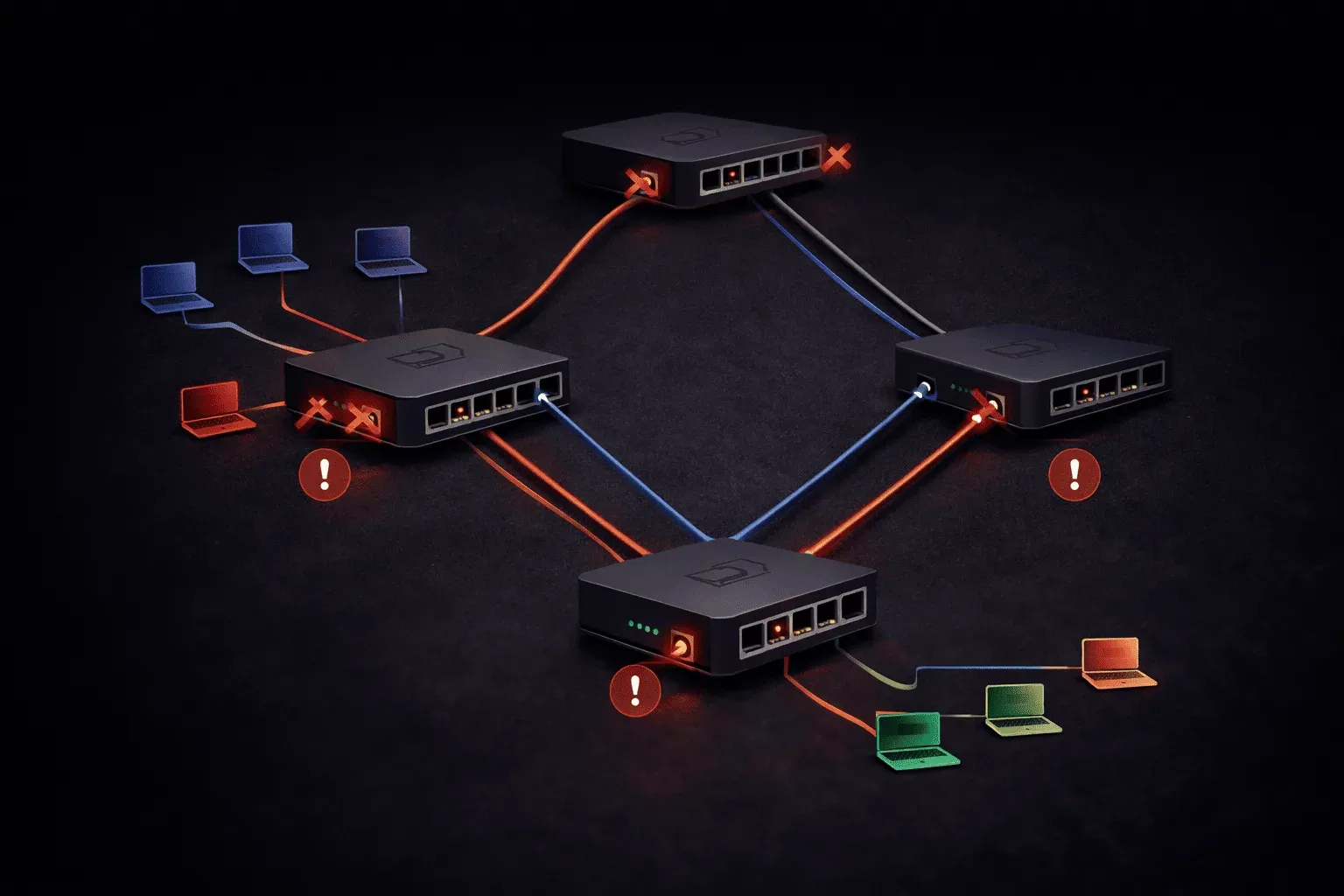
When you're working with network switches, you'll inevitably encounter problems that can bring your network to its knees. The good news is that most switching problems follow predictable patterns, and once you know what to look for, troubleshooting becomes much more manageable.
Let's walk through the most common switching issues you'll face and how to resolve them systematically.
VLAN Misconfigurations
VLAN issues are among the most frequent switching problems. The classic symptom is when devices can't communicate even though they appear to be on the same network.
Start your troubleshooting by verifying VLAN assignments:
Switch# show vlan brief
VLAN Name                             Status    Ports
---- -------------------------------- --------- -------------------------------
1    default                          active    Fa0/1, Fa0/2, Fa0/3, Fa0/4
10   Sales                            active    Fa0/5, Fa0/6
20   Engineering                      active    Fa0/7, Fa0/8
If a port isn't showing up in the expected VLAN, check the port configuration:
Switch# show running-config interface fastethernet 0/5
interface FastEthernet0/5
 switchport mode access
 switchport access vlan 10
Common VLAN fixes include:
- Assigning ports to the correct VLAN using
switchport access vlan [number] - Verifying trunk ports carry the necessary VLANs with
show interfaces trunk - Checking that VLANs exist on all switches in the path
Switching Loops and STP Problems
Switching loops create broadcast storms that can completely overwhelm your network. You'll notice symptoms like extremely high CPU utilization, slow network performance, or complete network outages.
Check your Spanning Tree Protocol status:
Switch# show spanning-tree
VLAN0001
  Spanning tree enabled protocol ieee
  Root ID    Priority    32769
             Address     0019.e86a.6f00
             This bridge is the root
             Hello Time   2 sec  Max Age 20 sec  Forward Delay 15 sec

  Bridge ID  Priority    32769  (priority 32768 sys-id-ext 1)
             Address     0019.e86a.6f00
             Hello Time   2 sec  Max Age 20 sec  Forward Delay 15 sec
             Aging Time  15  sec
Look for ports stuck in blocking or listening states, which might indicate topology issues. If you find redundant connections causing loops, STP should handle them automatically, but you can manually configure port priorities or enable features like PortFast for end-device connections.
Port Security Violations
Port security problems typically manifest as devices suddenly losing network connectivity. Check for security violations:
Switch# show port-security interface fastethernet 0/1
Port Security              : Enabled
Port Status                : Secure-shutdown
Violation Mode             : Shutdown
Aging Time                 : 0 mins
Aging Type                 : Absolute
SecureStatic Address Aging : Disabled
Maximum MAC Addresses      : 1
Total MAC Addresses        : 1
Configured MAC Addresses   : 0
Sticky MAC Addresses       : 1
Last Source Address:Vlan   : 0040.0bb3.1445:1
Security Violation Count   : 1
When you see Secure-shutdown status, the port has been disabled due to a security violation. To resolve this:
Switch(config)# interface fastethernet 0/1
Switch(config-if)# shutdown
Switch(config-if)# no shutdown
Systematic Troubleshooting Approach
For effective network troubleshooting, always follow the OSI model from the physical layer up:
- Physical Layer: Check cables, port LEDs, and link status with
show interfaces status - Data Link Layer: Verify VLAN assignments, trunking, and STP operation
- Network Layer: Test IP connectivity and routing
Use show interfaces to check for errors, collisions, or unusual traffic patterns that might indicate hardware problems or misconfigurations.
Prevention is Better Than Cure
Many switching issues can be prevented with good practices:
- Document your VLAN assignments and keep them current
- Use consistent naming conventions for VLANs across switches
- Implement port security gradually and monitor for violations
- Regular monitoring of switch logs and interface statistics
What's Next
Now that you can handle basic switching problems, the next step is mastering advanced switching features like EtherChannel and inter-VLAN routing. These technologies add complexity but also provide the redundancy and segmentation that modern networks require.
Tools and resources for this topic
- CompTIA Network+ Study Guide — Comprehensive N10-009 exam preparation covering all five domains.