Security+ What Are Fundamental Security Concepts? This post introduces the fundamental security concepts essential for Security+ beginners, covering the CIA Triad, authentication vs. authorization, least privilege, defense in depth, and risk management basics. These core principles form the foundation for all cybersecurity learning.
Network+ What Are Cloud Computing Basics? An introduction to cloud computing fundamentals covering the three main service types (IaaS, PaaS, SaaS) and four deployment models (public, private, hybrid, community). Explains core concepts and benefits for networking beginners.
AI Tools Using ChatGPT to Write Network Documentation Learn how to use ChatGPT to quickly generate professional network documentation including diagram descriptions, change requests, runbooks, and incident reports. Includes specific prompts and techniques for better AI-generated documentation.
CCNA Understanding Network Topology Architectures An introduction to network topology architectures covering bus, star, ring, and mesh topologies with their advantages, disadvantages, and real-world applications. Essential foundation knowledge for CCNA candidates and networking beginners.
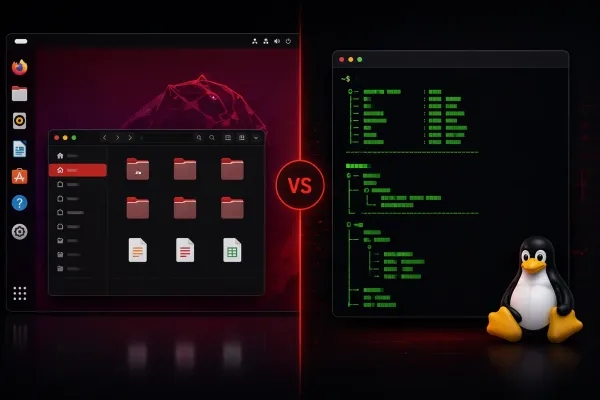
Linux+ What is System Management in Linux? System management in Linux encompasses the comprehensive tasks needed to maintain, monitor, and optimize Linux systems. This includes user management, process control, file system maintenance, and network configuration—all essential skills for Linux administrators.
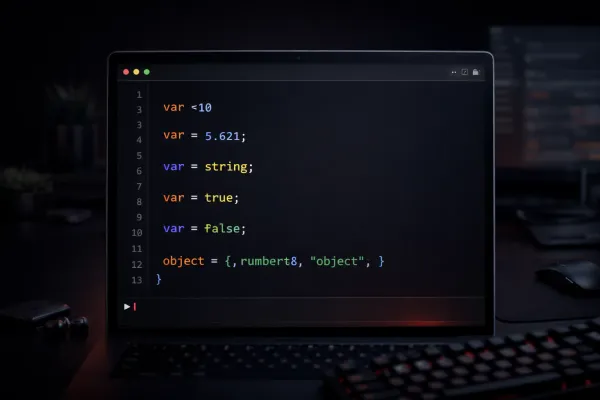
CCNA Automation What is Software Development? This post introduces software development basics for network engineers entering automation. It covers the systematic process of creating programs, the development lifecycle phases, and how software development principles apply to network automation solutions.
Security+ What Are Security Controls? Security controls are safeguards that protect information systems through administrative policies, technical solutions, and physical measures. This post covers the three main categories and explains how preventive, detective, and corrective controls work together to create layered defense.
Network+ What is the OSI Model and Why is it Important? The OSI model is a seven-layer framework that standardizes network communication, breaking it down from physical connections to applications. Understanding these layers provides the foundation for networking troubleshooting, design, and learning more advanced concepts.
CCNA What Does a Router Do in a Network? This post explains the fundamental role of routers in networks, covering their primary functions of routing between networks, making path decisions, and enabling data transmission across different network segments.
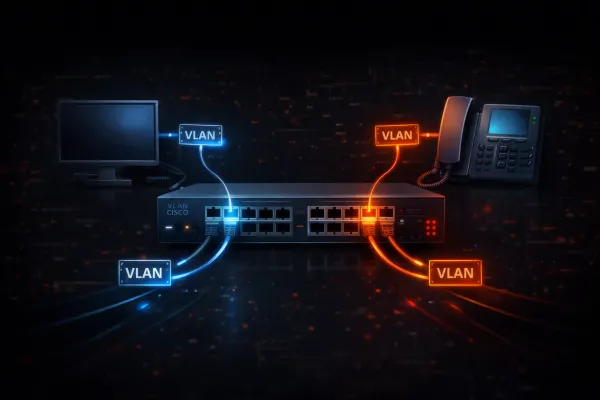
python Why Network Engineers Need Python Manual network configuration doesn't scale beyond a few devices. This post demonstrates why Python automation is essential for modern network engineers by comparing manual VLAN configuration across 10 switches versus a simple Python script that does the same job faster and error-free.
CCNA What is a Network? Why Networks Exist This post explains what computer networks are, why we need them for resource sharing and communication, and covers the main types including PAN, LAN, MAN, and WAN with practical examples.
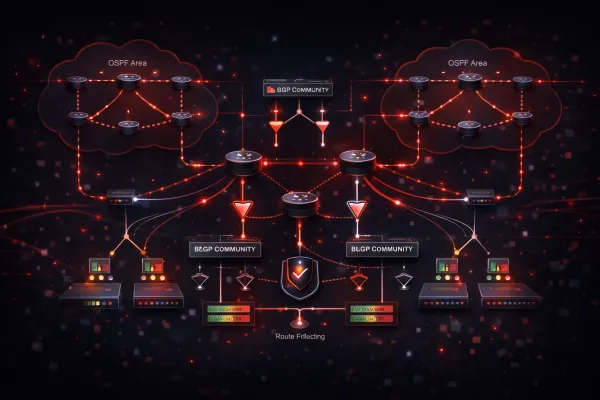
Wildcard BGP for Beginners: How the Internet Picks Routes BGP is the internet's routing protocol that determines how data travels between networks worldwide. This beginner-friendly explanation covers Autonomous Systems, peering relationships, and why BGP misconfigurations can cause massive internet outages.
Deep Dive Building a Home Lab for Network Engineering A complete guide to building network engineering home labs, comparing GNS3, EVE-NG, and Packet Tracer platforms. Covers hardware requirements, legal image sources, and integrating virtual labs with real networks for hands-on learning.
CCNA What Does a Router Actually Do? This post explains the fundamental role of routers in networking, covering how they forward packets between networks using routing tables, and distinguishes between home WiFi routers and enterprise routers like Cisco's ISR series.
Deep Dive How a Packet Travels Across the Internet: End to End Follow a packet's complete journey from clicking a link to loading a webpage, covering DNS resolution, ARP, switching, routing, NAT, and TCP connections. This ties together fundamental networking concepts into one coherent story.
AI Tools AI for IT Professionals: Where to Start A comprehensive guide for IT professionals on how to start using AI tools like ChatGPT, Claude, and GitHub Copilot in daily work. Covers when to use each tool, practical examples, and best practices for integrating AI into IT workflows.
CCNA Subnetting Vocabulary Decoded: Understanding the Language of IP Addressing Hey CCNA learners! 👋 One of our community members asked a great question about subnetting terminology, you know, those words we throw around that can feel confusing at first. Let's break down what each term actually means and how they relate to each other. The Essential Terms Mask / Subnet
News I Thought This Blog Was Dead — Turns Out I Was Very Wrong It’s been a long time since I last wrote a post here. So long, in fact, that I genuinely assumed this blog had quietly faded away into the depths of the internet — something I once poured a lot of time into, but that no one was really reading anymore.
Access-Lists Static NAT overloaded??? Static NAT is a one-to-one mapping between a local address and a global address. But, what if you have 2 local addresses that map to the same global address? Well, you would have an overloaded static NAT, which doesn't make much sense because the router wouldn't
CCNA Configuring PAT on Cisco Routers (NAT Overload) What is PAT (Port Address Translation)? PAT (Port Address Translation), also known as NAT Overload, is a form of Network Address Translation that allows multiple devices on a private network to share a single public IP address. Unlike one-to-one NAT, PAT uses port numbers to differentiate between multiple internal connections,
Access-Lists Configuring Dynamic NAT on Cisco Routers Welcome to another tutorial on Network Address Translation (NAT). In this post we'll be looking at how to configure Dynamic NAT on Cisco routers. I highly recommend that you first read through my previous post on configuring static NAT before continuing with this one. What is Dynamic NAT?
CCNA Configuring Static NAT on Cisco Routers In my previous post on NAT, I explained the difference between the 3 different types of NAT that can be configured. In this tutorial I’m going to cover the configuration steps to configure static NAT. Static NAT is a one-to-one mapping. It allows us to translate a single IP
CCNA NAT (Network Address Translation) NAT (Network Address Translation) NAT stands for Network Address Translation. It's one of those concepts that you need to understand if you want to pass your CCNA. Not only do you need to understand how it works, but you also need to know how to configure it. First
CCNA Creating Layer 2 and Layer 3 Ether Channels EtherChannel technology allows network administrators to bundle multiple physical links into a single logical link. This bundling provides increased bandwidth and redundancy between network devices. There are two primary types of EtherChannels: Layer 2 (for switched networks) and Layer 3 (for routed networks). Layer 2 EtherChannel Configuration Layer 2 EtherChannels
WAN ISDN and Multilink with load-threshold Configuration Steps: 1. Configure the BRI interfaces Router(config)# interface bri 0/0/0 Router(config-if)# ip address 10.0.0.1 255.255.255.0 Router(config-if)# encapsulation ppp Router(config-if)# isdn spid1 0835866101 8358661 Router(config-if)# isdn spid2 0835866301 8358663 Router(config-if)# dialer string 8358662 Router(config-if)# dialer-group