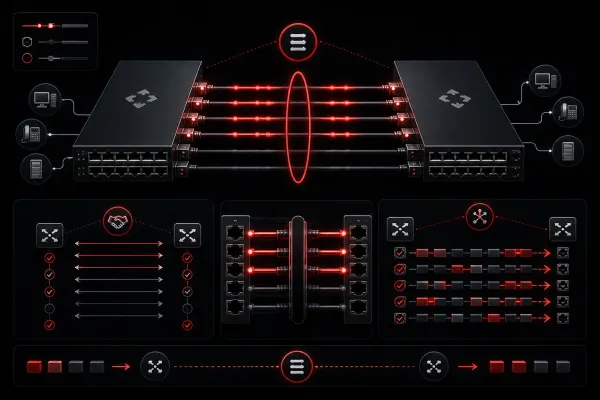
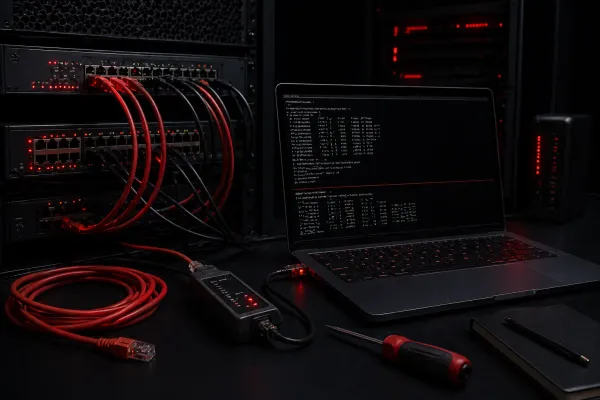
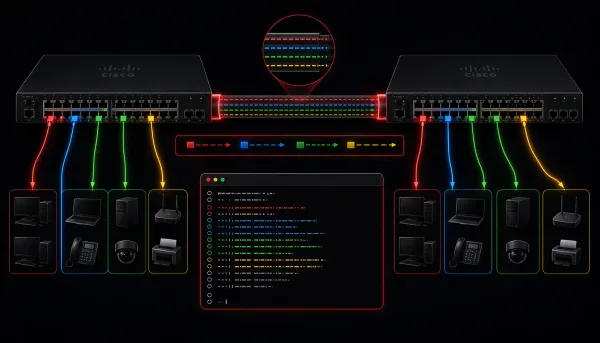
CCNA How to Configure Trunk Ports: A Step-by-Step Guide A comprehensive beginner's guide to configuring trunk ports on Cisco switches, covering step-by-step configuration commands, verification methods, and troubleshooting tips. Includes practical examples and best practices for CCNA students.
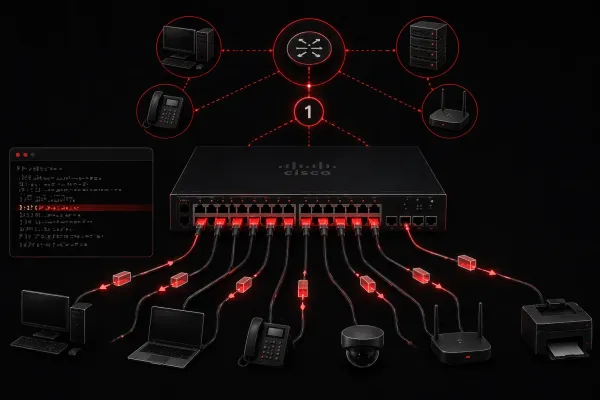
CCNA What is the Default VLAN and Why Does it Matter? The default VLAN (VLAN 1) is a pre-configured VLAN that exists on every Cisco switch, providing immediate connectivity and serving as the foundation for network management. Understanding its role and characteristics is essential for CCNA candidates working with VLANs.
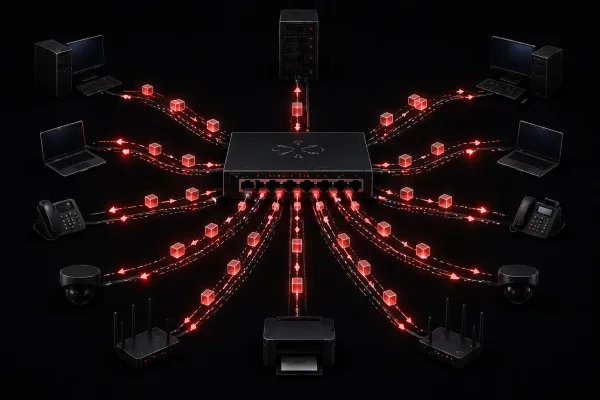
CCNA Frame Flooding Explained for Beginners Frame flooding occurs when switches send frames out all ports because they don't know the destination MAC address location. While normal during learning, excessive flooding impacts bandwidth, security, and network performance.
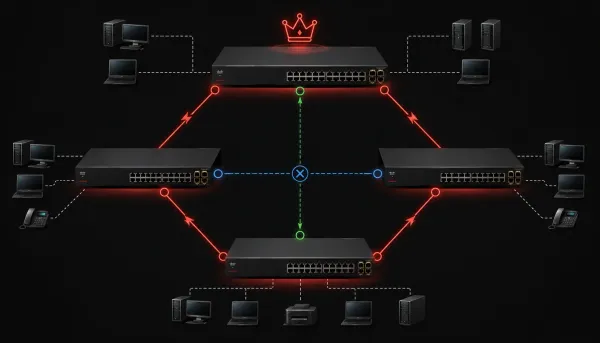
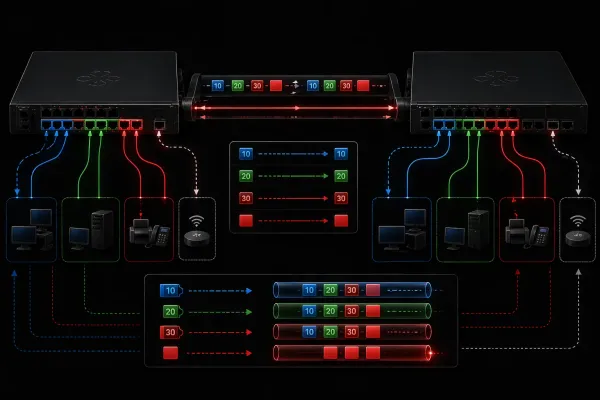
CCNA Native VLAN: What It Is and How It Works The native VLAN is a special VLAN that carries untagged traffic across trunk links between switches. Unlike other VLANs that receive 802.1Q tags, native VLAN traffic remains untagged, making proper configuration and management crucial for network security and functionality.
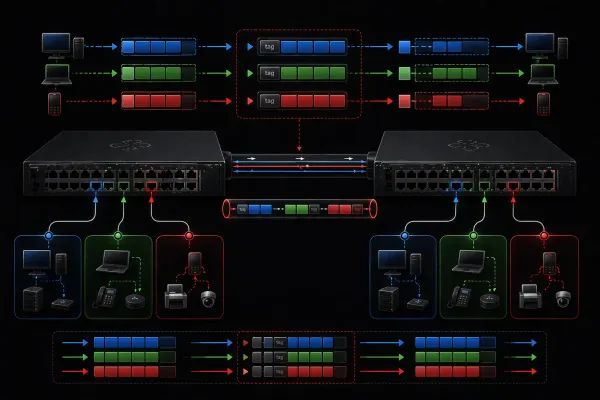
CCNA Understanding 802.1Q: The Key to VLAN Tagging 802.1Q is the IEEE standard that enables VLAN tagging by inserting 4-byte tags into Ethernet frames. This allows switches to identify which VLAN each frame belongs to as it travels between switches, enabling efficient network traffic management across multiple VLANs.
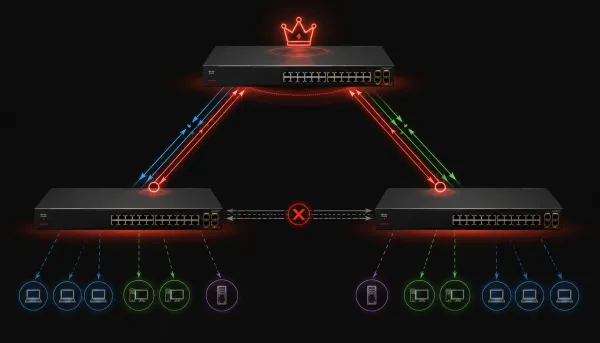
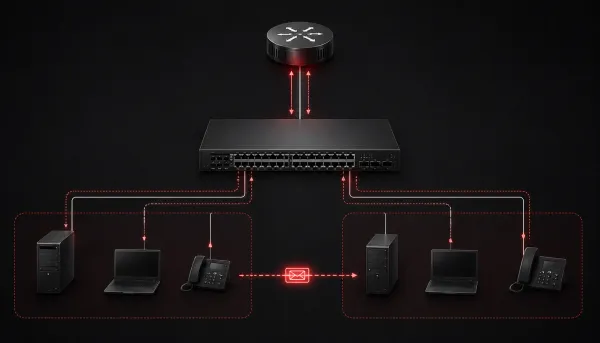
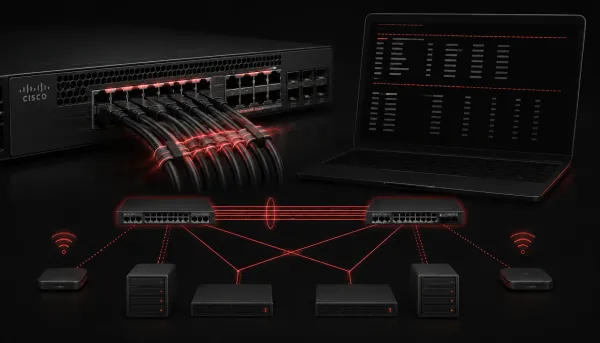
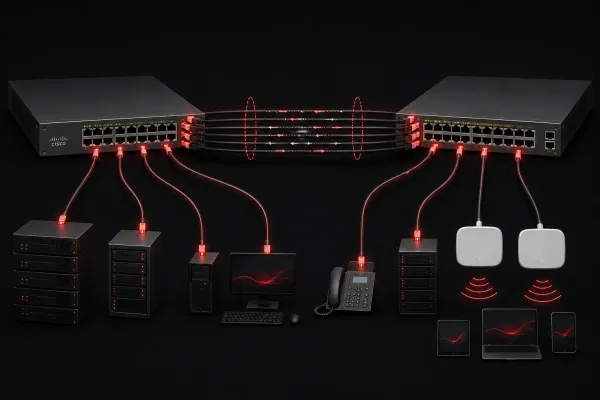
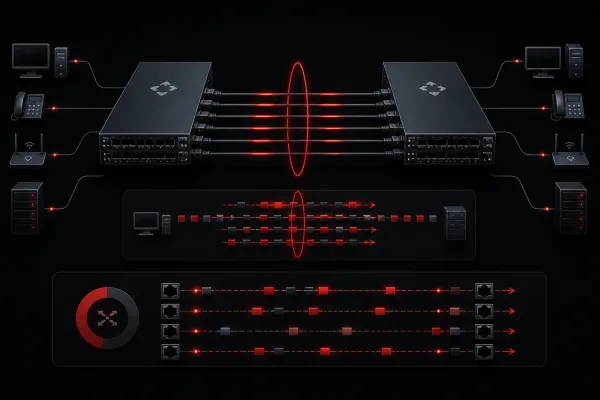
CCNA What Are Trunk Ports and Why Are They Important? Trunk ports are switch ports that carry traffic for multiple VLANs simultaneously using VLAN tagging. They're essential for efficient network design, allowing multiple VLANs to communicate across switches through a single physical connection rather than requiring separate cables for each VLAN.
CCNA Virtualization in Networking: How Server Virtualization, Containers, and VRFs Work Together This post explains how server virtualization, containers, and VRFs work together in network environments, creating integrated virtualization solutions that maximize efficiency while maintaining security and isolation across different layers of the network infrastructure.
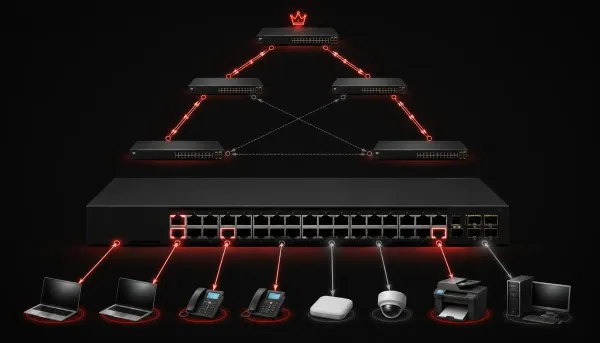
CCNA Understanding Access Ports for Data and Voice Access ports are fundamental switch connections that assign devices to a single VLAN. They handle both standard data connections and special voice configurations where IP phones require separate VLANs for voice and data traffic.
CCNA How Does Frame Switching Work? Frame switching is the process by which network switches intelligently forward data frames between devices. This post explains the three switching methods (store-and-forward, cut-through, and fragment-free) and how switches learn MAC addresses to make efficient forwarding decisions.
CCNA How to Configure VLANs on Multiple Switches This beginner-friendly guide walks through configuring VLANs across multiple switches, covering VLAN creation, trunk configuration, and port assignments with clear step-by-step instructions and verification commands.
CCNA VRFs Explained: Virtual Routing and Forwarding for Beginners VRFs (Virtual Routing and Forwarding) create isolated routing environments within a single device, enabling network segmentation and allowing multiple independent routing tables. This beginner-friendly guide explains how VRFs work and why they're essential for modern networking.
CCNA Understanding MAC Learning and Aging in Networks This post explains how switches use MAC learning to map devices to ports and how aging automatically removes stale entries to maintain network efficiency. It covers the MAC address table, aging timers, and configuration commands.
CCNA Understanding Containers: A Simple Guide for Beginners Learn what containers are in simple terms, how they differ from virtual machines, and why they matter for network engineers. Covers Docker basics and real-world networking examples.
CCNA What is Server Virtualization and How Does it Work? Server virtualization allows multiple virtual machines to run on a single physical server using hypervisors for hardware abstraction. This technology reduces costs, improves efficiency, and enables better resource utilization in modern IT environments.
CCNA What is Switching in Networking? Switching in networking is the intelligent process of directing data between devices in a local network. Unlike older hubs, switches learn device locations and forward data only to intended recipients, creating efficient and secure communication paths.
CCNA Setting Up a SOHO Network: A Beginner's Guide Learn how to set up a Small Office/Home Office (SOHO) network with this beginner-friendly guide covering essential components, step-by-step configuration, and security best practices for small business and home office environments.
CCNA Understanding Nonoverlapping Wi-Fi Channels Learn about nonoverlapping Wi-Fi channels and their critical role in preventing wireless interference. Discover why only channels 1, 6, and 11 work effectively in 2.4 GHz and how proper channel selection improves network performance.
CCNA What is an SSID and Why Does it Matter? SSIDs (Service Set Identifiers) are the broadcast names of wireless networks that enable device identification and connection. This post explains how SSIDs function in wireless networking, their role in network security, and best practices for SSID configuration and management.
CCNA Basics of Radio Frequency (RF) in Wireless Networking Radio frequency (RF) enables wireless networking by converting digital data into electromagnetic waves that travel through the air. Understanding RF principles including frequency, signal strength, and interference is essential for troubleshooting and designing wireless networks.
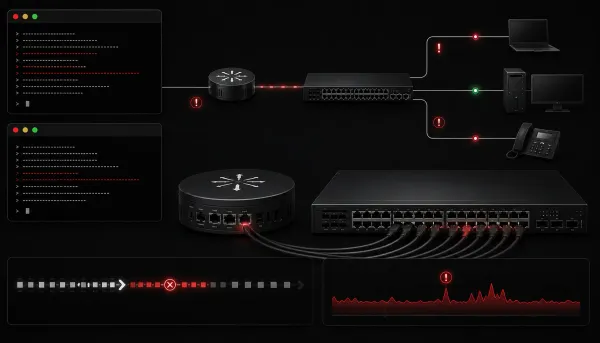
CCNA Network Collisions vs Errors: Key Differences Explained Network collisions occur when devices transmit simultaneously on shared segments, while errors indicate data transmission problems like corruption or formatting issues. Understanding this distinction is essential for effective network troubleshooting and diagnosing performance problems correctly.
CCNA Introduction to Wireless Network Encryption Wireless network encryption is essential for protecting data transmitted over radio waves. This post covers the evolution from weak WEP to secure WPA2/WPA3 standards, explaining why encryption matters and how to choose the right type for your network.
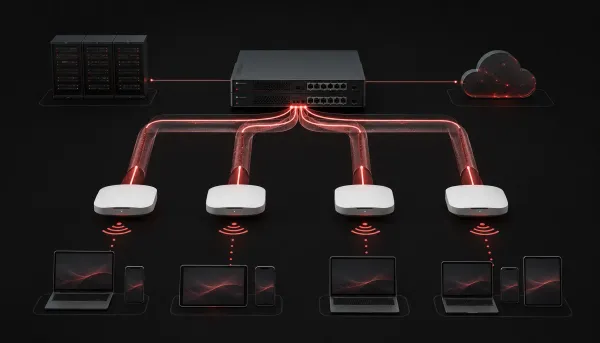
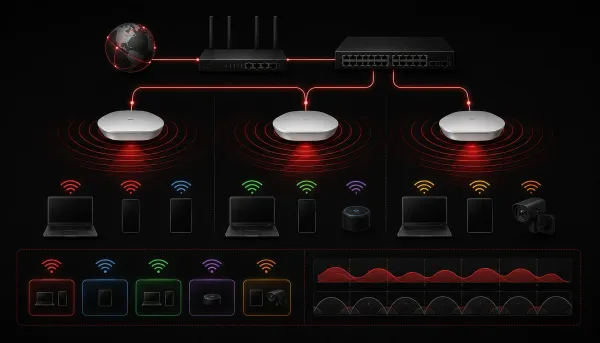
CCNA Setting Up a Wireless Access Point This guide covers the essential steps for setting up a wireless access point, from physical installation to security configuration and connectivity testing. Perfect for CCNA candidates learning wireless network fundamentals.
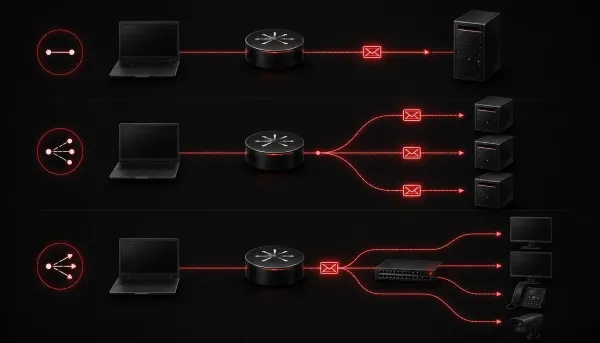
CCNA Exploring IPv6 Multicast Addresses IPv6 multicast addresses enable efficient one-to-many communication by sending packets to specific device groups rather than broadcasting to all devices. They begin with FF and include scope information to control how far the traffic travels.
CCNA Comparing IP Configuration Across Windows, Mac, and Linux A comparison of IP configuration methods across Windows, Mac, and Linux, covering command line tools, graphical interfaces, and key differences in network information display for cross-platform network troubleshooting.
CCNA Step-by-Step IPv4 Subnetting Guide for Beginners A comprehensive IPv4 subnetting guide for beginners covering the step-by-step process of dividing networks, with practical examples and exercises. Learn to calculate subnets, determine block sizes, and avoid common mistakes.